




01. Edit your texas vital records online
Type text, add images, blackout confidential details, add comments, highlights and more.

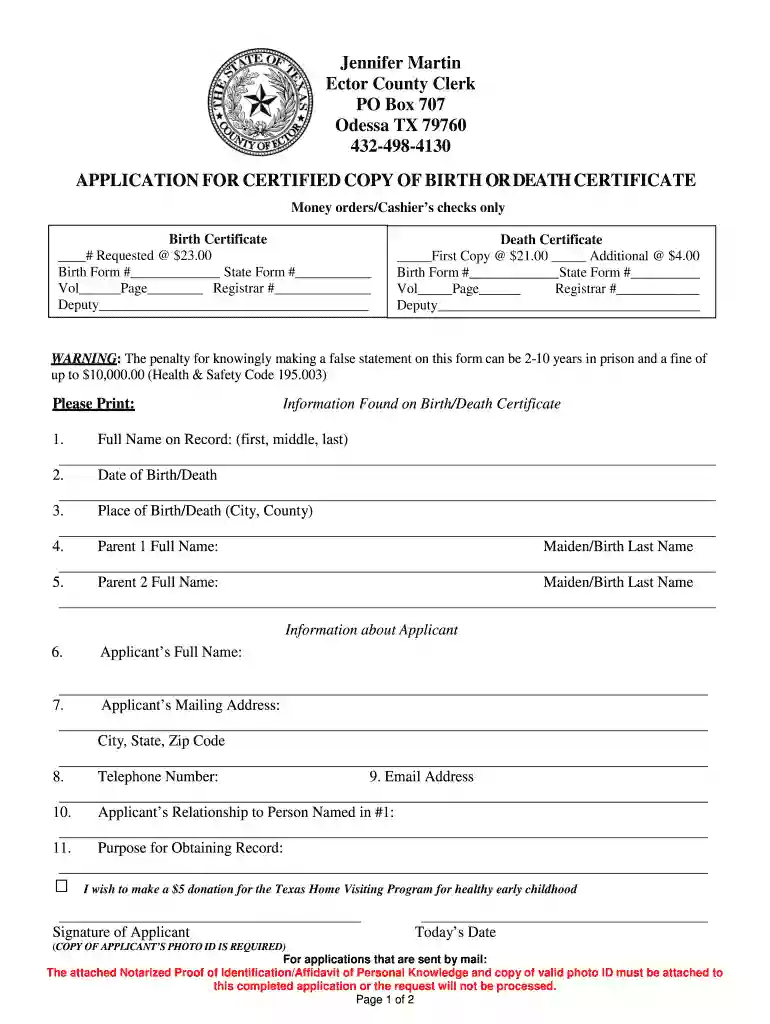
Type text, add images, blackout confidential details, add comments, highlights and more.

Draw your signature, type it, upload its image, or use your mobile device as a signature pad.

Send texas certified copy birth certificate via email, link, or fax. You can also download it, export it or print it out.

Start using our platform today to easily fill out your Texas birth certificate application online for free!
We've got more versions of the texas vital records form. Select the right texas vital records version from the list and start editing it straight away!
Approving documents on a mobile device is quick, easy, and doesn’t require software installation when you have an account with DocHub. Sign in from any browser, complete your empty fields with your information, and click on Sign → Create your signature. You can draw your electronic signature just as you usually do on paper, add its image to your texas certified copy birth, or type in your name and stylize its look. No matter what option you choose, your document will be valid.
If you use Chrome, there are two easy methods to edit your texas application death certificate online. First, visit the DocHub site, add your file, and edit it utilizing our toolbar. You can also set up our Chrome extension and edit any document by dragging and dropping it in your web browser window.
At DocHub, your data security is our priority. We follow HIPAA, SOC2, GDPR, and other standards, so you can work on your documents with confidence.
Use this application to order a Texas vital record online. All order applications must be for people whose birth, death, marriage, or divorce occurred in Texas.Read more
Order Jack in the Box online for pickup or delivery. Download the app and create an accountyoull automatically be enrolled. for every $1 you spent.
You can order a certified copy of a Texas birth certificate online or in person. Find more information at the Birth Records webpage of the Texas DSHS. TheRead more


