




01. Edit your cr151 form online
Type text, add images, blackout confidential details, add comments, highlights and more.

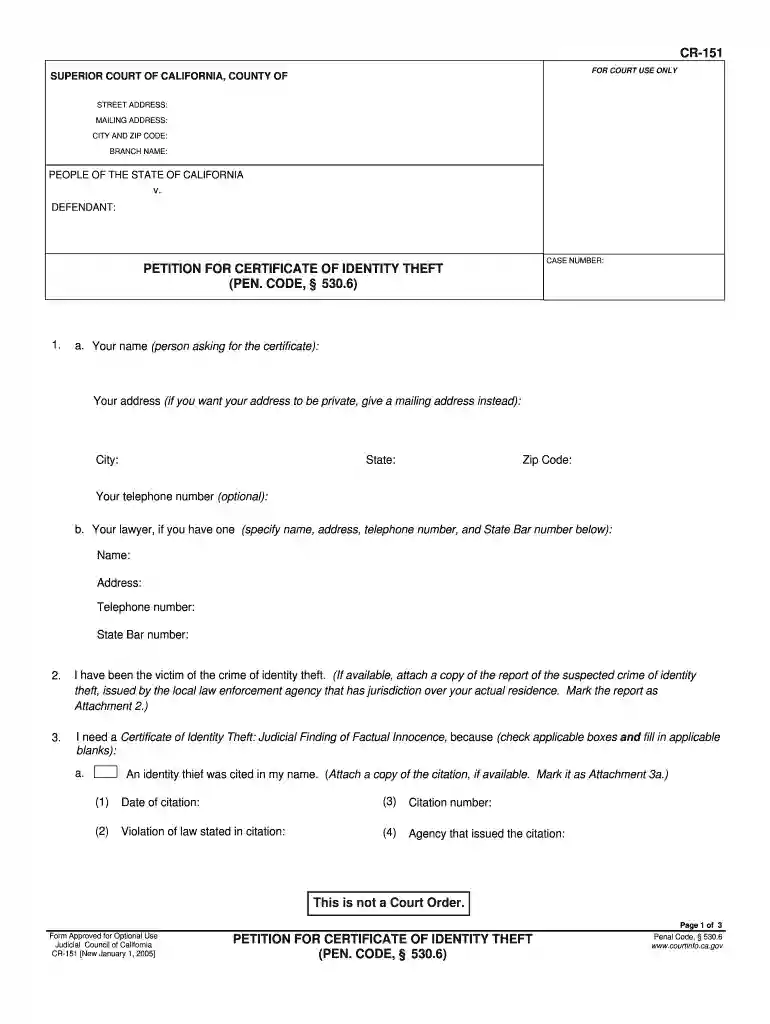
Type text, add images, blackout confidential details, add comments, highlights and more.

Draw your signature, type it, upload its image, or use your mobile device as a signature pad.

Send cr151 via email, link, or fax. You can also download it, export it or print it out.

Start using our platform today to easily complete your petition for free!
We've got more versions of the cr151 form form. Select the right cr151 form version from the list and start editing it straight away!
| Versions | Form popularity | Fillable & printable |
|---|---|---|
| 2005 | 4.8 Satisfied (296 Votes) |
At DocHub, your data security is our priority. We follow HIPAA, SOC2, GDPR, and other standards, so you can work on your documents with confidence.
This form is for homeowners who have been victims of a scam to transfer ownership of their home. Complaints can be filed by the homeowners, their heirs, orRead more
This application is filed to carry back: a Net operating loss. Have you filed a petition in Tax Court for the year(s) which the carryback is to be applied?
NOTE: Attach the following documentation: -. DocHubd proof of identity or copy of photo ID scanned and verified (signed) by a staff from another


