



01. Edit your gpcsf supplement 6 online
Type text, add images, blackout confidential details, add comments, highlights and more.

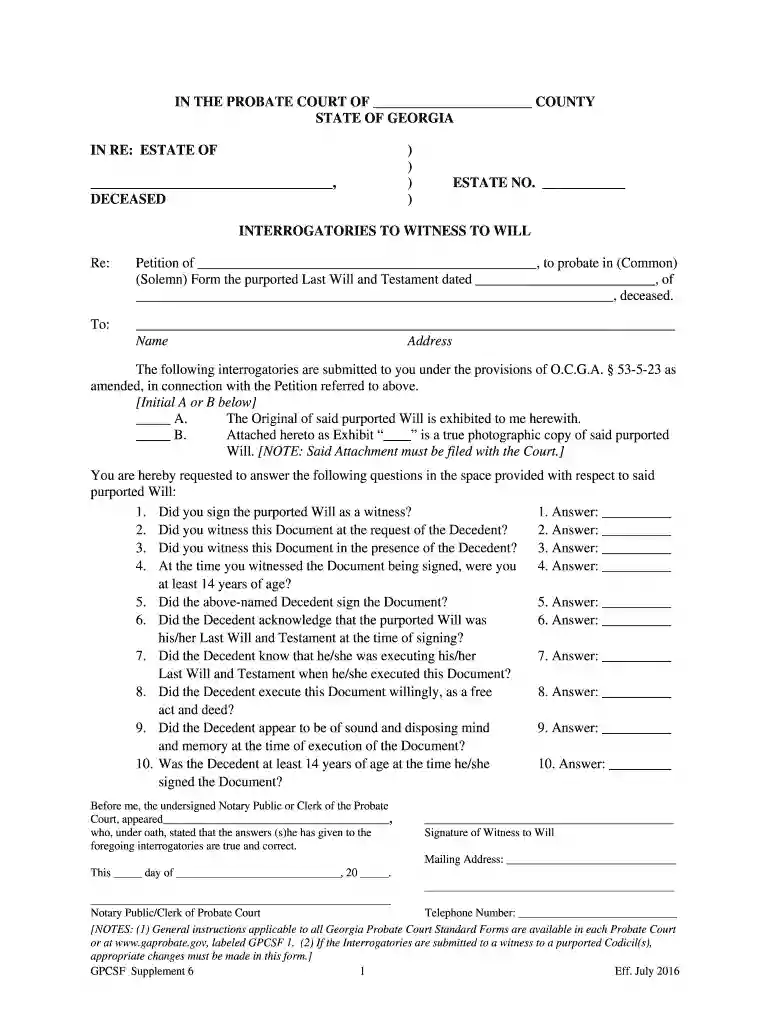
Type text, add images, blackout confidential details, add comments, highlights and more.

Draw your signature, type it, upload its image, or use your mobile device as a signature pad.

Send it via email, link, or fax. You can also download it, export it or print it out.

Start using our platform today to fill out gpcsf supplement 6 easily and for free!
We've got more versions of the gpcsf supplement 6 form. Select the right gpcsf supplement 6 version from the list and start editing it straight away!
| Versions | Form popularity | Fillable & printable |
|---|---|---|
| 2016 | 4.8 Satisfied (61 Votes) |
Electronic document approval demands a software solution that complies with data security and eSignature regulations. DocHub is a great tool for that, since it fulfills all the aforementioned requirements. Whatever method you prefer to sign your gpcsf supplement 6 in DocHub, your electronic signature will be legally binding and court-admissible.
With DocHub, you have several convenient methods to edit your gpcsf supplement 6 online. You can drag and drop the form and edit it straight at the DocHub website or use our browser extension to fill out your form immediately. Additionally, you can edit your PDF on your phone, as DocHub works with all the available mobile platforms.
At DocHub, your data security is our priority. We follow HIPAA, SOC2, GDPR, and other standards, so you can work on your documents with confidence.
The Gavel: the official newsletter of the Georgia Council of Probate Court Judges, 2003 March ; Collection: Georgia Government Publications ; Title: The Gavel:Read more
Sep 14, 2020 GPCSF 6. Reserved See Supplement 6. GPCSF 7. Petition to Probate Will GPCSF Supplement 1. Determination by Court that a Person May ActRead more


