




01. Edit your form online
Type text, add images, blackout confidential details, add comments, highlights and more.

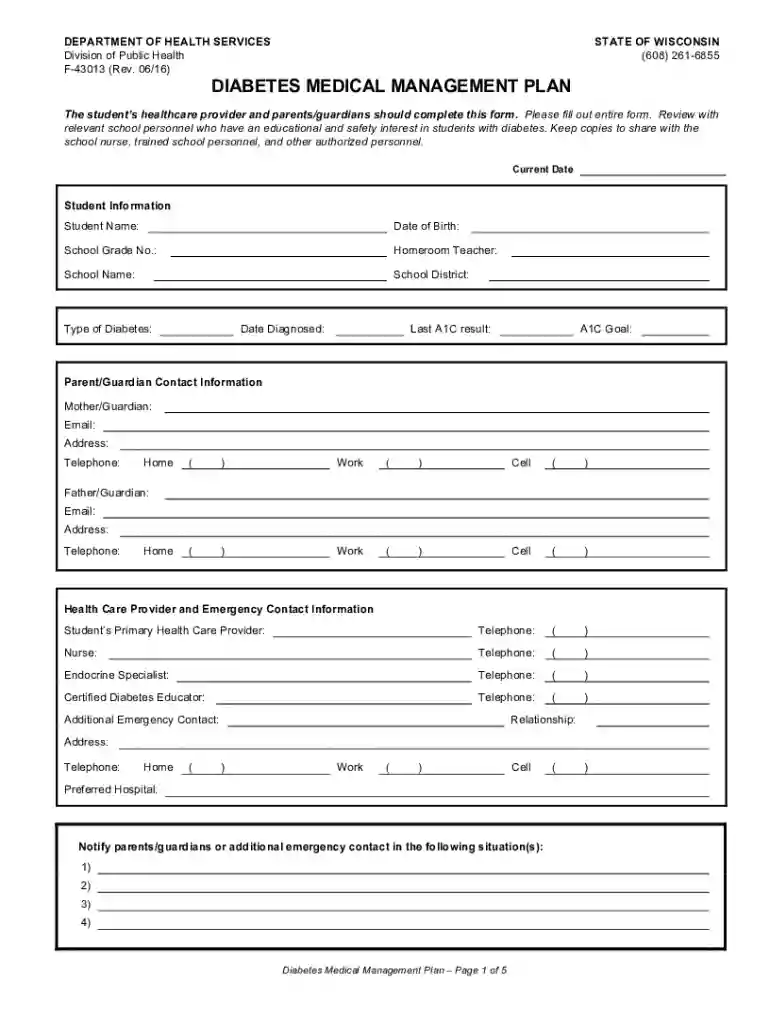
Type text, add images, blackout confidential details, add comments, highlights and more.

Draw your signature, type it, upload its image, or use your mobile device as a signature pad.

Send it via email, link, or fax. You can also download it, export it or print it out.

Dochub is the best editor for updating your documents online. Adhere to this simple guide to redact Wi Department Of Health Service in PDF format online for free:
Try all the advantages of our editor right now!
We've got more versions of the Wi Department Of Health Service form. Select the right Wi Department Of Health Service version from the list and start editing it straight away!
At DocHub, your data security is our priority. We follow HIPAA, SOC2, GDPR, and other standards, so you can work on your documents with confidence.
US Public Health Service. State of Wisconsin. WI Department of Health Services. WI Division of Public Health. Local Public Health. County City HealthRead more
by A Hines 2011 Cited by 1 More information is needed on the patient and hospital attributes of rural ED visits to further improve the emergency and overall care of ruralRead more
Feb 13, 2026 Department of Health Services Address 201 E. Washington Ave. Room #E100 P.O. Box 2659 Madison, WI 53703. General Contact Information Phone 608-


