Ipx468 2026

Get Form
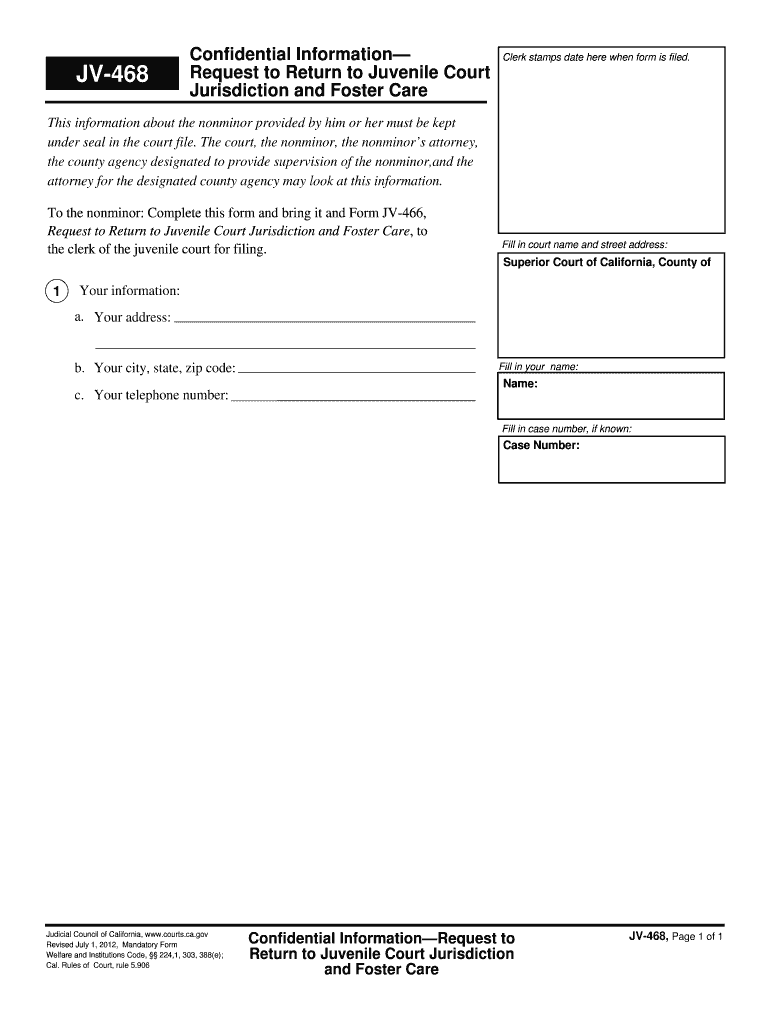
ipx 468 Preview on Page 1

Here's how it works

01. Edit your ipx 468 online
Type text, add images, blackout confidential details, add comments, highlights and more.
02. Sign it in a few clicks
Draw your signature, type it, upload its image, or use your mobile device as a signature pad.
03. Share your form with others
Send it via email, link, or fax. You can also download it, export it or print it out.

How to use or fill out ipx468 with our platform

Form edit decoration
9.5
Ease of Setup
DocHub User Ratings on G2
9.0
Ease of Use
DocHub User Ratings on G2
  1. Click ‘Get Form’ to open the ipx468 document in the editor.
  2. Begin by filling in the court name and street address at the top of the form. Ensure accuracy as this information is crucial for proper filing.
  3. In the 'Your Information' section, provide your address, city, state, and zip code. This helps establish your identity and location.
  4. Next, enter your telephone number to ensure that you can be contacted if necessary.
  5. Fill in your full name in the designated field. This is essential for identifying you as the nonminor requesting to return to juvenile court jurisdiction.
  6. If you know it, include your case number in the appropriate field. This will help streamline processing your request.
  7. Once all fields are completed, review your entries for accuracy before submitting them to ensure a smooth filing process.

Start using our platform today to fill out ipx468 quickly and efficiently!

See more ipx468 versions

We've got more versions of the ipx468 form. Select the right ipx468 version from the list and start editing it straight away!
Versions Form popularity Fillable & printable
2012 4.8 Satisfied (170 Votes)
be ready to get more

Complete this form in 5 minutes or less

Get form

Got questions?

We have answers to the most popular questions from our customers. If you can't find an answer to your question, please contact us.
Contact us

With DocHub, you can easily sign your ipx468 or any other paperwork on iOS, even without setting up extra applications. You can access your DocHub account from any web-connected browser and complete and sign your document in any way you like with just a few clicks.

If you are searching for a state-specific ipx468 sample, you can find it in our DocHub Forms & Templates catalog. Use the search field, key in your form’s name, and search through the results for your state. You can also filter out irrelevant results while exploring our catalog by groups.