



01. Edit your tr505 s form online
Type text, add images, blackout confidential details, add comments, highlights and more.

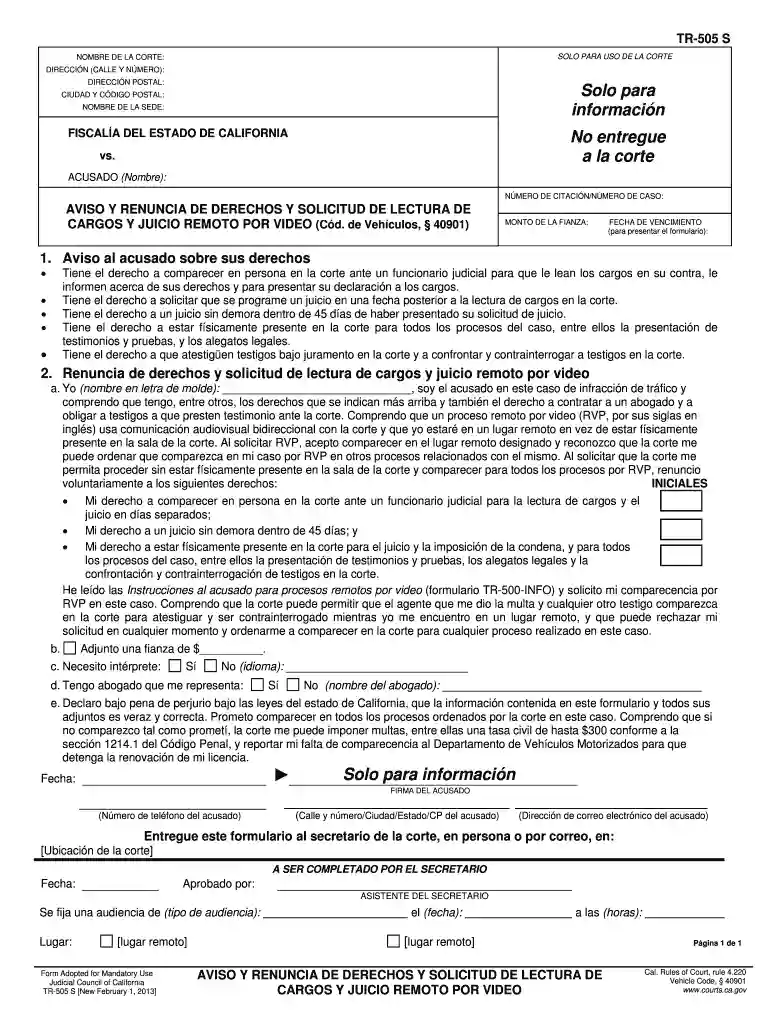
Type text, add images, blackout confidential details, add comments, highlights and more.

Draw your signature, type it, upload its image, or use your mobile device as a signature pad.

Send tr 505s juicio via email, link, or fax. You can also download it, export it or print it out.

Start using our platform today to complete your california renuncia remoto effortlessly and for free!
We've got more versions of the tr505 s form form. Select the right tr505 s form version from the list and start editing it straight away!
| Versions | Form popularity | Fillable & printable |
|---|---|---|
| 2013 | 4.8 Satisfied (100 Votes) |
Electronic document signing requires a software solution that works in compliance with data security and eSignature laws. DocHub is an excellent tool for that, since it fulfills all the above mentioned requirements. Whatever method you prefer to sign your tr505 s cargos form in DocHub, your electronic signature will be legally binding and court-admissible.
As a comprehensive document editing platform, DocHub is accessible on mobile phones. Open DocHub in your choice of mobile internet browser and employ our smart mobile-friendly toolset to complete your tr505 s form.
At DocHub, your data security is our priority. We follow HIPAA, SOC2, GDPR, and other standards, so you can work on your documents with confidence.
Calendario judicial de la corte Consulte el calendario judicial para determinar si tiene que comparecer en persona o si puede comparecer a travs de Zoom.
Renuncia de responsabilidad: Oportunidades de Empleo. Herramientas del campus. Mi puerta de enlace Mis aplicaciones augusoft Descargar Catlogo OfficeRead more


