




Here's how it works



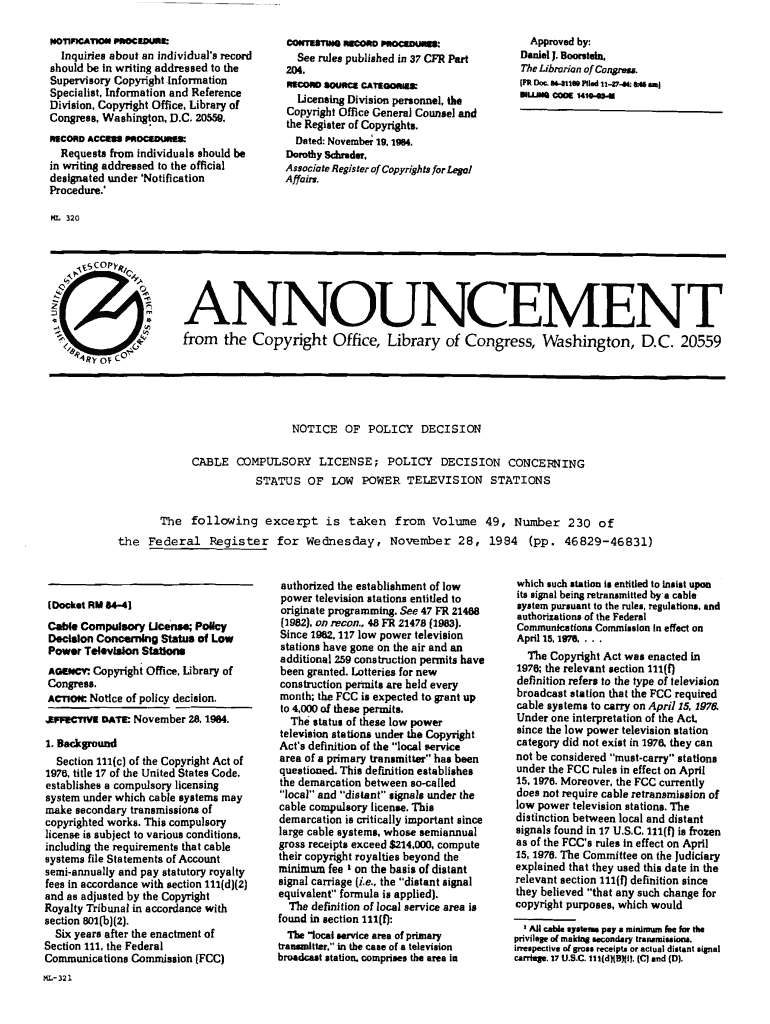
How to use or fill out ml321 compulsory power television with our platform

- Click ‘Get Form’ to open the ml321 compulsory power television document in the editor.
- Begin by reviewing the introductory section, which outlines the purpose of the form. This will help you understand what information is required.
- Fill in your personal details in the designated fields, ensuring accuracy for identification purposes. This typically includes your name, address, and contact information.
- Proceed to the sections that require specific information about your low power television station. Be sure to provide details such as station ID and programming specifics.
- Review any additional requirements or declarations at the end of the form. Ensure all necessary boxes are checked and signatures are provided where indicated.
- Once completed, utilize our platform’s features to save your progress or submit directly if applicable. You can also download a copy for your records.
Start using our platform today for free to streamline your form completion process!
It's free
See more ml321 compulsory power television versions
| Versions | Form popularity | Fillable & printable |
|---|---|---|
| 1984 | 4.8 Satisfied (187 Votes) |
Got questions?
How can I sign my 321 copyright without printing?
Electronic signatures are an excellent replacement for traditional signing, as they save time, effort, and money people spend on printing, scanning, and paper delivery. You can electronically sign your 321 copyright using a trustworthy and powerful online document processing services like DocHub. It complies with primary eSignature policies (ESIGN and UETA), so all documents approved there are legally binding and have the same validity as manually signed ones.
How do you fill out ml321 cable television form on Android?
It is a no-brainer on a computer or via a mobile device to complete a ml321 cable television form with DocHub. All you need to do is open any installed web browser on your smartphone and go to the DocHub website. Once authenticated, add your document and open it in editing mode. Use our toolbar to make your edits and save adjustments. Optionally, keep your document in your files or send it to a recipient immediately.
Security and compliance
At DocHub, your data security is our priority. We follow HIPAA, SOC2, GDPR, and other standards, so you can work on your documents with confidence.
Learn more




