




01. Edit your ak 774 online
Type text, add images, blackout confidential details, add comments, highlights and more.

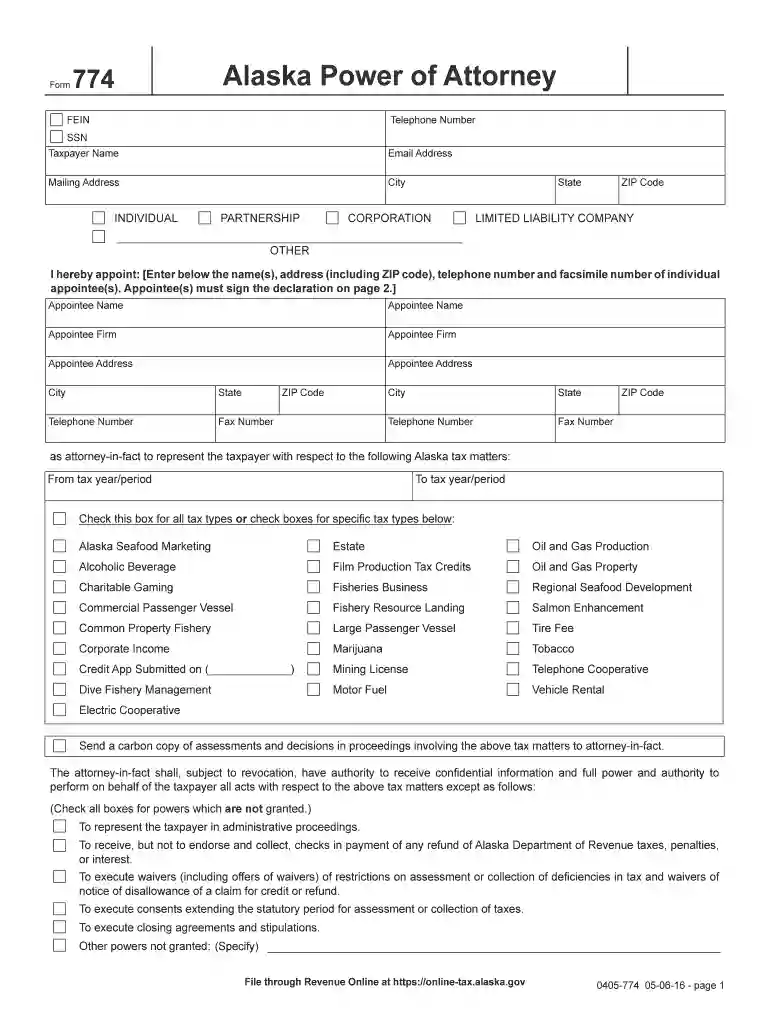
Type text, add images, blackout confidential details, add comments, highlights and more.

Draw your signature, type it, upload its image, or use your mobile device as a signature pad.

Send it via email, link, or fax. You can also download it, export it or print it out.

Start filling out your 774 form online for free today!
We've got more versions of the ak 774 form. Select the right ak 774 version from the list and start editing it straight away!
Yes, you’ll find numerous apps for this on the web. Nonetheless, if you need to eSign your 774 form without installing extra software, DocHub is the best choice you can make. This powerful editor works on mobile devices just like on desktops. Open our editor in any internet browser, register or sign in to your account, and start managing your paperwork.
If you use Chrome, there are two easy ways to edit your 774 form online. First, visit the DocHub website, add your document, and edit it using our toolbar. You may also install our Chrome extension and edit any document by dragging and dropping it in your web browser window.
At DocHub, your data security is our priority. We follow HIPAA, SOC2, GDPR, and other standards, so you can work on your documents with confidence.
Jul 1, 2026 Images which are uploaded for use in the userspace, rather than the mainspace. Images in the userspace do not have to pertain to Minecraft,
The California Department of Human Resources (CalHR), Benefits Division, is requesting the information specified on this form CalHR 774 Premier Vision PlanRead more


