




Here's how it works



How to use or fill out ak pub 19 with our platform

- Click ‘Get Form’ to open ak pub 19 in the editor.
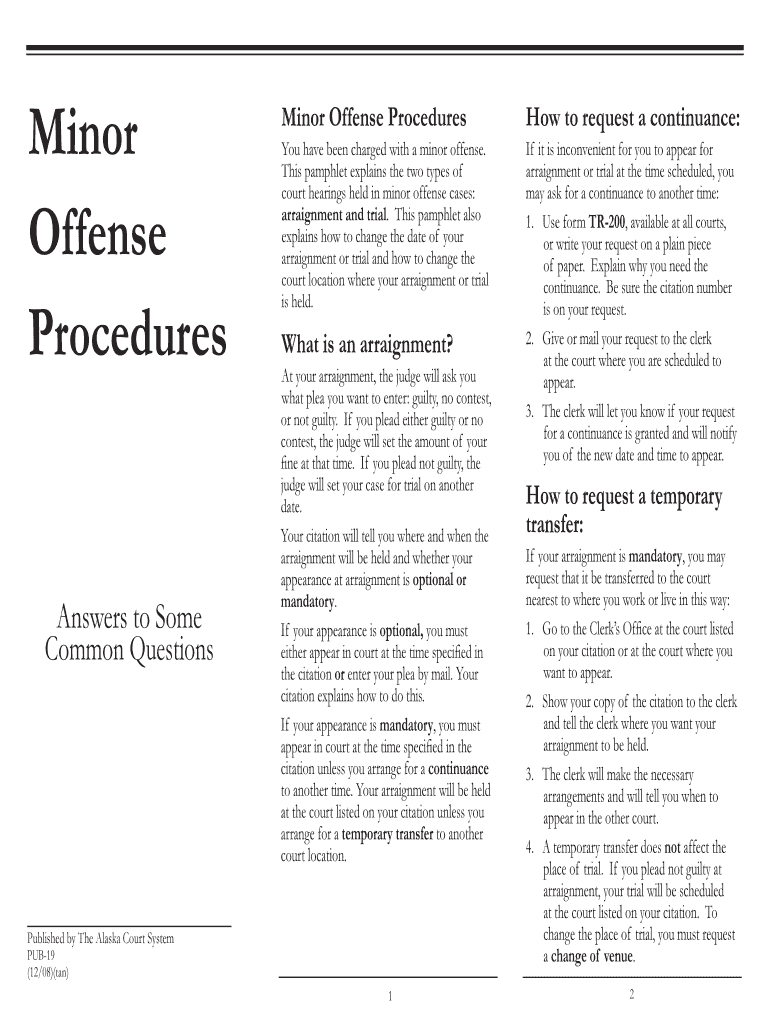
- Begin by reviewing the sections on arraignment and trial. Familiarize yourself with the definitions and procedures outlined in the document.
- If you need a continuance, locate the section detailing how to request one. Use form TR-200 or write your request on plain paper, ensuring to include your citation number.
- Fill out your request clearly, explaining why you need a continuance, and submit it to the court clerk as instructed.
- For a temporary transfer of your arraignment, follow the steps provided in the document. Indicate your preferred court location to the clerk.
- If you wish to change your trial venue, complete form CR-320 and provide detailed reasons for your request before submitting it to the appropriate court.
Start using our platform today for free to streamline your ak pub 19 form completion!
It's free
See more ak pub 19 versions
| Versions | Form popularity | Fillable & printable |
|---|---|---|
| 2008 | 4.9 Satisfied (378 Votes) |
Got questions?
How can I eSign my ak pub19 from Gmail?
With DocHub, it’s quite simple. The editor offers users an add-on called DocHub for Gmail, which you can locate in the Google Workspace Marketplace free of charge. Install it and grant it access to your Google account. Open your email with your ak pub19 attached and click on the add-on button in the right-side panel. Sign in to your DocHub account, and upload the file to our editor, where you can complete it and sign.
How do you edit ak pub 19 on Android?
Document editing with DocHub is equally convenient on desktop and mobile devices. You just need an internet browser to modify your ak pub 19 on Android. Open our website and sign in to access the instruments you need. Add your file and introduce your intended modifications. Next, you can keep your form in your file storage or send it out immediately.
Security and compliance
At DocHub, your data security is our priority. We follow HIPAA, SOC2, GDPR, and other standards, so you can work on your documents with confidence.
Learn more




