



01. Edit your form online
Type text, add images, blackout confidential details, add comments, highlights and more.

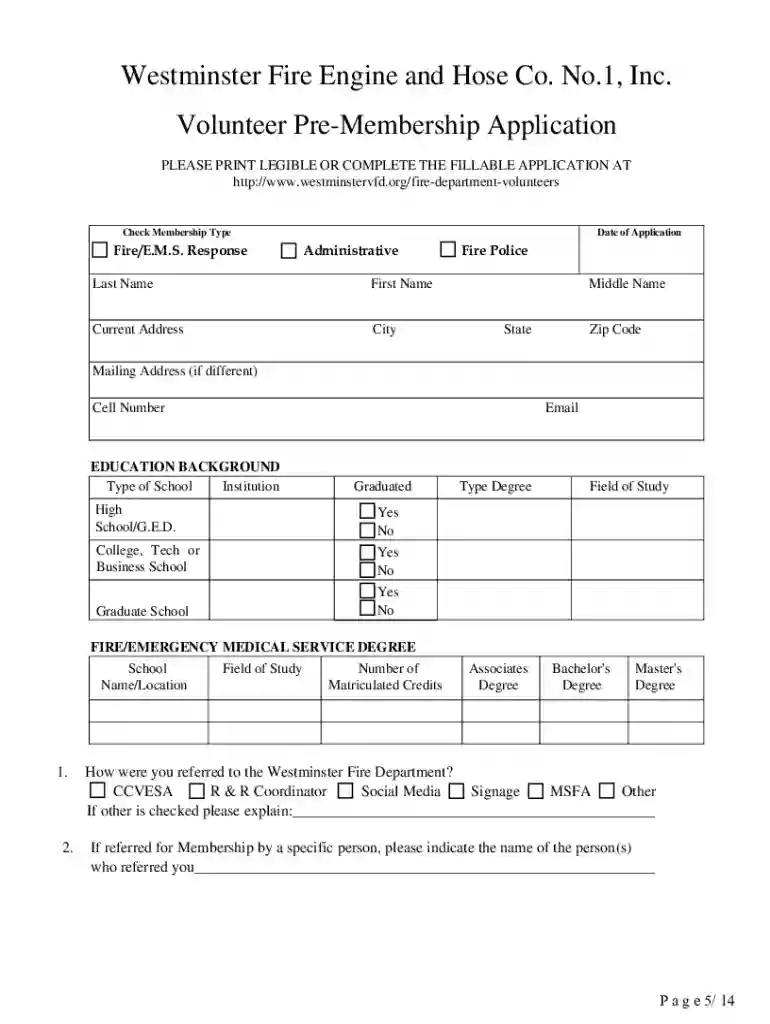
Type text, add images, blackout confidential details, add comments, highlights and more.

Draw your signature, type it, upload its image, or use your mobile device as a signature pad.

Send it via email, link, or fax. You can also download it, export it or print it out.

Start filling out your Pre-membership Application today for free using our editor!
We've got more versions of the Pre-membership Application - Westminster Volunteer Fire Department form. Select the right Pre-membership Application - Westminster Volunteer Fire Department version from the list and start editing it straight away!
| Versions | Form popularity | Fillable & printable |
|---|---|---|
| 2021 | 4.8 Satisfied (75 Votes) |
With DocHub, you can rapidly sign your Pre-membership Application - Westminster Volunteer Fire Department or any other paperwork on iOS, even without setting up additional applications. You can access your DocHub account from any internet-connected browser and fill out and sign your document in any preferred method with just a couple of clicks.
You can get and edit your Pre-membership Application - Westminster Volunteer Fire Department online with the help of DocHub. Its simple yet feature-rich design allows you to start productive work immediately after you sign up your account. Create your profile and add your document, and then our interface will guide you via our stress-free form completion experience.
At DocHub, your data security is our priority. We follow HIPAA, SOC2, GDPR, and other standards, so you can work on your documents with confidence.
President, Maryland State Firefighters Association. Life Member - Pleasant Valley Community Fire Co. Life Member- Westminster Volunteer Fire. Department.Read more
Join Westminster University in Salt Lake City for personalized learning, vibrant campus life, and unique travel experiences. Claim your spot today!


