




01. Edit your itd 3410 online
Type text, add images, blackout confidential details, add comments, highlights and more.

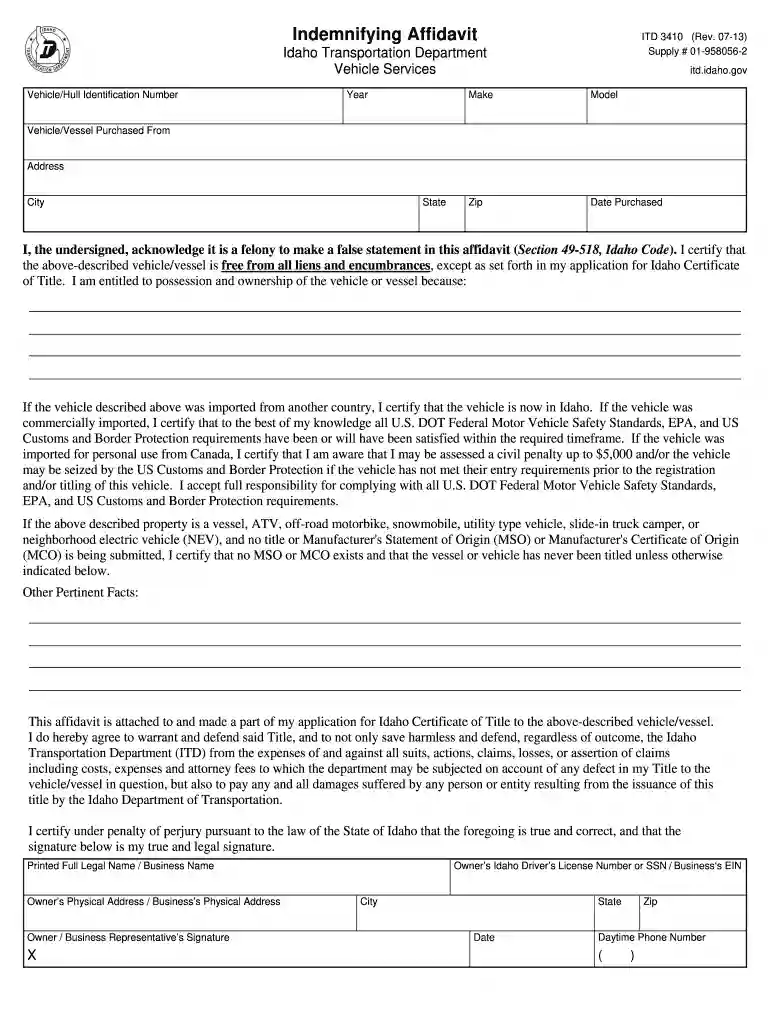
Type text, add images, blackout confidential details, add comments, highlights and more.

Draw your signature, type it, upload its image, or use your mobile device as a signature pad.

Send indemnifying affidavit via email, link, or fax. You can also download it, export it or print it out.

Start using our platform today to fill out your Idaho Affidavit for free!
We've got more versions of the itd 3410 form. Select the right itd 3410 version from the list and start editing it straight away!
At DocHub, your data security is our priority. We follow HIPAA, SOC2, GDPR, and other standards, so you can work on your documents with confidence.
A claimants affidavit filed for the issuance of a new benefit payment must be signed before a notary public or an authorized representative of the Department.Read more
When a person dies, an affidavit may be used if he or she did not own real estate and had personal property with a net value of less than $100,000.Read more


