




Here's how it works



How to use or fill out Centene Corporation Receives National Recognition for with our platform

- Click ‘Get Form’ to open it in the editor.
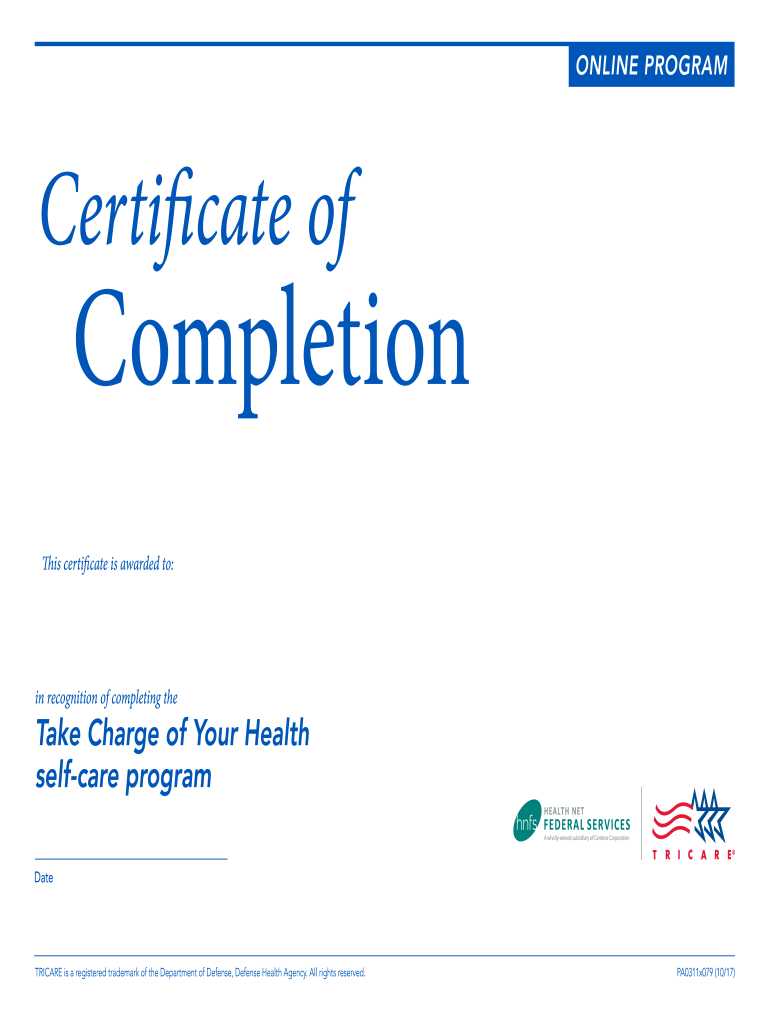
- In the designated field, enter the name of the individual receiving the certificate. Ensure that the spelling is correct for accurate recognition.
- Next, locate the date field. Click on it to select the appropriate date when the program was completed. This adds a personal touch to the certificate.
- Review all entered information for accuracy. Use our platform's editing tools to make any necessary adjustments before finalizing.
- Once satisfied, proceed to save or download your completed certificate directly from our editor for easy distribution.
Start using our platform today to effortlessly create and manage your documents online for free!
It's free
See more Centene Corporation Receives National Recognition for versions
| Versions | Form popularity | Fillable & printable |
|---|---|---|
| 2017 | 4.8 Satisfied (60 Votes) |
Got questions?
How can I send my Centene Corporation Receives National Recognition for for eSignature?
Upload your Centene Corporation Receives National Recognition for to DocHub (after you’ve created an account for this). If you need to fill out fields in it, use appropriate tools from the top pane. For example, add Signature Fields, assign each to specific party, and click on Sign → Request signatures from others. Personalize your message for your recipients and click Send Request. You can also send your paperwork by fax or as a Signing link instead of using email (you’ll locate these options by navigating to the Menu → Send)
Can I edit Centene Corporation Receives National Recognition for on my phone?
As a comprehensive document editing service, DocHub is accessible on mobile phones. Open DocHub in your choice of mobile browser and employ our intelligent mobile-friendly toolset to complete your Centene Corporation Receives National Recognition for.
Security and compliance
At DocHub, your data security is our priority. We follow HIPAA, SOC2, GDPR, and other standards, so you can work on your documents with confidence.
Learn more




