




Here's how it works



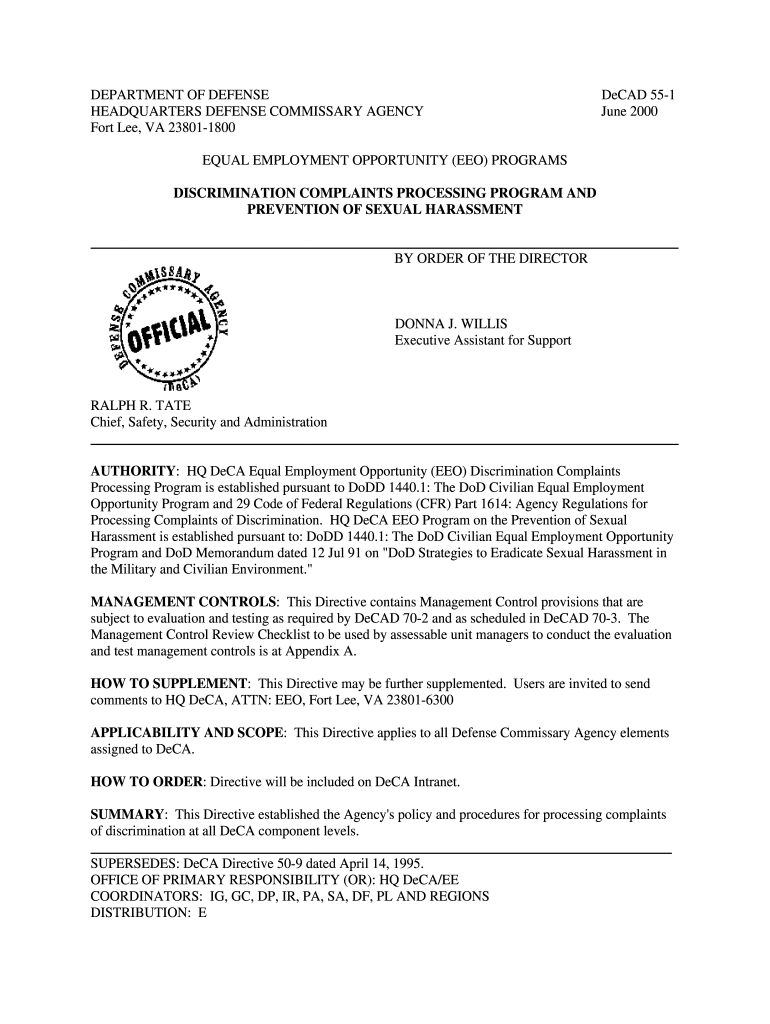
How to use or fill out decad sexual harassment form with our platform

- Click ‘Get Form’ to open the decad sexual harassment form in the editor.
- Begin by filling out your personal information in the designated fields, including your name, contact details, and position. Ensure accuracy as this information is crucial for processing your complaint.
- In the section regarding the nature of your complaint, clearly describe the incidents of sexual harassment you have experienced. Be specific about dates, locations, and individuals involved to provide a comprehensive account.
- Attach any supporting documents or evidence that may strengthen your case. This could include emails, messages, or witness statements. Use the upload feature in our platform to easily add these files.
- Review all entered information for completeness and accuracy. Make sure that all required fields are filled out before submitting the form.
- Once satisfied with your entries, click ‘Submit’ to send your completed form for processing. You will receive a confirmation notification once it has been successfully submitted.
Start using our platform today to efficiently fill out and submit your decad sexual harassment form for free!
It's free
See more decad sexual harassment form versions
| Versions | Form popularity | Fillable & printable |
|---|---|---|
| 2000 | 4.8 Satisfied (143 Votes) |
Got questions?
Can I type my electronic signature on my decad sexual harassment form?
Yes, a typed name is recognized as a legitimate electronic signature when you add it to your document utilizing a compliant solution like DocHub. Simply upload your decad sexual harassment form to our editor, click Sign in the top tool pane → Create your signature → Type your name in the appropriate tab, and select how it will look on your document.
How do you edit decad sexual harassment form online?
With DocHub, you have several convenient methods to edit your decad sexual harassment form online. You can drag and drop the form and modify it straight at the DocHub site or use our browser extension to fill out your form right away. Additionally, you can modify your PDF on your smartphone, as DocHub is compatible with all the available mobile platforms.
Security and compliance
At DocHub, your data security is our priority. We follow HIPAA, SOC2, GDPR, and other standards, so you can work on your documents with confidence.
Learn more




