




Here's how it works

01. Edit your bushfire assessment report online
Type text, add images, blackout confidential details, add comments, highlights and more.

02. Sign it in a few clicks
Draw your signature, type it, upload its image, or use your mobile device as a signature pad.

03. Share your form with others
Send bushfire assessment report pdf via email, link, or fax. You can also download it, export it or print it out.
How to use or fill out Bushfire Attack level - Assessment Report with our platform

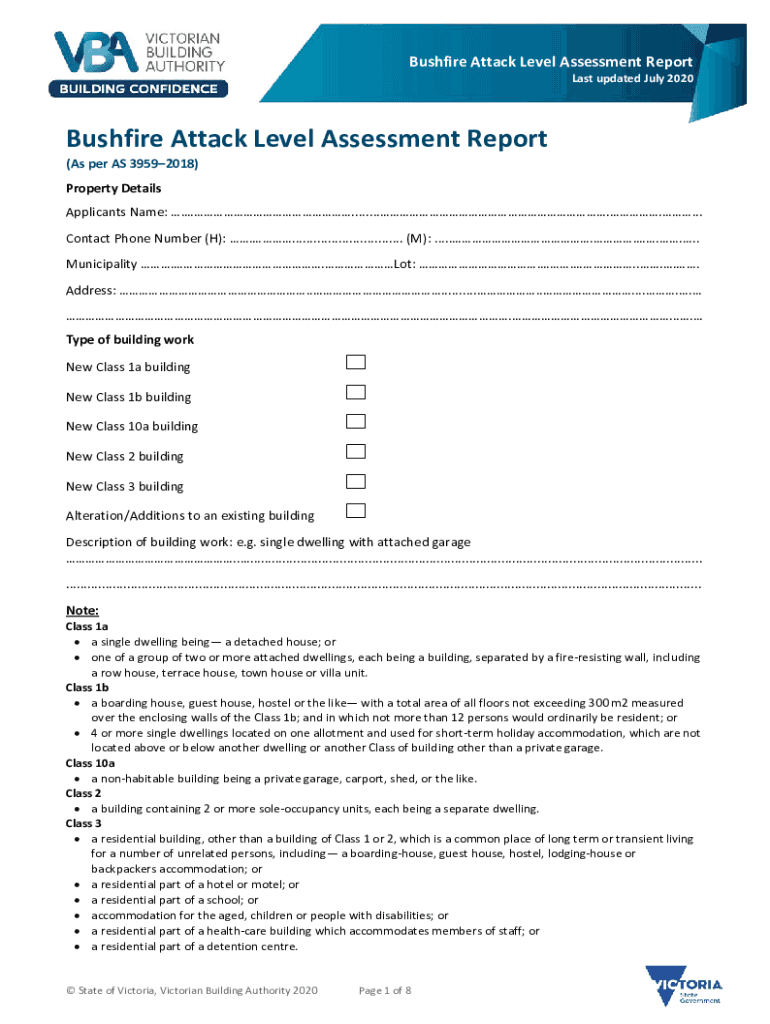
- Click ‘Get Form’ to open the Bushfire Attack Level Assessment Report in the editor.
- Begin by filling in the Property Details section. Enter the Applicant's Name, Contact Phone Numbers, Municipality, Lot number, and Address accurately.
- In the Type of Building Work section, select the appropriate option that describes your project. Provide a brief Description of Building Work for clarity.
- Proceed to Step 1 under Bush Fire Attack Level (BAL) and select the relevant fire danger index based on your location.
- For Step 2, assess and tick the vegetation types within 100m in all directions. Ensure you refer to the provided classifications for accuracy.
- Continue with Steps 3 and 4 by measuring distances from classified vegetation and determining effective slopes as instructed.
- Finally, determine the BAL using Tables 2.4 or 2.6 based on your previous assessments and record it in the designated area.
Start using our platform today to complete your Bushfire Attack Level Assessment Report easily and efficiently!
Fill out Bushfire Attack level - Assessment Report online
It's free
It's free
See more Bushfire Attack level - Assessment Report versions
We've got more versions of the Bushfire Attack level - Assessment Report form. Select the right Bushfire Attack level - Assessment Report version from the list and start editing it straight away!
Security and compliance
At DocHub, your data security is our priority. We follow HIPAA, SOC2, GDPR, and other standards, so you can work on your documents with confidence.
Learn more




