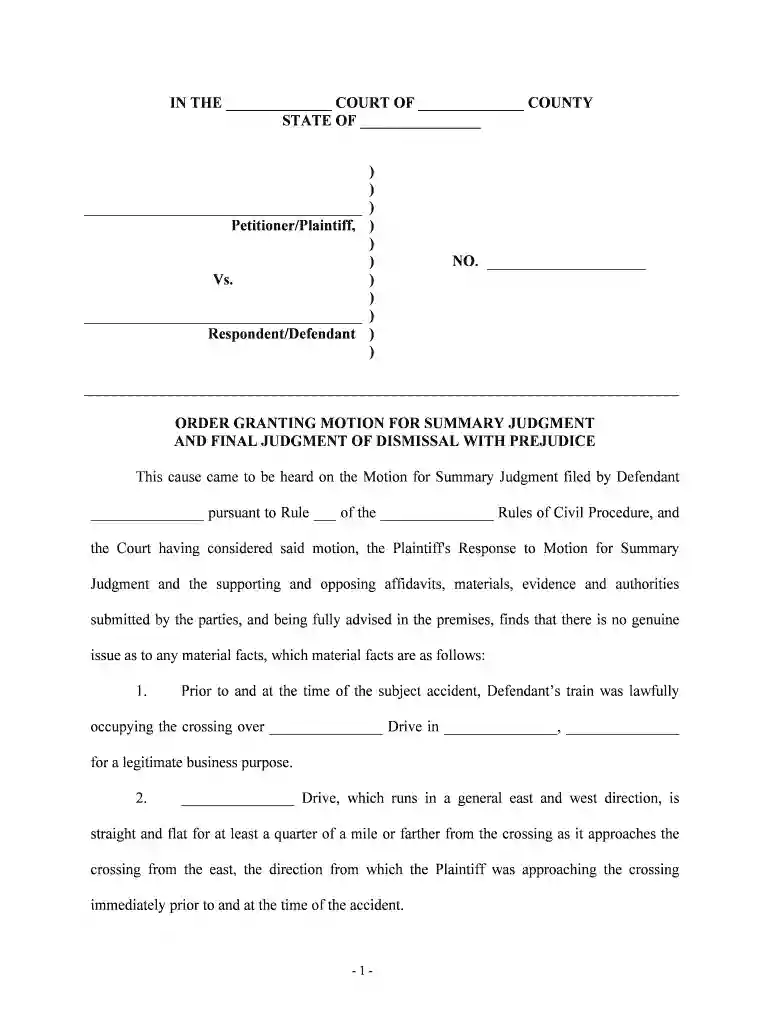
judgment final order Preview on Page 1

Judgment final order 2026

Here's how it works

  • 01. Edit your form online

    Type text, add images, blackout confidential details, add comments, highlights and more.

  • 02. Sign it in a few clicks

    Draw your signature, type it, upload its image, or use your mobile device as a signature pad.

  • 03. Share your form with others

    Send it via email, link, or fax. You can also download it, export it or print it out.

How to use or fill out judgment final order with our platform

Form edit decoration
9.5
Ease of Setup
DocHub User Ratings on G2
9.0
Ease of Use
DocHub User Ratings on G2
  1. Click ‘Get Form’ to open the judgment final order in the editor.
  2. Begin by filling in the court name and county in the designated fields at the top of the form. This ensures that your document is properly identified.
  3. Next, enter the state where the court is located. This is crucial for jurisdictional purposes.
  4. In the section labeled 'Petitioner/Plaintiff', input the names of both parties involved in the case. Ensure accuracy to avoid any legal complications.
  5. Fill in the case number (NO.) assigned to this matter, which helps track your case within the court system.
  6. Proceed to complete each numbered finding of fact, ensuring you provide clear and concise information as outlined in your documentation.
  7. Finally, sign and date the document at the bottom where indicated, confirming its authenticity before submission.

Start using our platform today for free to streamline your document editing and signing process!

See more judgment final order versions

We've got more versions of the judgment final order form. Select the right judgment final order version from the list and start editing it straight away!

VersionsForm popularityFillable & printable
20204.8 Satisfied (39 Votes)

be ready to get more

Complete this form in 5 minutes or less

Security and compliance

At DocHub, your data security is our priority. We follow HIPAA, SOC2, GDPR, and other standards, so you can work on your documents with confidence.

Related links

Order Or Judgment, What Are These?

An Order is a separate document that a judge signs which sets forth the judges ruling on a motion. A Judgment is a separate document that a judge signs.Read more

Learn more
Appellate Practice

Sep 29, 2020 Note that where there is a final order requiring that an agency disclose the relevant records, courts typically grant the governments request

Learn more
The Difference between an Order and a Judgment

Because of this, a fundamental legal preference is expressed in the phrase finality of judgments. A judgment can be modified or set aside, but not withoutRead more

Learn more
If you believe that this page should be taken down, please follow our DMCA take down process here