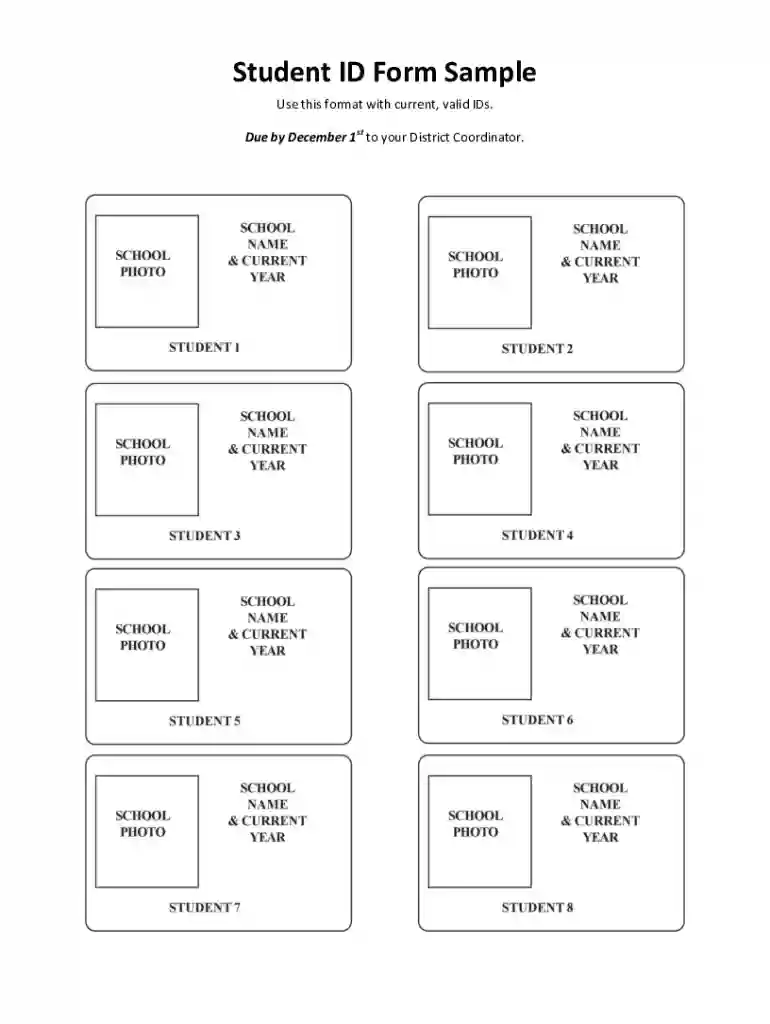
Student ID Form Sample 2026

Get Form
student id form Preview on Page 1

Here's how it works

01. Edit your student id form online
Type text, add images, blackout confidential details, add comments, highlights and more.

02. Sign it in a few clicks
Draw your signature, type it, upload its image, or use your mobile device as a signature pad.

03. Share your form with others
Send student id school sample via email, link, or fax. You can also download it, export it or print it out.

How to use or fill out Student ID Form Sample with our platform

Form edit decoration
9.5
Ease of Setup
DocHub User Ratings on G2
9.0
Ease of Use
DocHub User Ratings on G2
  1. Click ‘Get Form’ to open the Student ID Form Sample in the editor.
  2. Begin by entering your personal information in the designated fields. This typically includes your full name, date of birth, and current address. Ensure all details are accurate for verification purposes.
  3. Next, locate the section for uploading a valid ID. Use our platform's upload feature to attach a clear image or PDF of your identification document. Make sure it meets the specified format requirements.
  4. Review all entered information carefully. Utilize the editing tools available to make any necessary adjustments before finalizing your submission.
  5. Once you are satisfied with the form, click on ‘Submit’ to send it directly to your District Coordinator by the December 1st deadline.

Start using our platform today for free and streamline your form completion process!

See more Student ID Form Sample versions

We've got more versions of the Student ID Form Sample form. Select the right Student ID Form Sample version from the list and start editing it straight away!
Versions Form popularity Fillable & printable
2017 4.8 Satisfied (55 Votes)
2010 4 Satisfied (54 Votes)
be ready to get more

Complete this form in 5 minutes or less

Get form

Got questions?

We have answers to the most popular questions from our customers. If you can't find an answer to your question, please contact us.
Contact us
The first 6 digits (YYMMDD) are based on your date of birth. 20 February 1992 is displayed as 920220. The next 4 digits (SSSS) are used to define your gender. Females are assigned numbers in the range 0000-4999 and males from 5000-9999.
A student ID card is an identification card that includes information such as name, date of birth, photo, card validity date, and the name of the academic institution you study. After collecting your student ID card, it will serve as proof of your student status.
Student IDs are generally personalized with photo, name, matriculation number or an electronic fingerprint. Encoding of student IDs can be made according to your wishes and security needs using dynamic or static methods.
A unique student ID typically consists of a combination of letters and numbers. The structure can vary depending on the institutions requirements, but it usually includes elements that make it distinct and easy to manage.
Each Student and Staff ID Card needs to include their Name, photo, School ID Number, Grade, and medical information if needed. Typically, the cardholder information is on the front of the card and School contact information is on the back.

People also ask

Step 1: Set Up the Page. Open Microsoft Word. Step 2: Insert a Table for Layout. Go to the Insert tab and select Table. Step 3: Add Background Color or Image. Step 4: Insert Student Details. Step 5: Add a Photo. Step 6: Add Institution Logo. Step 7: Add Advanced Elements (Optional) Step 8: Finalize the Design.

Related links