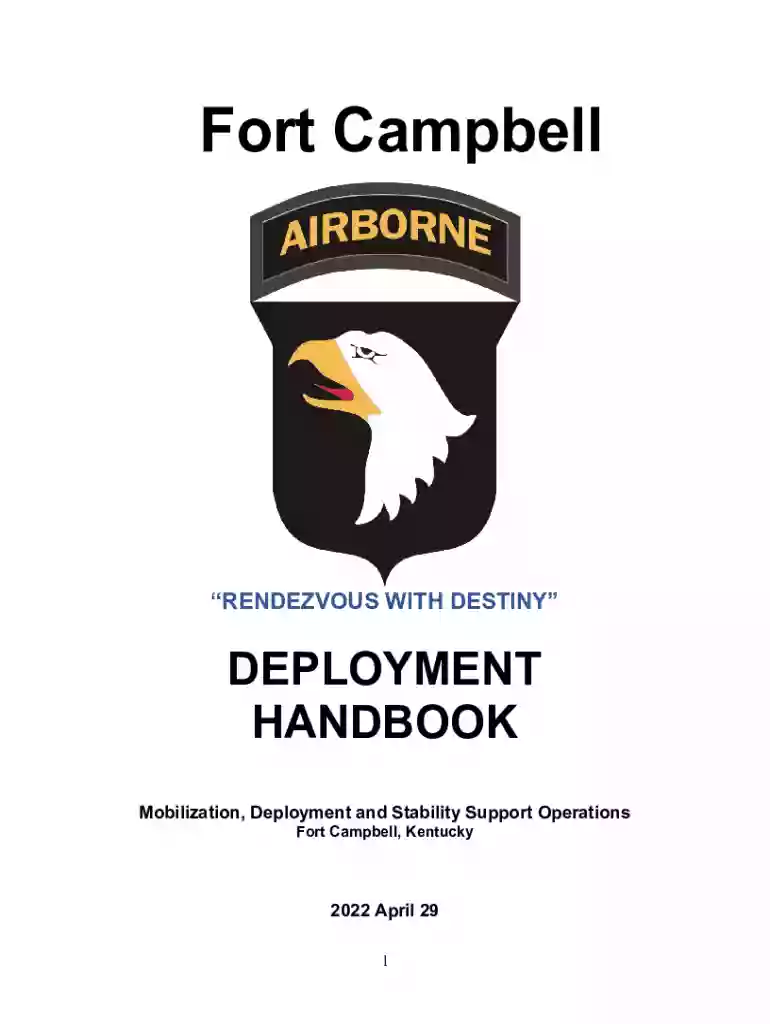
Deployment Support Services :: FORT CAMPBELL 2026

Get Form
Deployment Support Services :: FORT CAMPBELL Preview on Page 1

Here's how it works

01. Edit your form online
Type text, add images, blackout confidential details, add comments, highlights and more.

02. Sign it in a few clicks
Draw your signature, type it, upload its image, or use your mobile device as a signature pad.

03. Share your form with others
Send it via email, link, or fax. You can also download it, export it or print it out.

How to use or fill out Deployment Support Services :: FORT CAMPBELL with our platform

Form edit decoration
9.5
Ease of Setup
DocHub User Ratings on G2
9.0
Ease of Use
DocHub User Ratings on G2
  1. Click ‘Get Form’ to open the Deployment Support Services :: FORT CAMPBELL document in the editor.
  2. Begin by filling out the 'Emergency Information' section. Enter the soldier's full name, rank, social security number, and other personal details as required.
  3. Proceed to the 'Support Resources' section. Here, you can find various resources available for soldiers and families. Make sure to note down any relevant contact information.
  4. In the 'Medical and Emotional Support' section, provide necessary medical details and ensure that all family members are accounted for in terms of health services.
  5. Complete the 'Personal Inventory' checklist by marking off items as you gather them. This will help ensure that nothing is overlooked during deployment preparations.
  6. Review your entries for accuracy before saving or printing the completed form. Utilize our platform’s features to easily modify any sections if needed.

Engage with our platform today to streamline your document editing and ensure a smooth completion of your Deployment Support Services form!

See more Deployment Support Services :: FORT CAMPBELL versions

We've got more versions of the Deployment Support Services :: FORT CAMPBELL form. Select the right Deployment Support Services :: FORT CAMPBELL version from the list and start editing it straight away!
Versions Form popularity Fillable & printable
2022 4.2 Satisfied (40 Votes)
2018 4.7 Satisfied (57 Votes)
2010 4.8 Satisfied (23 Votes)
be ready to get more

Complete this form in 5 minutes or less

Get form

Got questions?

We have answers to the most popular questions from our customers. If you can't find an answer to your question, please contact us.
Contact us
Since 2002, Fort Campbell units have been among the most deployed combat units in the Army.
RETIREMENT SERVICES OFFICE (RSO) PCSing Soldiers will need to submit a request for installation clearing papers by emailing the Transition Center directly at CampbellClearingPapers@army.mil or through their S1 no more than 30 business days in advance of the Soldiers leave date.
5th Special Forces Group (Airborne) is an elite U.S. Army Green Beret unit based at Fort Campbell, KY. These exceptionally trained warriors have been at the forefront of combat operations since they led our nations response in Afghanistan after the attacks of 9/11.
Fort Campbell is proud to be the home of the only air assault division in the world, the 101st Airborne Division (Air Assault). It is also the home of two prestigious Special Operations Command units, the 5th Special Forces Group (Airborne) and the 160th Special Operations Aviation Regiment (Airborne).
5th Special Forces Group (Airborne) is an elite U.S. Army Green Beret unit based at Fort Campbell, KY.

Security and compliance

At DocHub, your data security is our priority. We follow HIPAA, SOC2, GDPR, and other standards, so you can work on your documents with confidence.

Learn more
ccpa2
pci-dss
gdpr-compliance
hipaa
soc-compliance

People also ask

Fort Campbell is a power projection platform and a major maneuver installation for the Army. It is also the home of the Armys most-deployed contingency forces.

Related links