




01. Edit your form online
Type text, add images, blackout confidential details, add comments, highlights and more.

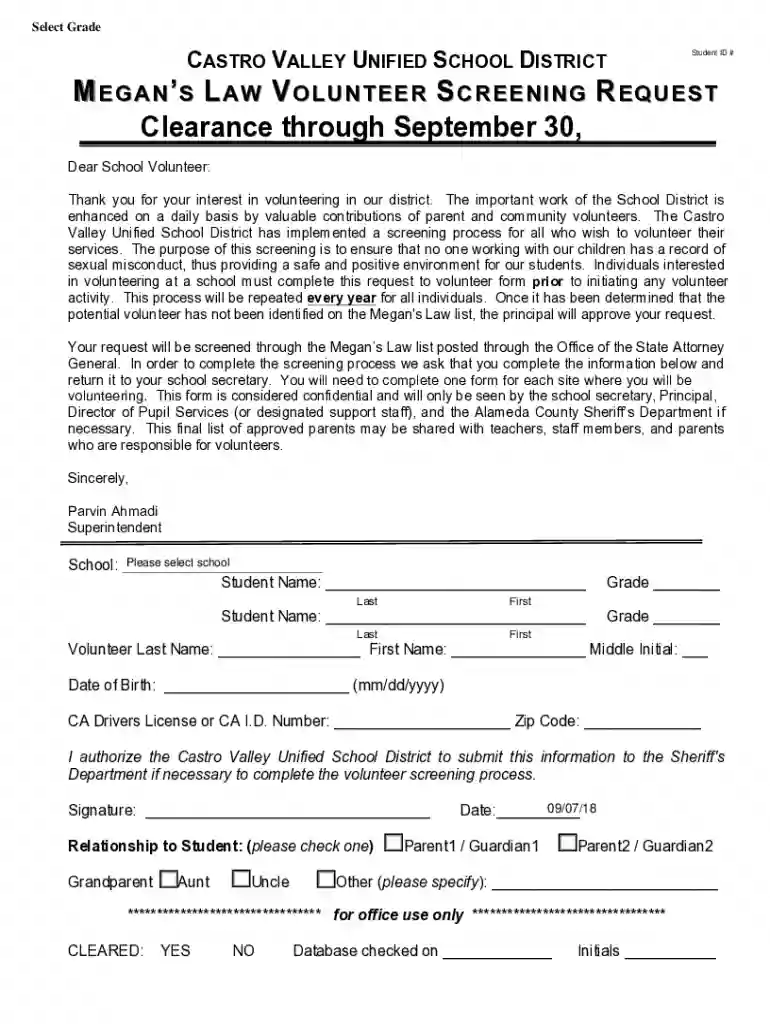
Type text, add images, blackout confidential details, add comments, highlights and more.

Draw your signature, type it, upload its image, or use your mobile device as a signature pad.

Send it via email, link, or fax. You can also download it, export it or print it out.

Start filling out your volunteer request form today using our platform for free!
We've got more versions of the Castro Valley Unified School District form. Select the right Castro Valley Unified School District version from the list and start editing it straight away!
Sure, it is possible with DocHub. This trustworthy and compliant online solution features a phone-based signing option. Once you log in to your DocHub account and add your Castro Valley Unified School District to our editor, complete all blank areas and utilize the Sign tool on the upper barf. Click on Create your signature and select Phone from the available choices. Here, you scan a QR code with your smartphone and draw your signature on your phone screen, as you normally do when approving hard copies. If you access DocHub right from your mobile device, you can eSign your template by drawing your eSignature, uploading its picture, or simply with a typed name.
Using a swift editing system like DocHub, you do not need anything but a web browser and connection to the internet to modify your Castro Valley Unified School District on the internet easily. Upload your file or find the relevant form in DocHub’s catalog, open our editor with one click, and complete it digitally. To edit your forms anytime, register a free profile with DocHub.
At DocHub, your data security is our priority. We follow HIPAA, SOC2, GDPR, and other standards, so you can work on your documents with confidence.
Castro Valley Unified School Districr educates students to become adaptable, critical thinkers who explore their passions and contribute as active members ofRead more
Excited about teaching in Castro Valley? Apply to be a Resident in CVUSD while earning your teaching credential! Questions? DocHub out to Kim Kelly - kkelly@cvRead more


