




01. Edit your aetna large case pensions login online
Type text, add images, blackout confidential details, add comments, highlights and more.

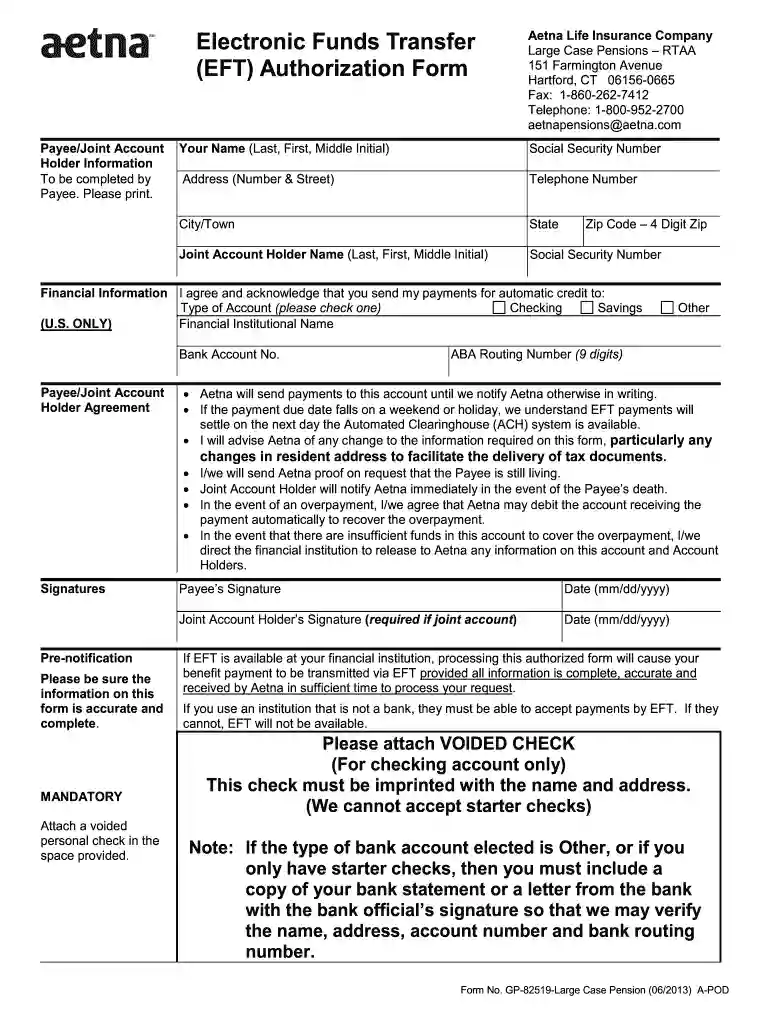
Type text, add images, blackout confidential details, add comments, highlights and more.

Draw your signature, type it, upload its image, or use your mobile device as a signature pad.

Send aetna large case pensions via email, link, or fax. You can also download it, export it or print it out.

Start using our platform today to streamline your form completion process for free!
We've got more versions of the aetna large case pensions login form. Select the right aetna large case pensions login version from the list and start editing it straight away!
At DocHub, your data security is our priority. We follow HIPAA, SOC2, GDPR, and other standards, so you can work on your documents with confidence.
To view, enroll or change your benefits as well as view benefits costs you can access the Aetna website at aetnaretireehealth.com/yale or contact the AetnaRead more
Oct 23, 2025 If you are a Retired Member with a State Employer, select a plan from the links below. Horizon and Aetna Plans. PPO Plans (PPO eligibility willRead more
Pensions and retirement contributions. Voluntary types may include: Insurance. Contributions-Red Cross, community fund, etc. Tools, uniforms, union dues. U.S.Read more


