Start using our platform today to streamline your document editing and signing process for free!
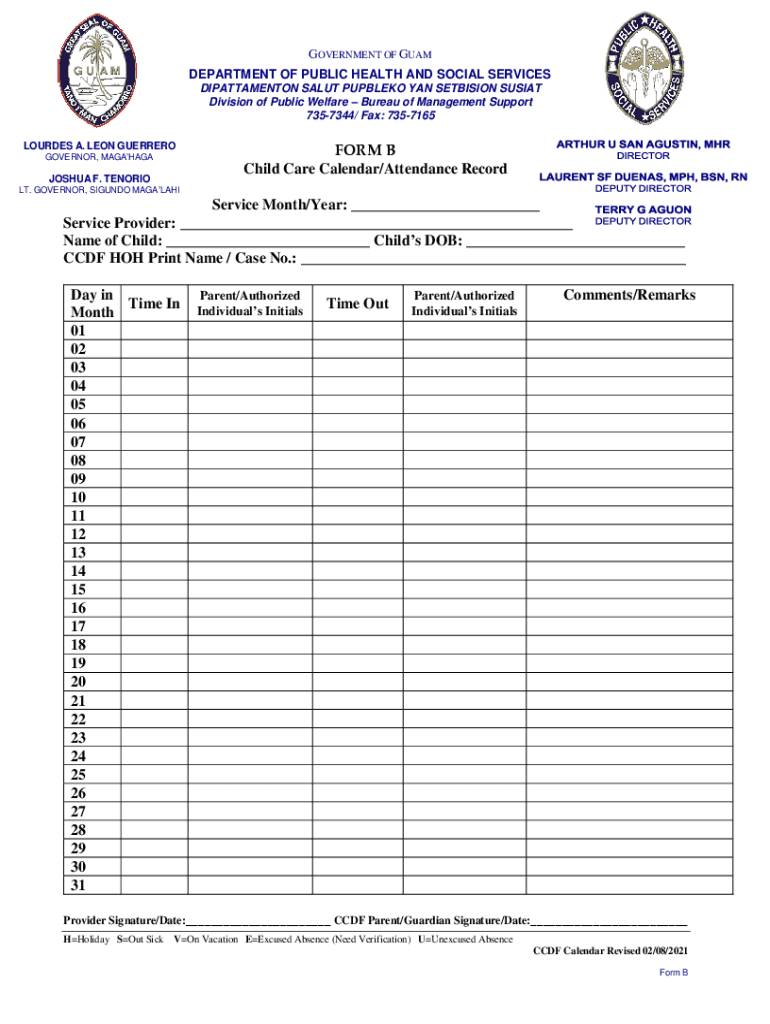
Yes, and it’s really easy! DocHub is an online PDF editor with advanced document processing functions that allow you promptly modify your forms, fill out empty fields and insert new ones for other people to fill out, and create eSignatures in several ways. Add your guamchildcare sites defaultGOVERNMENT OF GUAM DEPARTMENT OF PUBLIC - guamchildcare, provide information as required, and decide how you want to eSign your document - by typing your name, drawing your signature, uploading its picture, or using a QR code.
If you use Chrome, there are two straightforward methods to edit your guamchildcare sites defaultGOVERNMENT OF GUAM DEPARTMENT OF PUBLIC - guamchildcare online. First, go to the DocHub site, add your file, and edit it utilizing our toolbar. You may also install our Chrome extension and edit any document by dragging and dropping it in your browser window.
At DocHub, your data security is our priority. We follow HIPAA, SOC2, GDPR, and other standards, so you can work on your documents with confidence.
Learn more