




01. Edit your epo 001 online
Type text, add images, blackout confidential details, add comments, highlights and more.

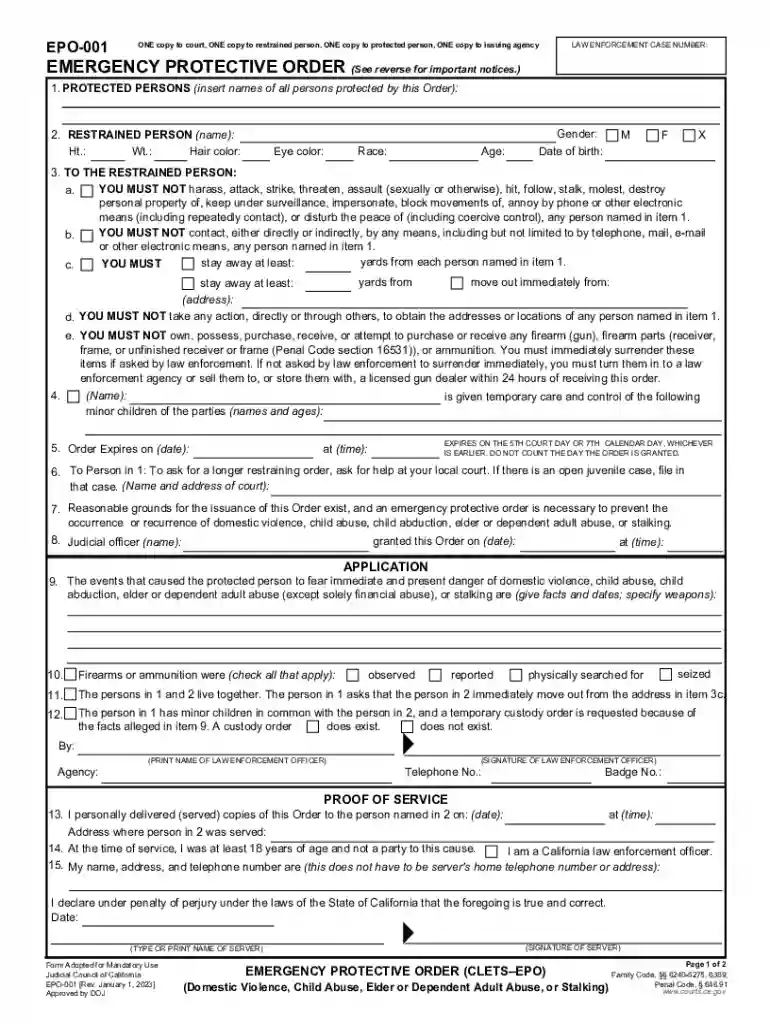
Type text, add images, blackout confidential details, add comments, highlights and more.

Draw your signature, type it, upload its image, or use your mobile device as a signature pad.

Send california 001 via email, link, or fax. You can also download it, export it or print it out.

Start using our platform today to fill out your EMERGENCY PROTECTIVE ORDER easily and for free!
We've got more versions of the epo 001 form. Select the right epo 001 version from the list and start editing it straight away!
At DocHub, your data security is our priority. We follow HIPAA, SOC2, GDPR, and other standards, so you can work on your documents with confidence.
An order of protection is issued by the court to limit the behavior of someone who harms or threatens to harm another person.Read more
(1) In an emergency situation, as defined in this subdivision, a practitioner may have a controlled substance administered by oral order provided thatRead more
May 28, 2021 After. Rehaif, the Government must show not only that a defendant was subject to a qualifying protective order at the time he possessed a gun,Read more


