



01. Edit your report of health examination for school entry online
Type text, add images, blackout confidential details, add comments, highlights and more.

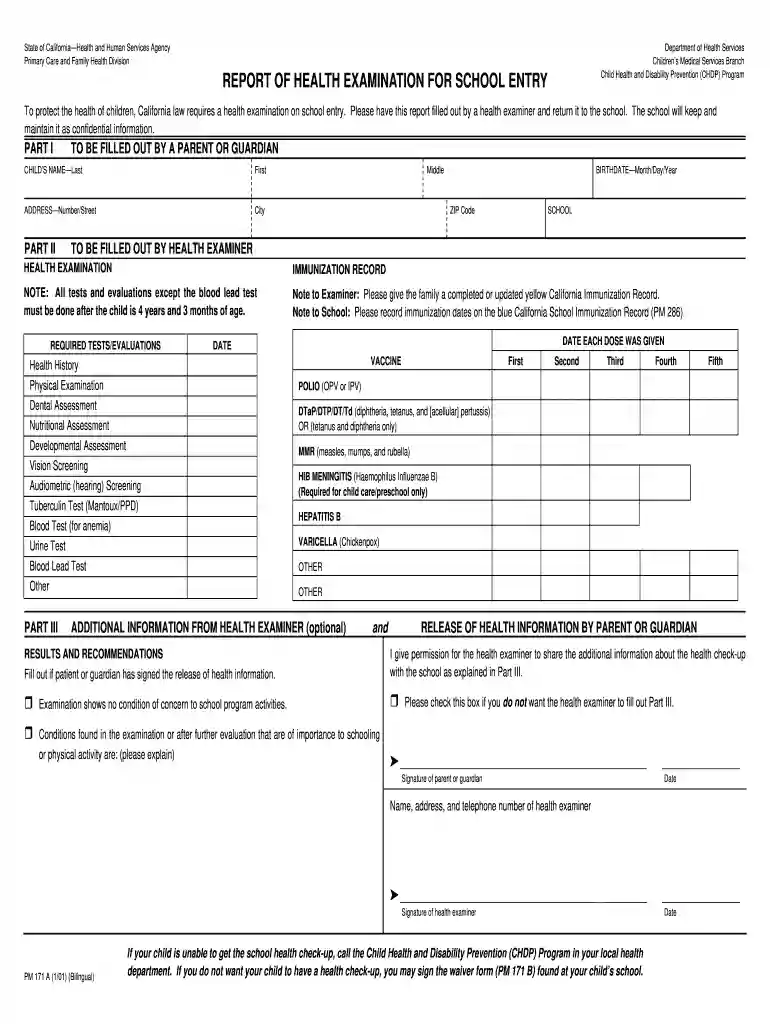
Type text, add images, blackout confidential details, add comments, highlights and more.

Draw your signature, type it, upload its image, or use your mobile device as a signature pad.

Send report of health examination for school entry pdf via email, link, or fax. You can also download it, export it or print it out.

Start using our platform today for free to easily fill out your child's health examination report!
We've got more versions of the report of health examination for school entry form. Select the right report of health examination for school entry version from the list and start editing it straight away!
Yes, electronically drawing your signature is acceptable, but only if you utilize a tool that complies with industry regulations and policies. Try DocHub, which ensures eSignature validity under ESIGN and UETA requirements. All you need to approve your physical examination form for school electronically is an account with DocHub and an internet connection. After you open your document in our editor, click Sign and choose the Draw option.
If your go-to email service is Gmail, you can easily integrate your DocHub editor into your work. Modify your chdp form with DocHub instruments and connect it to your drafts in Gmail. See how effortless it can be to exchange papers and collaborate with a swift PDF editing solution at hand.
At DocHub, your data security is our priority. We follow HIPAA, SOC2, GDPR, and other standards, so you can work on your documents with confidence.
The purpose of The BRN Report is to inform registered nurses of current laws related to nursing, Board policies and activities, and issues pertaining to theRead more
David Geffen School of Medicine at UCLA must submit the following documents to support your license application to the California Medical Board.Read more
PLEASE DO NOT RETURN YOUR FORM TO THE ABOVE ORGANIZATION. 1. REPORT DATE (DD-MM-YYYY). 2. REPORT TYPE. 3. DATES COVERED (From - To). 4. TITLE AND SUBTITLE. 5aRead more


