




01. Edit your eyesight report form online
Type text, add images, blackout confidential details, add comments, highlights and more.

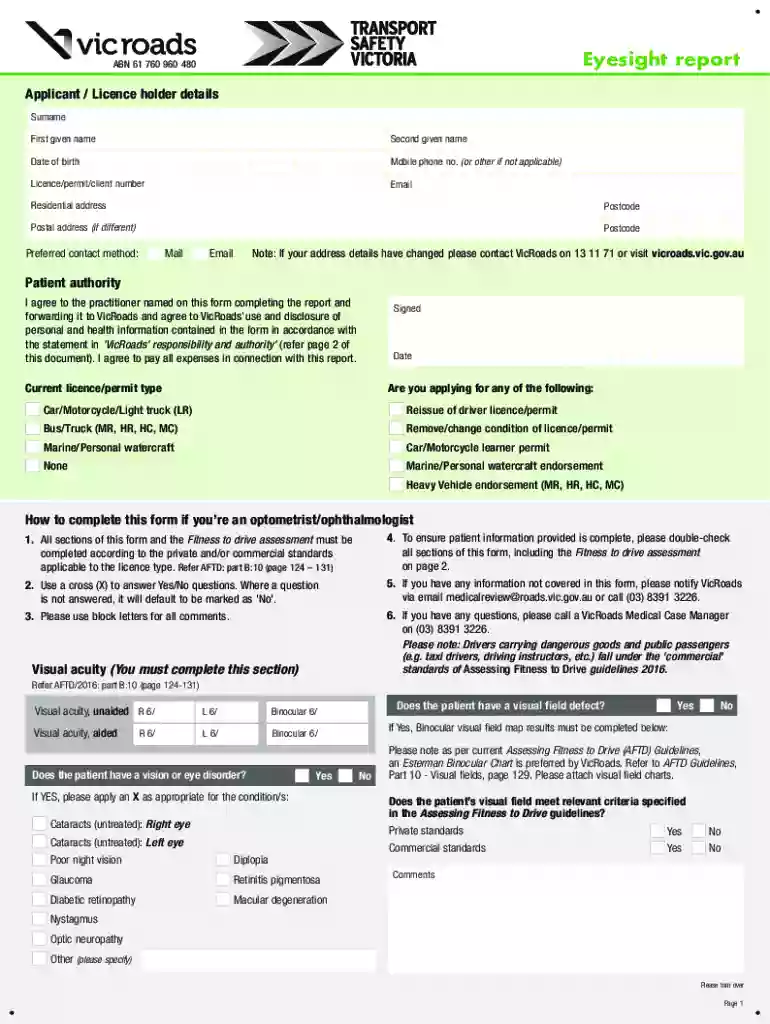
Type text, add images, blackout confidential details, add comments, highlights and more.

Draw your signature, type it, upload its image, or use your mobile device as a signature pad.

Send vicroads eyesight report form via email, link, or fax. You can also download it, export it or print it out.

Start using our platform today for free to streamline your Eyesight report completion!
We've got more versions of the eyesight report form form. Select the right eyesight report form version from the list and start editing it straight away!
At DocHub, your data security is our priority. We follow HIPAA, SOC2, GDPR, and other standards, so you can work on your documents with confidence.
The report shows that the overall prevalence of myopia has DocHubed 53.4% in high-income countries in the Asia-Pacific region, followed by 51.6% in East Asia.Read more
At Mount Sinais New York Eye and Ear Infirmary (NYEE) in NYC, doctors diagnose symptoms and provide treatment for vision/eye care. Visit us to learn more.
The test must show that you have visual acuity of at least 20/40 (based on the Snellen Visual Acuity Scale) in either or both eyes, with or without correctiveRead more


