



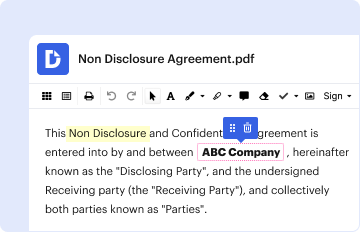
01. Edit your form online
Type text, add images, blackout confidential details, add comments, highlights and more.

Type text, add images, blackout confidential details, add comments, highlights and more.
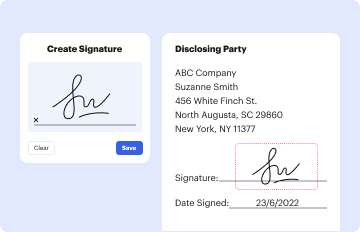
Draw your signature, type it, upload its image, or use your mobile device as a signature pad.

Send it via email, link, or fax. You can also download it, export it or print it out.

Start filling out your entry form today for free using our platform!
We've got more versions of the 5D Barrel Race Entry Form - Bell County PRCA Rodeo form. Select the right 5D Barrel Race Entry Form - Bell County PRCA Rodeo version from the list and start editing it straight away!
Sure, it is possible with DocHub. This trustworthy and compliant online service has a phone-based signing option. When you log in to your DocHub account and import your 5D Barrel Race Entry Form - Bell County PRCA Rodeo to our editor, fill out all necessary areas and use the Sign tool on the top barf. Click on Create your signature and choose Phone from the available choices. Here, you scan a QR code using your smartphone and draw your signature on your phone display, as you normally do when signing hard copies. If you access DocHub right from your mobile device, you can electronically sign your template by drawing your eSignature, uploading its image, or simply with a typed name.
You can easily edit and complete your 5D Barrel Race Entry Form - Bell County PRCA Rodeo on any iOS device. Open an internet browser of your choice, visit the DocHub site, authorize or create a new account, upload your file for editing, and make your required adjustments. Our service is mobile-friendly, so utilizing its functions on your phone will be a no-brainer, even on the first try.
At DocHub, your data security is our priority. We follow HIPAA, SOC2, GDPR, and other standards, so you can work on your documents with confidence.
Feb 1, 2026 Open 5D Barrel Race. Sun., February 8, 2026. Lincoln Civic Center 2026 North MS PRCA Rodeo. Fri.-Sat., February 27-28, 2026. CrossroadsRead more
Jul 24, 2021 Area youth can get into the action at the rodeo again this year by enter- ing the Calf Scramble and/or Barrel Race. There is no pre-registration.Read more


