




Here's how it works

01. Edit your temporary guardianship affidavit online
Type text, add images, blackout confidential details, add comments, highlights and more.

02. Sign it in a few clicks
Draw your signature, type it, upload its image, or use your mobile device as a signature pad.

03. Share your form with others
Send it via email, link, or fax. You can also download it, export it or print it out.
How to Use or Fill Out the Temporary Guardianship Affidavit Online

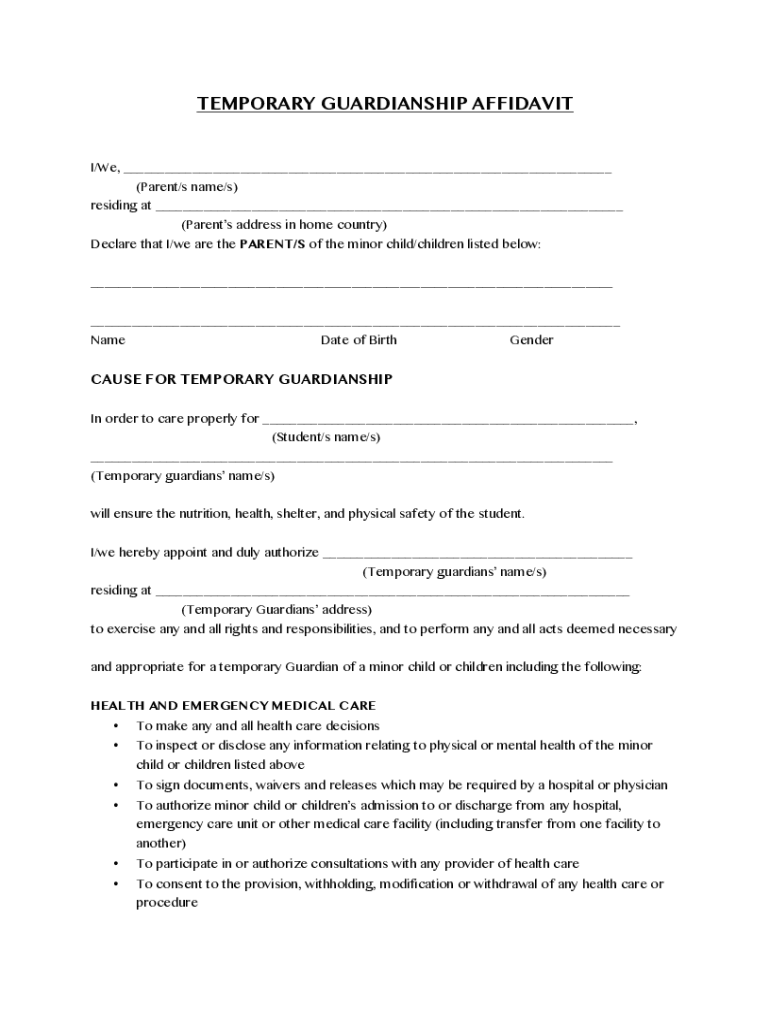
- Click ‘Get Form’ to open the Temporary Guardianship Affidavit in our editor.
- Begin by entering the names of the parents in the designated field, followed by their address. This information is crucial for identifying the legal guardians.
- List the minor child or children’s names, dates of birth, and genders in the provided sections. Ensure accuracy as this establishes who is under guardianship.
- In the 'Cause for Temporary Guardianship' section, specify why temporary guardianship is necessary. Clearly state how the temporary guardian will ensure care and safety.
- Fill out health and emergency medical care permissions by checking applicable rights you wish to confer to the temporary guardian.
- Complete education and travel sections with relevant details about school enrollment and travel arrangements for the minor child or children.
- Sign and date at the bottom of the form. Witness signatures are also required; ensure they are from individuals over 18 who are not related to the guardian.
Start filling out your Temporary Guardianship Affidavit online today for free!
Fill out Temporary Guardianship Affidavit online
It's free
It's free
See more Temporary Guardianship Affidavit versions
We've got more versions of the Temporary Guardianship Affidavit form. Select the right Temporary Guardianship Affidavit version from the list and start editing it straight away!
Security and compliance
At DocHub, your data security is our priority. We follow HIPAA, SOC2, GDPR, and other standards, so you can work on your documents with confidence.
Learn more




