




01. Edit your form online
Type text, add images, blackout confidential details, add comments, highlights and more.

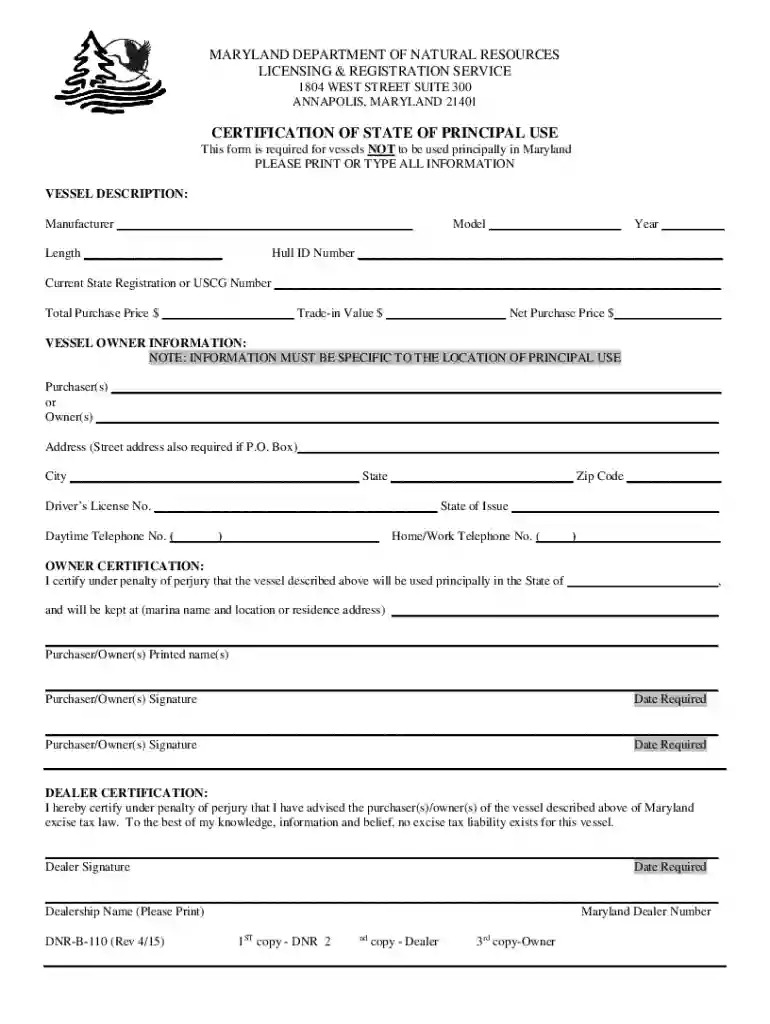
Type text, add images, blackout confidential details, add comments, highlights and more.

Draw your signature, type it, upload its image, or use your mobile device as a signature pad.

Send it via email, link, or fax. You can also download it, export it or print it out.

Start using our platform today to streamline your form completion process for free!
We've got more versions of the Maryland Department of Natural Resources Licensing Centers form. Select the right Maryland Department of Natural Resources Licensing Centers version from the list and start editing it straight away!
At DocHub, your data security is our priority. We follow HIPAA, SOC2, GDPR, and other standards, so you can work on your documents with confidence.
Aug 26, 2022 Job Description: This position supports the technical activities of the Forest Watershed Program, providing coordination, planning, tracking,Read more
Licenses, permits, and stamps can be obtained at Maryland Department of Natural Resources Licensing Centers by appointment only, by visiting a retail sport
These revisions define monitoring wells and establish minimum annular space requirements that effectively prohibit the use of Direct Push wells. PertinentRead more


