




01. Edit your parkland hospital discharge papers online
Type text, add images, blackout confidential details, add comments, highlights and more.

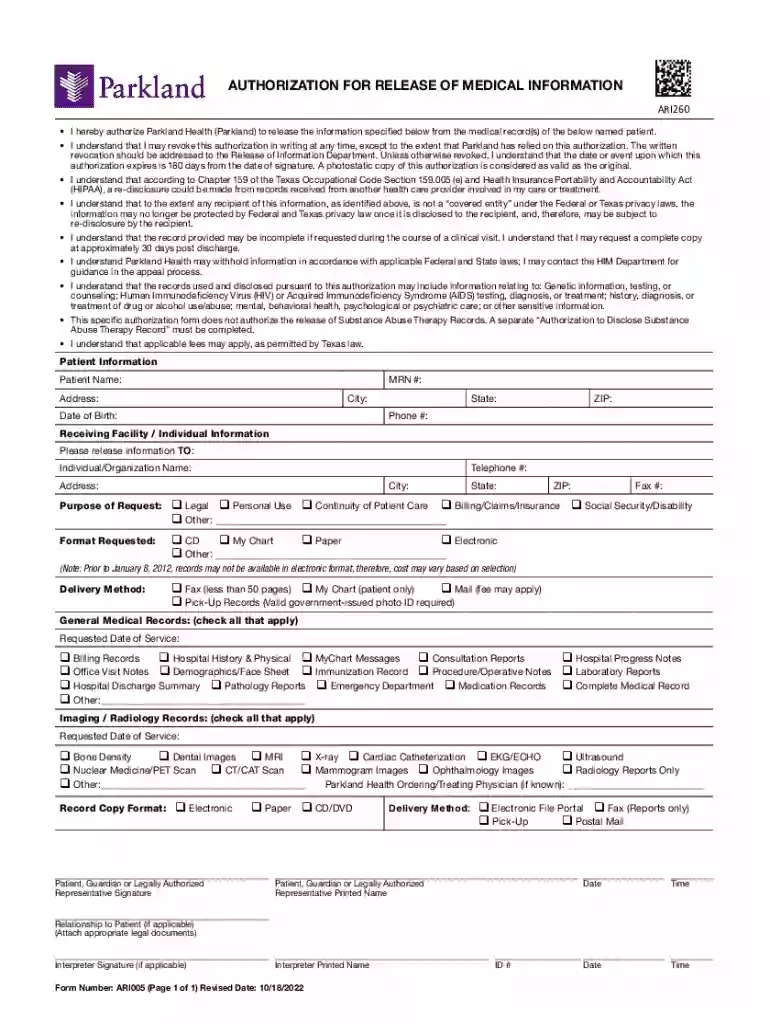
Type text, add images, blackout confidential details, add comments, highlights and more.

Draw your signature, type it, upload its image, or use your mobile device as a signature pad.

Send it via email, link, or fax. You can also download it, export it or print it out.

Start using our platform today to streamline your document editing and signing process for free!
We've got more versions of the parkland hospital discharge papers form. Select the right parkland hospital discharge papers version from the list and start editing it straight away!
Of course, it is possible with DocHub. This reliable and compliant online solution has a phone-based signing option. After you log in to your DocHub account and import your PARKLAND HEALTH & HOSPITAL SYSTEM - Dallas, Texas to our editor, complete all required areas and utilize the Sign tool on the top barf. Click on Create your signature and select Phone from the available choices. Here, you scan a QR code using your smartphone and draw your signature on your phone display, as you normally do when signing hard copies. If you access DocHub right from your mobile device, you can electronically sign your document by drawing your eSignature, adding its picture, or simply with a typed name.
Document editing with DocHub is equally convenient on desktop and mobile devices. You only need an internet browser to edit your PARKLAND HEALTH & HOSPITAL SYSTEM - Dallas, Texas on Android. Open our website and sign in to access the tools you require. Add your document and introduce your intended changes. Next, you can keep your form in your document storage or send it out instantly.
At DocHub, your data security is our priority. We follow HIPAA, SOC2, GDPR, and other standards, so you can work on your documents with confidence.
Our Family Medicine Practice Site (FMP) is the Parkland Family Medicine Clinic, located at 7920 Elmbrook Drive in Dallas. The clinic is just a short drive fromRead more
Mar 1, 2017 Parkland Hospital in Dallas, Texas is a large public hospital that relies on Medicaid disproportionate share hospital (DSH) and non-DSHRead more


