
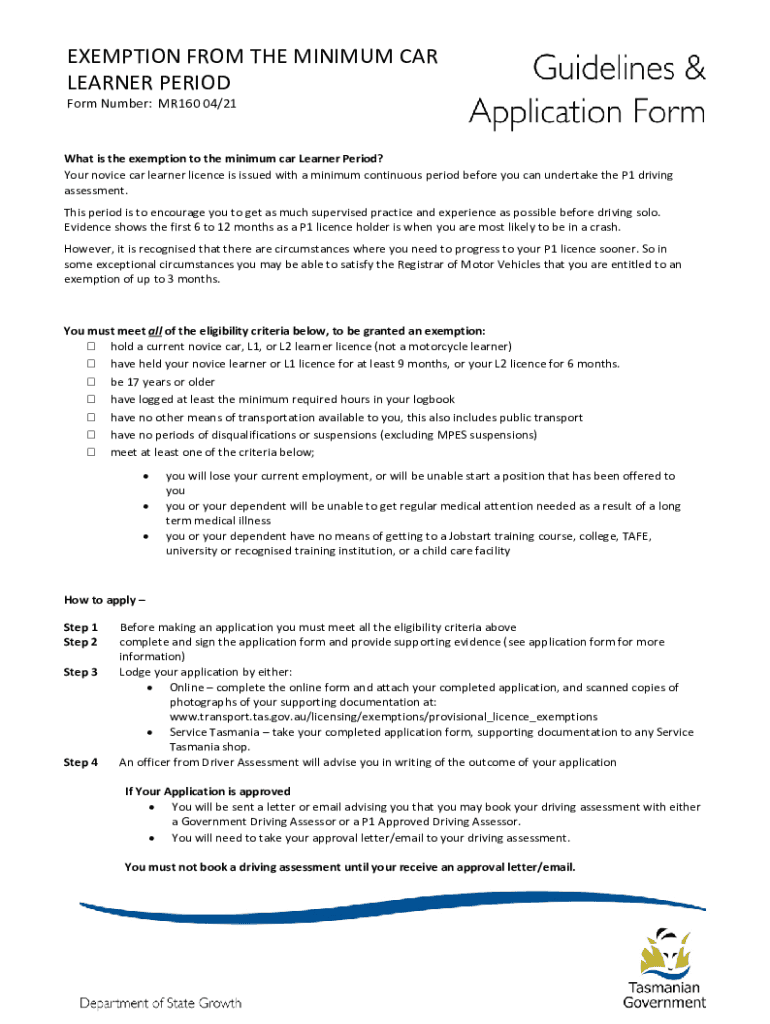







Definition and Meaning of Form Online
The concept of "form online" encompasses digital forms that can be completed and submitted over the internet. These forms replace traditional paper-based forms, allowing users to complete various tasks such as applications, requests, registrations, and surveys from any device with internet access. The primary advantage of using forms online is the convenience they offer, enabling users to fill out and submit forms at any time and from any location.
Online forms are structured to capture a wide range of information. They might include text fields for short and long responses, checkboxes for multiple-choice questions, and dropdown menus for selection of options, amongst others. The design ensures a streamlined process for both the user filling out the form and the organization collecting the data.
How to Use the Form Online
Completing a form online involves a series of intuitive steps designed to be user-friendly. Typically, users start by accessing the form through a link or a website. Once opened, they are prompted to enter the required information into the appropriate fields. Features such as auto-save and field validation ensure that users can input accurate and complete data without the risk of losing progress.
To submit, users review their entries to catch any errors or omissions. Tools integrated within the form may assist by highlighting incomplete sections. The final step often involves clicking a submit button to send the form directly to the intended recipient or organization. This automated process eliminates many traditional barriers associated with paper forms, such as mailing and manual data entry.
Steps to Complete the Form Online
-
Access the Form: Navigate to the website or platform hosting the form through a direct link or search.
-
Fill Out Required Fields: Enter personal information, select options from dropdown lists, and check appropriate boxes as per the form's instructions. Ensure all mandatory fields, often marked with an asterisk (*), are filled.
-
Review Entries: Double-check the information for accuracy to avoid errors in key sections, particularly personal and identifying information. Use form features that may highlight incomplete or incorrect entries.
-
Submit the Form: Click the 'Submit' button to send the form to the intended recipient. A confirmation message or email usually follows to acknowledge receipt.
-
Save or Print: After submission, it’s advisable to save a confirmation screen as a PDF or print a copy for your records.
Who Typically Uses the Form Online
A wide array of individuals and organizations rely on online forms across different sectors. Businesses utilize them for applications, feedback, and surveys, enhancing customer engagement and collecting valuable data without resorting to paper-based methods. Government agencies offer online forms for tax submissions, voting registrations, and permit applications, streamlining interactions between citizens and administrative bodies.
Nonprofits use these forms for event registrations and volunteer sign-ups, simplifying the process of gauging attendance and gathering necessary participant information. Educational institutions incorporate online forms for student applications, surveys, and feedback collection, promoting efficiency in academic administration.


Important Terms Related to Form Online
- Data Validation: Ensures that the information entered into the form meets specific criteria, such as format and length, reducing errors.
- Auto-Save: Automatically saves the user's progress, preventing data loss during form completion due to technical issues or interruptions.
- Responsive Design: Allows forms to function smoothly on various devices, including desktops and smartphones, enhancing accessibility.
- Form Field: An interactive element where users input data, such as text boxes, radio buttons, and checkboxes.
Legal Use of the Form Online
Online forms must comply with legal regulations to protect user data and ensure compliance with regional laws. These regulations often include data protection acts such as the General Data Protection Regulation (GDPR) in Europe and the California Consumer Privacy Act (CCPA) in the U.S. Forms must also adhere to accessibility standards ensuring usability for individuals with disabilities, following guidelines such as the Web Content Accessibility Guidelines (WCAG).
Moreover, if the form involves the collection of electronic signatures, compliance with the Electronic Signatures in Global and National Commerce (ESIGN) Act is essential to validate the legal binding of these digital signatures.
State-Specific Rules for Forms Online
Different states in the U.S. may have specific rules regarding online forms, particularly when related to legal documents. These state-specific regulations can impact how data is collected, stored, and accessed. For instance, some states require additional verification steps for electronic signatures, whereas others might mandate specific formatting standards for legal documents submitted online.
In states with stringent privacy laws, forms might need to include explicit consent sections or provide additional disclosures regarding data usage. Understanding these variations ensures compliance and the legitimacy of the submitted forms across state lines.
Examples of Using Forms Online
-
Tax Filings: Online tax forms like the IRS Form 1040 allow U.S. taxpayers to file returns electronically, offering a faster and more reliable way to process taxes.
-
Job Applications: Companies streamline their hiring processes by employing online job application forms, allowing potential candidates to submit resumes and cover letters digitally.
-
Event Registrations: Event organizers use online forms for attendees to register, providing crucial details such as dietary restrictions or session preferences.
These examples illustrate the diverse applications of online forms, each leveraging the digital format to enhance efficiency and accessibility in data collection.
Key Elements of Form Online
Online forms are built with several critical components to ensure functionality and usability:
- Interactive Interface: Engages users with easy navigation and visually clear sections.
- Security Measures: Protect sensitive data through encryption and secure servers.
- Customization Options: Allow organizations to tailor forms to specific needs, including branding and bespoke fields.
- Submission Confirmation: Provides users with a receipt or acknowledgment of their submission, often via email or on-screen notification.
Understanding these elements is crucial for users aiming to complete online forms effectively, ensuring both successful submissions and data integrity.




