




01. Edit your form online
Type text, add images, blackout confidential details, add comments, highlights and more.

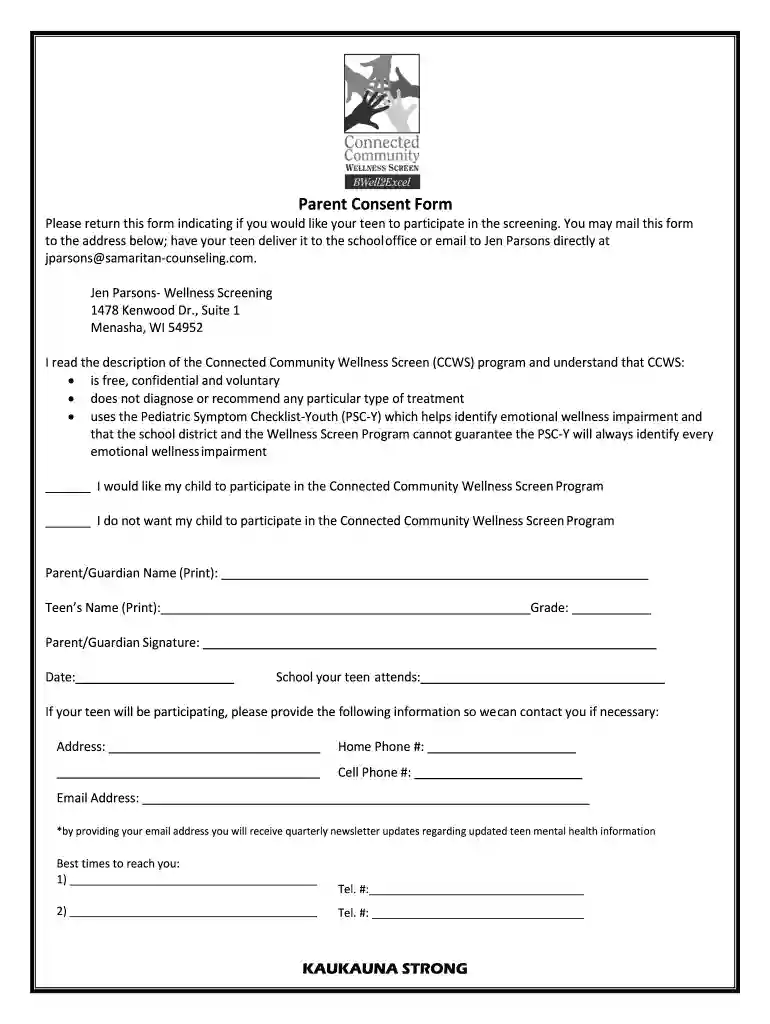
Type text, add images, blackout confidential details, add comments, highlights and more.

Draw your signature, type it, upload its image, or use your mobile device as a signature pad.

Send it via email, link, or fax. You can also download it, export it or print it out.

Start using our platform today to easily fill out and submit your Wellness Screening Consent Form for free!
We've got more versions of the Wellness Screening Consent Form form. Select the right Wellness Screening Consent Form version from the list and start editing it straight away!
| Versions | Form popularity | Fillable & printable |
|---|---|---|
| 2017 | 4.5 Satisfied (43 Votes) |
Sure, it is possible with DocHub. This trustworthy and compliant online editor has a phone-based signing option. Once you log in to your DocHub account and import your Wellness Screening Consent Form to our editor, complete all required areas and use the Sign tool on the upper barf. Click on Create your signature and choose Phone from the available options. Here, you scan a QR code using your smartphone and draw your signature on your phone display, as you normally do when approving physical papers. If you access DocHub right from your mobile device, you can electronically sign your document by drawing your electronic signature, uploading its image, or simply with a typed name.
You may find and modify your Wellness Screening Consent Form online by using DocHub. Its straightforward but feature-rich design enables you to start effective work right after you register your account. Create your account and add your document, then our user interface will guide you via our stress-free form completion experience.
At DocHub, your data security is our priority. We follow HIPAA, SOC2, GDPR, and other standards, so you can work on your documents with confidence.
I consent to have AREUFIT Health Services, Inc. administer each of the following screenings: (1) blood pressure, and (2) blood cholesterol and blood glucose byRead more
I have read the above and consent to engage in the Wellness Exam and authorize the disclosure of the protected health information as stated. Do you smoke?Read more


