



Here's how it works



How to use or fill out Rockdale County Concealed Carry Permit with our platform

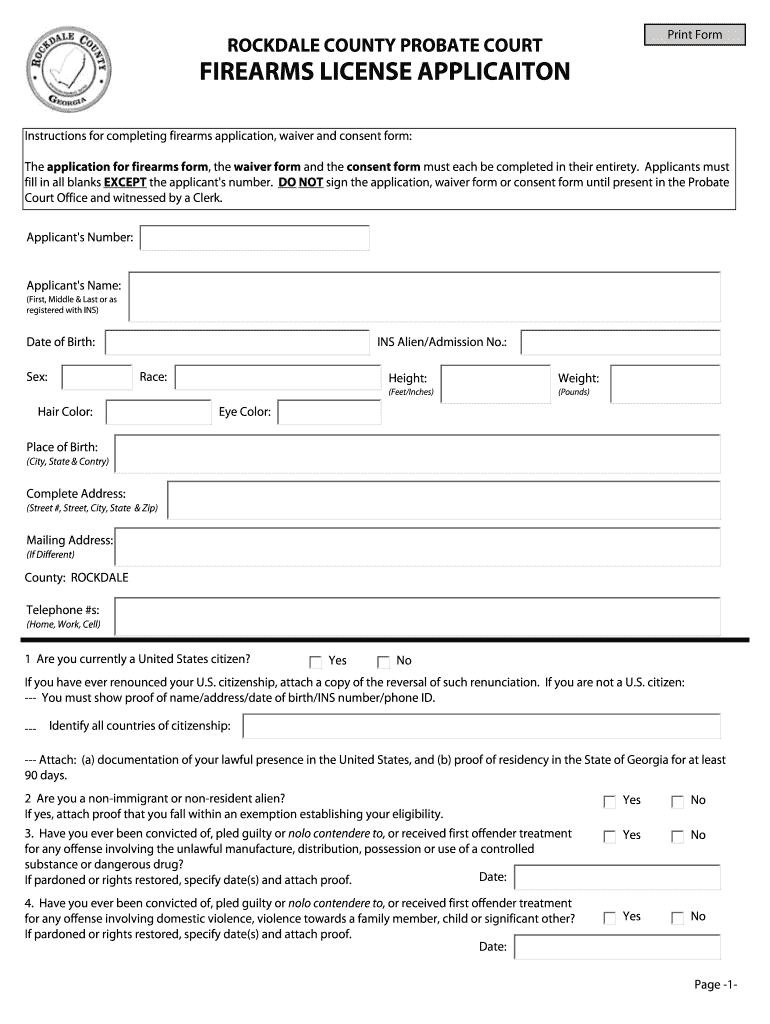
- Click ‘Get Form’ to open the Rockdale County Firearms License Application in the editor.
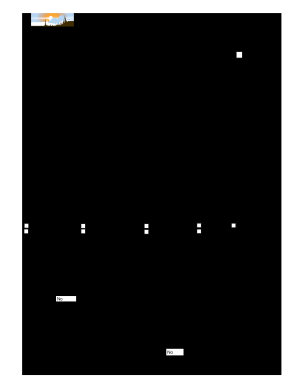
- Begin by entering your personal information, including your full name, date of birth, and physical characteristics such as height, weight, and eye color. Ensure all fields are filled out accurately.
- Provide your complete address and contact numbers. If your mailing address differs from your residential address, include that as well.
- Answer the eligibility questions regarding citizenship status and any past criminal history. Be honest in your responses, as this information is crucial for processing your application.
- Once all sections are completed, do not sign the application yet. You must present it in person at the Probate Court Office to be witnessed by a Clerk.
Start filling out your Rockdale County Concealed Carry Permit today for free using our platform!
It's free
Got questions?
What do I need to sign my rockdale county concealed carry permit electronically?
Electronic document approval demands a software solution that works in compliance with data protection and eSignature standards. DocHub is a great tool for that, because it fulfills all the above mentioned requirements. Whatever method you prefer to sign your rockdale county concealed carry permit in DocHub, your eSignature will be legally binding and court-admissible.
How do you fill out rockdale county concealed carry permit online?
You may get and edit your rockdale county concealed carry permit online with the help of DocHub. Its straightforward yet feature-rich design enables you to begin effective work immediately after you sign up your account. Create your profile and add your file, then our interface will guide you via our stress-free form completion experience.
Security and compliance
At DocHub, your data security is our priority. We follow HIPAA, SOC2, GDPR, and other standards, so you can work on your documents with confidence.
Learn more


Related forms