




01. Edit your form online
Type text, add images, blackout confidential details, add comments, highlights and more.

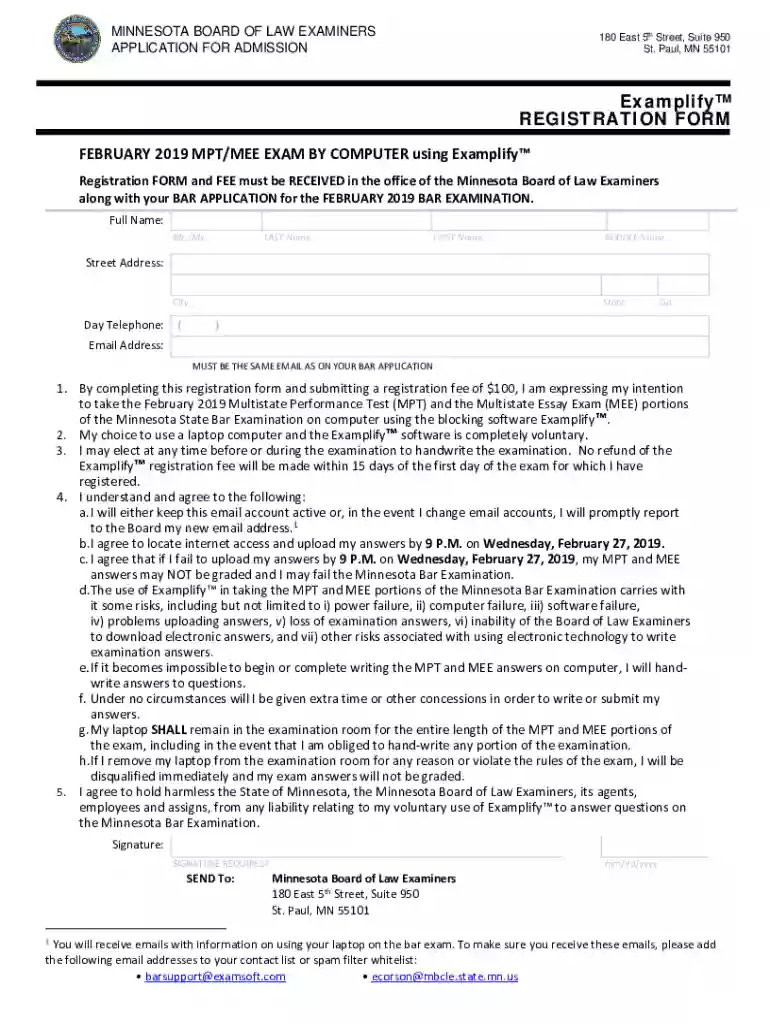
Type text, add images, blackout confidential details, add comments, highlights and more.

Draw your signature, type it, upload its image, or use your mobile device as a signature pad.

Send it via email, link, or fax. You can also download it, export it or print it out.
The term "form online" refers to digital versions of traditional paper forms that are accessible, editable, and submittable through the internet. These forms serve various purposes, including applications, registrations, surveys, and official documentation submission. Designed for convenience, online forms simplify processes by allowing users to enter data, upload required documents, and directly submit their responses from any web-enabled device. They often come with functionalities like auto-fill fields, drop-down menus, and dynamic sections that enhance the user experience. This digital transformation has streamlined workflows across industries, making data collection more efficient and cost-effective.
Using an online form involves several straightforward steps that vary slightly depending on the platform or provider hosting the form. Generally, the process includes:
Accessing the Form: Find the form through the relevant website or platform. If it’s through a service like DocHub, you might need to log in or register first.
Filling Out Sections: Enter your information into the designated fields. Use text boxes for personal details, drop-down menus for selections, and checkboxes where applicable.
Uploading Documents: If the form requires supporting documents, there is usually an option to upload files directly from your device or connected cloud storage.
Reviewing Information: Before submission, double-check all fields for accuracy to ensure that no information is missing or incorrect.
Submitting the Form: Once satisfied, submit the form electronically. You might receive a confirmation message or email verifying receipt.
Accessing a form online typically requires visiting the specific website or platform where the form is hosted. Steps to obtain such a form include:
Completing an online form efficiently involves adhering to the following process:
Understanding Requirements: Begin by reading all form instructions carefully to understand what information you need and any document requirements.
Gathering Necessary Information: Collect all relevant data, such as identification numbers, addresses, and associated documents, before you start.
Filling Out the Information: Progress through the form systematically, ensuring all mandatory fields are completed.
Checking for Consistency: Pay close attention to consistency and accuracy, particularly in forms requiring cross-verification.
Final Review and Submission: Review the entire form for completion and correctness, then submit.
Opting to use an online form provides several benefits over traditional paper forms:
Online forms cater to a wide range of users, including:



Understanding the jargon associated with online forms enhances usability and efficiency:
The legality of online forms is upheld through several mechanisms:
Using online forms ensures compliance, efficiency, and data accuracy, making them a go-to solution for modern document-related tasks.
We've got more versions of the Minnesota Bar Exam Registration Form form. Select the right Minnesota Bar Exam Registration Form version from the list and start editing it straight away!
At DocHub, your data security is our priority. We follow HIPAA, SOC2, GDPR, and other standards, so you can work on your documents with confidence.
Apr 1, 2020 This guidance document was developed for use on the web. PFAS terminology, classification, and origins, Investigations in Minnesota traced PFOS
May 26, 2026 Admission to the Minnesota Bar is through a bar examination or years of practice. The Uniform Bar Exam (UBE) is administered twice a year- onRead more
Individuals must create a new login in order to begin the Minnesota Bar Application process to practice law in Minnesota. A new login must be created to apply.Read more


