




Here's how it works

01. Edit your personal management merit badge workbook online
Type text, add images, blackout confidential details, add comments, highlights and more.

02. Sign it in a few clicks
Draw your signature, type it, upload its image, or use your mobile device as a signature pad.

03. Share your form with others
Send family life merit badge workbook via email, link, or fax. You can also download it, export it or print it out.
How to use or fill out Personal Management Merit Badge Workbook - troop1137 with our platform

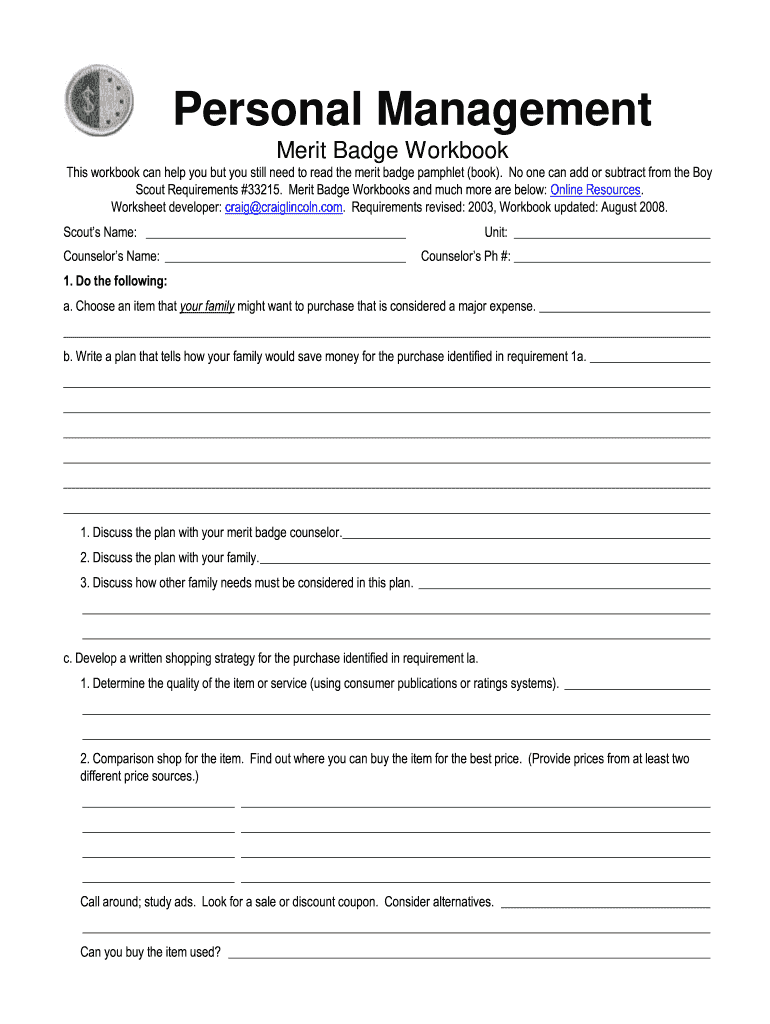
- Click ‘Get Form’ to open the Personal Management Merit Badge Workbook in the editor.
- Begin by entering your Scout’s name, unit, and counselor’s information at the top of the form. This personalizes your workbook and ensures proper tracking.
- For requirement 1a, identify a major expense your family might consider purchasing. Use the text box provided to write down your choice.
- In requirement 1b, outline a savings plan for that purchase. Be detailed about how your family will save money, using multiple lines if necessary.
- Continue through each section, filling out budgets and tracking expenses as outlined in requirements 2 and 3. Utilize our platform's features to easily modify tables and input data.
- For discussions with your merit badge counselor, summarize key points from each requirement in the designated areas to prepare for your meetings.
Start editing your Personal Management Merit Badge Workbook today for free and streamline your completion process!
Fill out Personal Management. Merit Badge Workbook - troop1137 online
It's free
It's free
See more Personal Management. Merit Badge Workbook - troop1137 versions
We've got more versions of the Personal Management. Merit Badge Workbook - troop1137 form. Select the right Personal Management. Merit Badge Workbook - troop1137 version from the list and start editing it straight away!
Security and compliance
At DocHub, your data security is our priority. We follow HIPAA, SOC2, GDPR, and other standards, so you can work on your documents with confidence.
Learn more




