




01. Edit your form online
Type text, add images, blackout confidential details, add comments, highlights and more.

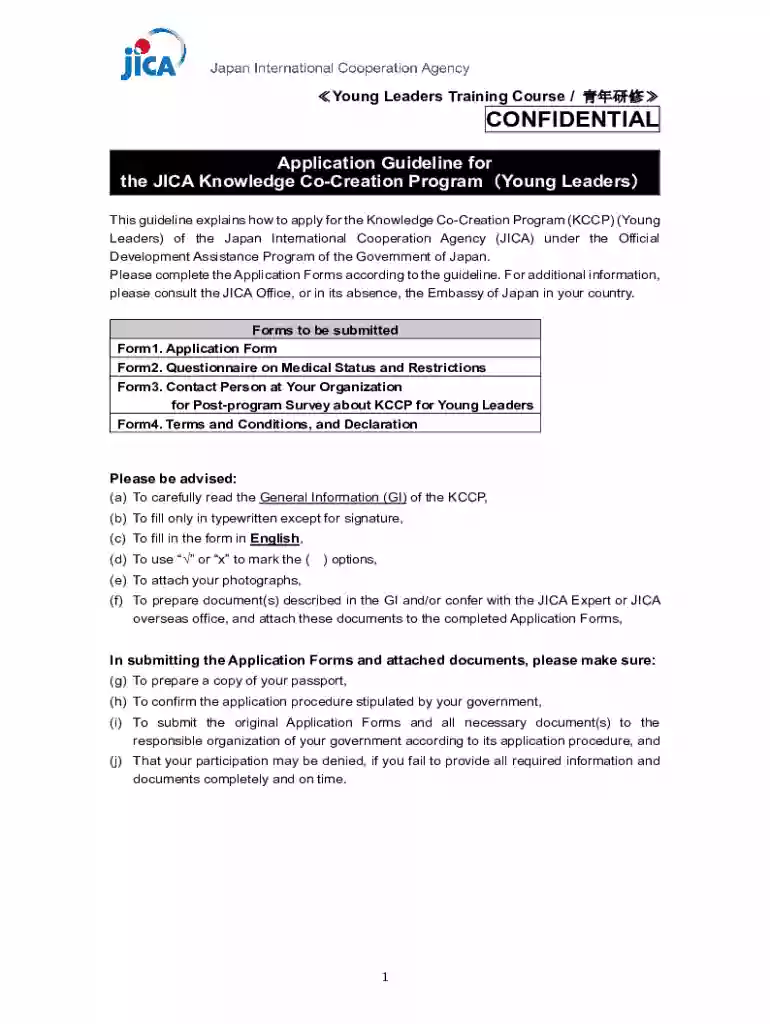
Type text, add images, blackout confidential details, add comments, highlights and more.

Draw your signature, type it, upload its image, or use your mobile device as a signature pad.

Send it via email, link, or fax. You can also download it, export it or print it out.
"Form online" refers to the process of utilizing electronic forms that can be accessed, completed, and submitted through the internet. These forms provide a digital alternative to traditional paper forms, offering convenience and efficiency for both individuals and businesses. By using forms online, users can streamline various tasks such as registration, data collection, and official filings. This method reduces the need for physical paperwork and enables quicker processing times.
Using a form online typically involves a few straightforward steps. First, navigate to the website that hosts the form, such as DocHub. Once there, choose the specific form you need by browsing through categories or using a search function. After selecting the form, ensure you have all required information and materials ready, as this will help expedite the completion process. Next, fill out the form fields accurately, which may include entering text, selecting options from dropdown menus, checking boxes, or adding digital signatures. Also, verify all entered data for accuracy before submission, as incorrect information can lead to delays or errors in processing. Finally, submit the completed form by following the website's outlined process, which may involve clicking a submission button or sending the form to a specified email.
Choosing to complete a form online offers numerous benefits. Primary among these is convenience, as users can access and submit forms anywhere with an internet connection. This eliminates the need to travel to physical locations for paperwork processing. Additionally, online forms often come with error-checking features that can prevent common mistakes, ensuring greater accuracy. Digitally submitting forms can also result in faster processing times, with some platforms offering instant submission and receipt confirmations. Moreover, online forms are eco-friendly, reducing paper usage and contributing to environmental sustainability.
Online forms consist of various essential components designed for easy navigation and completion. The main elements include:
A wide array of individuals and businesses utilize forms online for different purposes. Individuals use them for applications, registrations, or filings like tax forms and legal documents. Businesses rely on online forms to collect data from clients, process orders, or manage internal operations. Nonprofits may use them for volunteer sign-ups or donation pledges, while government entities deploy online forms for public service applications and compliance-related submissions.


When using forms online, it's crucial to comply with applicable legal standards. Electronic submissions often fall under regulations like the ESIGN Act, which gives legal validity to e-signatures and electronic documents. Users must ensure that their forms are completed accurately to meet legal requirements. It's also important to understand specific obligations related to the forms being used, such as tax filings or license applications, to avoid legal pitfalls.
Consider the following scenarios where forms online prove advantageous:
When completing forms online, users need to be aware of variations that might exist due to state-specific regulations. For instance, tax form requirements can differ significantly from one state to another, necessitating distinct forms or additional documentation. Legal documents too, like power of attorney or real estate forms, can have varying stipulations based on state laws. Familiarizing oneself with these differences is essential for compliance and accurate form completion across state lines.
We've got more versions of the JICA Young Leaders Application Form form. Select the right JICA Young Leaders Application Form version from the list and start editing it straight away!
At DocHub, your data security is our priority. We follow HIPAA, SOC2, GDPR, and other standards, so you can work on your documents with confidence.
Oct 15, 2020 All interested candidates and/or agencies for this program shall be registered and receive electronic application forms from the JICA GeorgiaRead more
This thesis explores the notion of a human right to higher education (HRHE) as it is articulated under public international law, and examines progressRead more


