




01. Edit your usa hockey evaluation form online
Type text, add images, blackout confidential details, add comments, highlights and more.

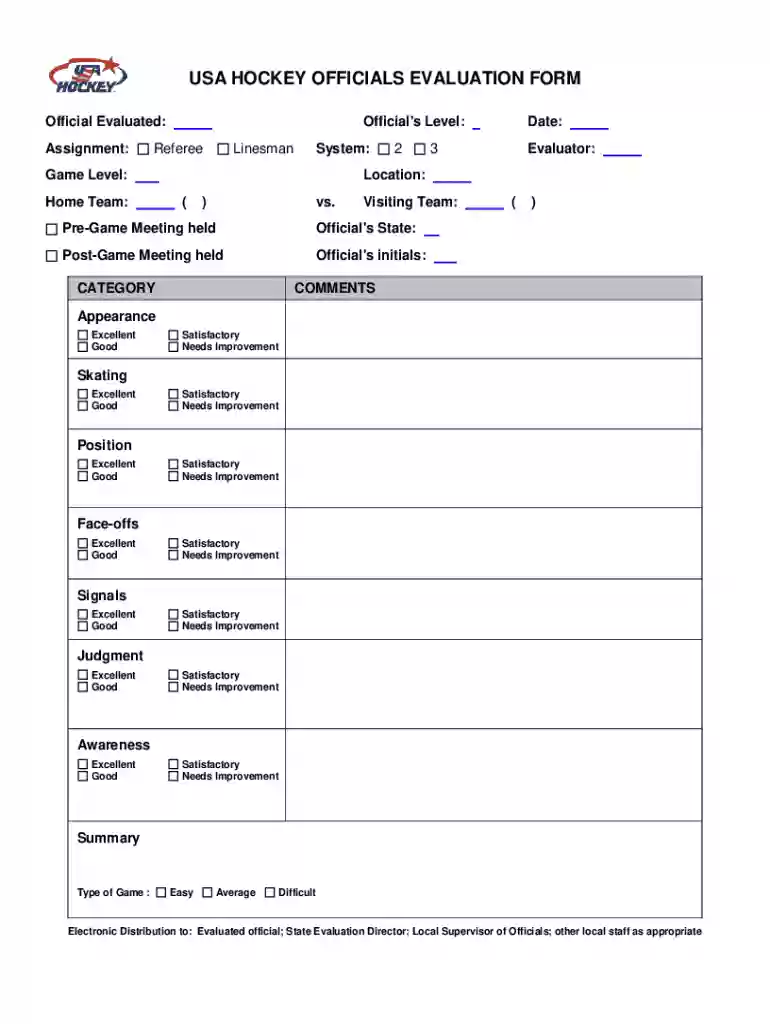
Type text, add images, blackout confidential details, add comments, highlights and more.

Draw your signature, type it, upload its image, or use your mobile device as a signature pad.

Send hockey evaluation sheet via email, link, or fax. You can also download it, export it or print it out.
Online forms are digital versions of paper forms, designed to gather and process data electronically. These forms are accessible via web browsers, allowing users to input information through various fields like text boxes, checkboxes, and dropdowns. The shift to online forms offers numerous advantages over traditional paper forms, such as reducing the need for physical storage and facilitating quicker data processing.
Using an online form involves accessing it through a website or an application. Generally, the process is straightforward and requires a series of steps that ensure ease of use and accurate data collection.
Completing an online form effectively requires attention to the details and understanding how to navigate digital interfaces.
Online forms provide numerous benefits over traditional paper forms. They are not just a trend but a necessity in the digital age.
To effectively navigate and manage online forms, understanding several key terms can be incredibly helpful.
Ensuring that online forms comply with legal standards is crucial, as they often deal with sensitive and personal information.
Online forms are versatile tools used across a variety of industries for different purposes.
Understanding the difference between digital and paper forms can guide which method to use depending on the context.
By integrating these concepts, anyone can effectively use and understand the function and necessity of online forms in today's digital landscape.
We've got more versions of the usa hockey evaluation form form. Select the right usa hockey evaluation form version from the list and start editing it straight away!
At DocHub, your data security is our priority. We follow HIPAA, SOC2, GDPR, and other standards, so you can work on your documents with confidence.
This campaign is designed to require all players, coaches, officials, parents/spectators and team officials. The Referee and Official Scorer shall be advised
This handbook is designed to provide parents, players, and coaches an outline of the East. Grand Forks Parks and Recreation Youth Hockey Program.Read more


