
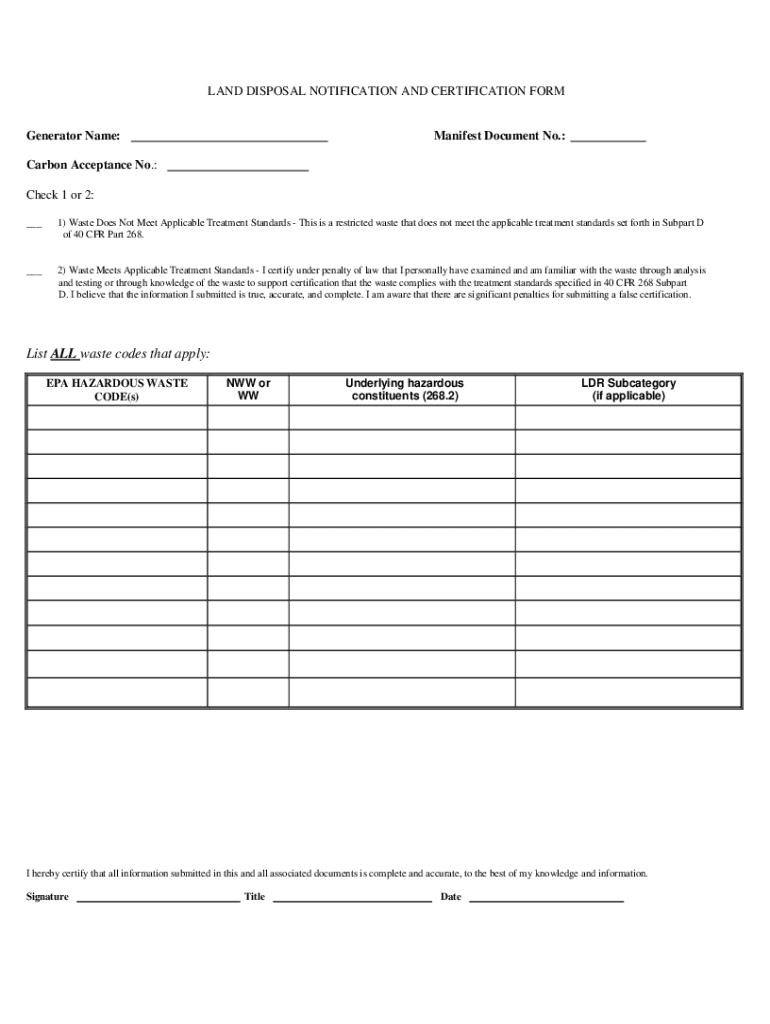







Understanding the Concept of "Form Online"
Forms online serve as a digital medium for collecting, submitting, or distributing information. Often used for purposes like applications, certifications, or registrations, they streamline the process by allowing users to fill out documents electronically. This method not only reduces paper use but also enhances accessibility, allowing users to complete forms from anywhere with internet access.
Steps to Complete a Form Online
-
Access the Online Platform: Start by navigating to the website where the form is hosted. This may involve logging into an account or accessing the form via a public URL.
-
Find the Relevant Form: Utilize search functions or navigation menus to locate the specific form you need to complete.
-
Fill in the Required Information: Use onscreen prompts to enter your information into designated fields. Online forms often feature text fields, checkboxes, dropdowns, and date pickers.
-
Attach Required Documents: If additional documents are necessary, the form will typically provide an upload option.
-
Review and Confirm Details: Before submission, ensure all information is accurate and complete. Most platforms will allow you to review your entries.
-
Submit the Form: Click the submission button, which may be labeled as "Submit," "Send," or another similar prompt. Look for a confirmation message or email to ensure the form was submitted successfully.
Advantages of Using a Form Online
- Efficiency: Allows quick completion and immediate submission.
- Accessibility: Users can access and complete forms from any location.
- Sustainability: Reduces paper consumption and promotes an environmentally friendly approach to information gathering.
- Error Reduction: Built-in validations help minimize entry errors and ensure all necessary fields are completed.
Legal Use of Online Forms
Online forms are employed in various legal contexts, such as signing contracts or submitting government documents. These electronic submissions are often considered legally binding, provided they comply with the Electronic Signatures in Global and National Commerce (ESIGN) Act. This law ensures the authenticity and integrity of signatures and documents submitted electronically.
Key Elements of Form Online
A typical form online includes:
- Interactive Fields: Areas where users input data, select options, or check boxes.
- Guidelines and Instructions: Clear steps or tips on how to properly complete the form.
- Validation Messages: Immediate alerts that notify users of any errors or missing required fields.
- Submission Confirmation: Ensures users receive acknowledgment their form was submitted correctly.
State-Specific Rules for Online Forms
Regulations for digital forms can vary by state. Some states may require additional steps or verification processes to ensure legal compliance. It's essential to refer to local state resources or consult with a legal expert when dealing with state-specific forms to ensure all requirements are met.
Examples of Using a Form Online
- Tax Documents: Online submissions of W-9 forms or tax returns via platforms like TurboTax.
- Job Applications: Digital application forms submitted directly through corporate websites or job portals.
- Permit Requests: Electronic fillable forms for construction permits or event approvals.
Software Compatibility with Forms Online
Online forms must be compatible with various software and platforms to ensure ease of use and accessibility:
- Cloud Storage Services: Integration with Google Drive, OneDrive, and others for easy document access and storage.
- Document Editors: Compatibility with tools like DocHub for editing and signing.
- Accounting Software: Forms related to financial filings can often be integrated with QuickBooks or similar platforms.


