
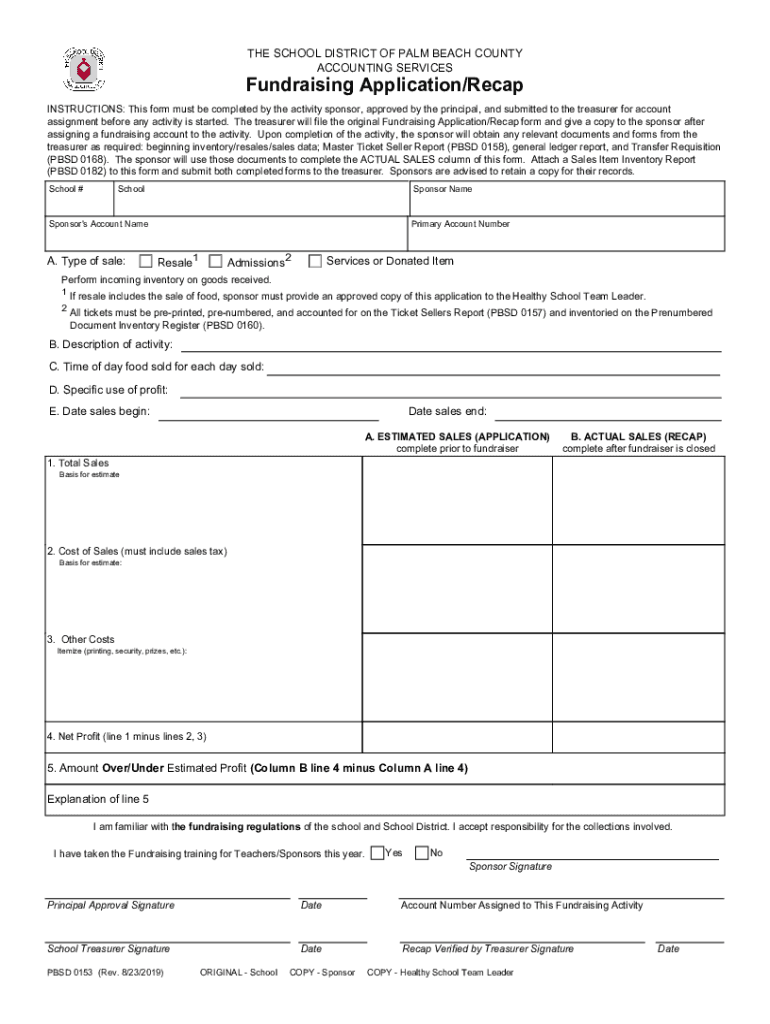







Definition and Meaning
"Form online" refers to the capability and process of accessing, filling out, submitting, or managing a variety of documents through digital platforms over the internet. This facilitates the handling of forms, such as applications or legal documents, without requiring physical paperwork. Users can perform these tasks remotely from any internet-enabled device, making it a convenient option for individuals and businesses to streamline administrative tasks.
Key Features of Online Forms
- Accessibility: Access forms anytime and from anywhere with an internet connection.
- Interactivity: Interactive fields allow for easy input of information and navigation.
- Speed and Efficiency: Faster processing time compared to traditional paper forms.
- Environmentally Friendly: Reduces paper usage, contributing to environmental sustainability.
How to Use the Form Online
Using forms online involves several user-friendly steps designed for efficiency and simplicity. Here's a guide to effectively utilize online forms:
- Access the Form: Visit the website hosting the form or receive a form link through email.
- Fill Out the Form: Input details directly into the interactive fields, which may include text boxes, checkboxes, and dropdown lists.
- Save and Edit: Save progress as needed; most online form systems allow returning to the form for edits before submission.
- Submit the Form: After ensuring all required fields are completed, submit the form through the website portal by clicking the 'submit' button.
Practical Example
Consider an online application for a business license, where users enter business details, upload required documents like business plans, and submit directly through a municipal website.
Steps to Complete the Form Online
Completing forms online involves a structured yet straightforward sequence:
- Gather Required Information: Before starting, compile necessary documents and information.
- Login or Register: Some platforms require users to create an account or log in to access forms.
- Follow Instructions: Carefully read the instructions provided to avoid errors when filling out fields.
- Verify Information: Double-check entered data for accuracy and completeness.
- Attach Files: Upload supporting documents as needed by the form.
- Submit for Processing: Finalize by hitting the 'submit' button and wait for confirmation of receipt from the issuing body.
Why Should You Form Online
Utilizing online forms offers significant benefits catering to both individuals and organizations:
- Convenience: Eliminate the need for physical presence, saving time and transportation costs.
- Efficiency: Cut down on processing time, with instant submission and automated systems.
- Security and Record-Keeping: Enhanced data protection through encryption and effortless digital archiving for future reference.
Case Study
A business expanding internationally benefits from online forms by efficiently managing customs documentation and visa applications without geographic constraints, thereby accelerating market entry.
Who Typically Uses the Form Online
Various user groups often rely on online forms:
- Businesses: For tasks like tax filings, client onboarding, and contract management.
- Educational Institutions: For applications, enrolments, and administrative updates.
- Government Agencies: For tax collection, licensing, and public records management.
- Healthcare Providers: For patient intake forms, records management, and compliance documentation.


Important Terms Related to Form Online
Understanding certain terminologies enhances the effective use of online forms:
- Fillable Field: A section within the form where users can input data.
- E-signature: Electronic signature options for legally binding approvals.
- Data Encryption: The process protecting sensitive information during form transmission and storage.
- Responsive Design: Allows forms to adapt to different devices and screen sizes for ease of use.
Key Elements of the Form Online
Several components are crucial for an effective online form:
- User Interface: Intuitive layout and design for easier navigation and fewer errors.
- Instructions and Help: Clearly defined guidelines and support options for user assistance.
- Validation: Real-time checks to ensure data accuracy and completeness.
- Review and Edit Options: Ability to revisit and modify information before final submission.
State-Specific Rules for the Form Online
When dealing with forms that have jurisdictional implications, understanding state-specific guidelines is critical:
- Varied Requirements: Documentation and information requirements may differ from state to state.
- Compliance Regulations: Ensure alignment with specific state laws and administrative guidelines to prevent errors.
- Deadline Variations: Submission timelines can vary, affecting compliance and processing times.
Example
A common example is state tax filings, where each state might have distinct forms and submission deadlines, emphasizing the need for state-specific comprehension.
Legal Use of the Form Online
Online forms often hold legal significance, requiring compliance with legislation:
- ESIGN Act Compliance: Ensures electronic signatures on online forms are legally equivalent to handwritten signatures.
- Confidentiality: Maintain privacy standards such as HIPAA in healthcare-related forms.
- Audit Trails: Recordkeeping features all interactions and modifications to a form for transparency and legality.
By integrating these critical elements, individuals and businesses can effectively navigate the digital landscape of online forms, optimizing their workflows and ensuring robust compliance.




