







Definition and Meaning
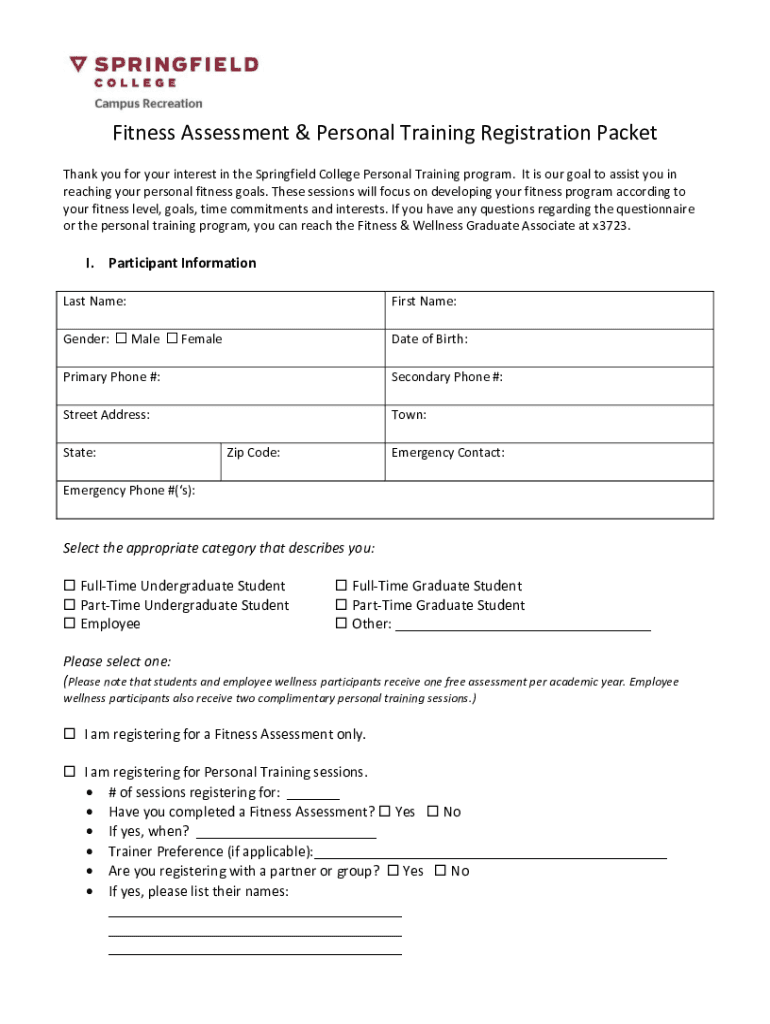
The concept of "form online" refers to digital versions of documents that can be filled out, submitted, and managed through the internet. These forms are designed to replace traditional paper forms, offering a more efficient and accessible way for individuals and organizations to handle various document-based tasks. By utilizing online forms, users can gather, share, and process information without the constraints of physical paperwork, facilitating a faster and more streamlined workflow.
How to Use the Form Online
Using forms online typically involves accessing a specific digital platform that hosts the form. Once on the platform, users can interact with the form by entering relevant information into designated fields. Forms may include features such as:
- Text Fields: For entering alphanumeric data.
- Dropdown Menus: To select from pre-defined options.
- Checkboxes: For marking all applicable choices.
- Signature Fields: Allow for the addition of electronic signatures.
After filling out the form, users can review their entries and submit the form online. Submission can often trigger automated workflows, such as data validation or confirmation emails, ensuring the process's integrity and efficiency.
Steps to Complete the Form Online
- Access the Form: Navigate to the hosting platform or website offering the form online.
- Fill Out Required Fields: Complete all mandatory sections, ensuring accuracy.
- Attach Necessary Documents: If applicable, upload any required supporting documents.
- Review Entries: Double-check all information for errors or omissions.
- Submit the Form: Finalize the process by selecting "submit" to send the form to the relevant recipient or processing entity.
Why You Should Use Form Online
There are several compelling reasons to choose online forms over traditional paper forms:
- Efficiency: Online forms reduce the time and effort associated with physical paperwork.
- Accessibility: Users can fill out and submit forms from any internet-enabled device.
- Accuracy: Automated prompts and validation help minimize errors.
- Eco-Friendly: Reduces paper usage and waste, promoting environmental sustainability.
Who Typically Uses the Form Online
A wide range of users benefit from online forms, including:
- Individuals: For tasks such as applications, registrations, or compliance submissions.
- Businesses: To streamline operations like feedback collection, surveys, and internal approvals.
- Educational Institutions: Handling enrollments, assessments, and student feedback.
- Government Agencies: Streamlining citizen service applications and data collection.

Legal Use of the Form Online
Legal frameworks often recognize online forms as valid and binding, provided they meet specific criteria such as:
- Compliance with Relevant Acts: Adhering to laws like the ESIGN Act for electronic signatures.
- Security Standards: Employing encryption measures to protect data integrity and confidentiality.
- Verification Processes: Implementing mechanisms to verify the identity of signatories or data submitters.
Key Elements of the Form Online
Effective online forms typically include:
- Instructions: Clear guidance on how to complete the form.
- Error Messages: Informative alerts when information is missing or invalid.
- Progress Indicators: Visual cues to inform users of completion status.
- Responsive Design: Compatibility across various devices and screen sizes.
Software Compatibility
Many online forms are designed to be compatible with widely-used software applications, including:
- Document Management Systems: Such as DocHub for editing and signing.
- Tax Preparation Tools: Like TurboTax for financial documents.
- Accounting Software: Such as QuickBooks for business-related forms.
By integrating with these tools, users can seamlessly process forms in the context of their existing workflow, ensuring data consistency and operational efficiency.




