



01. Edit your supplemental nursing services agency online
Type text, add images, blackout confidential details, add comments, highlights and more.

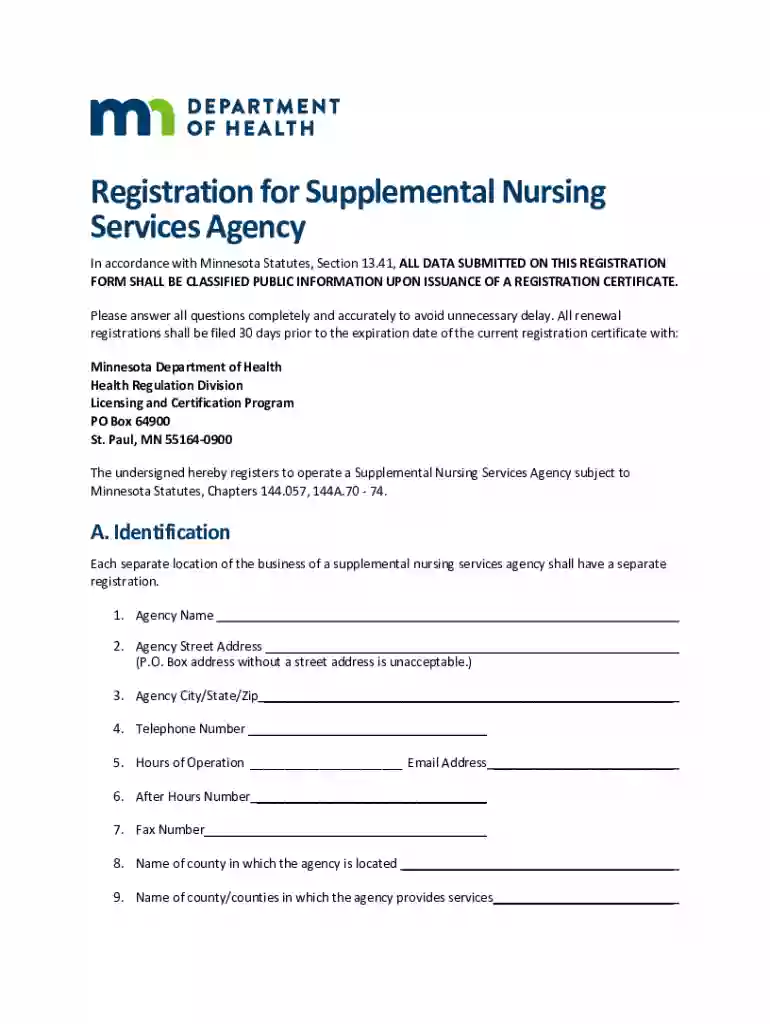
Type text, add images, blackout confidential details, add comments, highlights and more.

Draw your signature, type it, upload its image, or use your mobile device as a signature pad.

Send snsa minnesota via email, link, or fax. You can also download it, export it or print it out.
In the context of document management with platforms like DocHub, "form online" refers to digital versions of documents that are designed for completion, editing, and submission entirely over the internet. These forms are created to streamline data collection and improve efficiency for tasks such as applications, registrations, and agreements. By digitizing traditional paper forms, users can fill out, submit, and process forms without the need for printing, thereby making the process more accessible and environmentally friendly.
Using the form online through DocHub involves a few straightforward steps that leverage the platform's ease of use and wide compatibility with different document types. Users can upload their forms from various sources such as their computer, Google Drive, or directly from their email. Once uploaded, the form can be edited using an array of tools. Users can input text, incorporate images, and sign documents electronically. Multiple users can collaborate on the same form, adding comments and suggestions for enhanced teamwork. Real-time synchronization ensures that updates are immediately visible to all contributors, streamlining collaborative projects.
Completing a form online via DocHub is a seamless process designed to maximize efficiency. The step-by-step procedure is as follows:
Access Your Document: Open the form from your computer, cloud storage, or email.
Locate Required Fields: Identify and navigate to the sections that require your input, distinguished by interactive fields.
Fill in Information: Enter your information in the respective text boxes, checkboxes, or dropdown menus provided.
Attach Files: If necessary, upload any required supporting documents.
Add a Signature: Use DocHub’s signature feature to electronically sign the document. You can draw, type, or upload an image of your signature.
Verify Entries: Double-check all entries for accuracy and completeness.
Submit or Share: Once finalized, submit the form through the prescribed online submission method or export a copy for sharing.
Utilizing forms online, especially with a service like DocHub, offers significant advantages:
Understanding key terminology related to online forms is crucial for effective usage:
"Form online" within DocHub must adhere to compliance standards set by various legal frameworks, including:
These legal standards underscore the reliability and security of using online forms for personal and professional processes.
Forms online are used by a diverse range of individuals and organizations:
These varied applications highlight the versatility of online forms across different sectors.
Utilizing forms online may involve state-specific regulations, particularly in the U.S. where state laws can vary greatly:
Being aware of these variations is essential for ensuring compliance with local legal standards when utilizing online forms.
We've got more versions of the supplemental nursing services agency form. Select the right supplemental nursing services agency version from the list and start editing it straight away!
At DocHub, your data security is our priority. We follow HIPAA, SOC2, GDPR, and other standards, so you can work on your documents with confidence.
Before You Apply. Read the Instructions. Download and read the Application Instructions prior to completing an on-line Application.Read more
Complete and submit this form with payment and supplemental documentation to register an SNSA. Supplemental Nursing Services Agency Closure form (PDF).Read more
(b) Nursing homes and other facilities having the services of a physician, registered nurses and a licensed and registered pharmacist may qualify for aRead more


