




01. Edit your form online
Type text, add images, blackout confidential details, add comments, highlights and more.

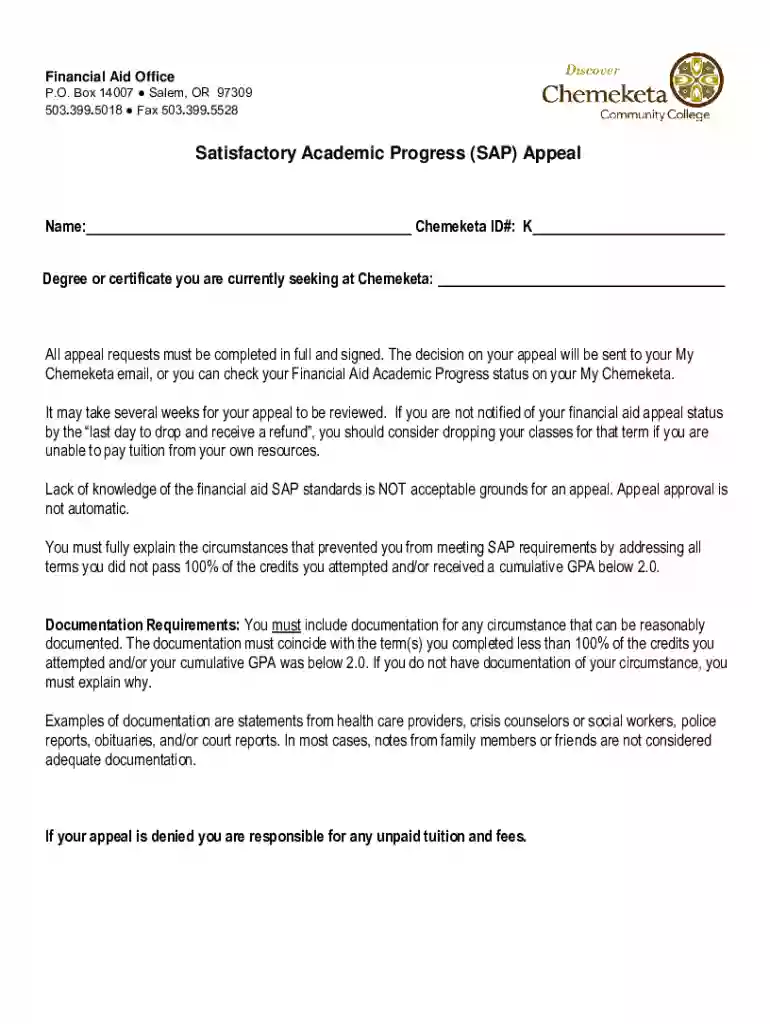
Type text, add images, blackout confidential details, add comments, highlights and more.

Draw your signature, type it, upload its image, or use your mobile device as a signature pad.

Send it via email, link, or fax. You can also download it, export it or print it out.
Forms online refer to digital documents designed for electronic completion and submission. These forms can range from simple contact forms to complex tax documents and are utilized to streamline processes by eliminating the need for physical paperwork. DocHub simplifies this by allowing users to edit, sign, and send documents directly from their device. This not only saves time but also provides environmentally friendly solutions by reducing paper use. Users can access these forms from anywhere, provided they have internet access, making document management more efficient and accessible.
To use a form online effectively, you must first access DocHub, where you can upload your desired document or create one from scratch. DocHub provides a comprehensive set of tools, enabling you to edit the document by adding text, inserting images, and highlighting critical information. Additionally, you can add interactive elements like fillable fields to personalize the form. Once the form is ready, you can easily distribute it via email or other electronic means, ensuring that recipients have a hassle-free experience when completing it.
Access Your Form: Start by opening the desired form through DocHub. Upload existing documents or select a template provided by the platform.
Edit the Form: Use DocHub's intuitive editing tools to modify the form as needed. Add or remove text, insert images, and adjust layouts to fit your requirements.
Incorporate Interactive Elements: Insert fillable fields such as text boxes, checkboxes, and signature fields to make the form interactive and easy to complete.
Review: Carefully check each section of the form to ensure all instructions are clear and all fields are correctly formatted.
Share or Send: Distribute the form to intended recipients via email or shareable links. DocHub facilitates easy sharing and tracking of documents.
Receive Completed Forms: Once recipients fill out and submit the form, review the data for accuracy and completeness, and save or export it to your preferred storage solution.
Using forms online offers numerous benefits, primarily centered around convenience and efficiency. With online forms, you can collect information quickly, reduce errors associated with manual data entry, and facilitate easier data analysis. Professionals working remotely can access forms from any location, enabling smoother workflow and collaboration. In addition, online forms are easier to update and maintain, ensuring that the latest versions are always in use. The use of secure platforms like DocHub further ensures that sensitive data remains protected during transit and storage.
A wide range of individuals and organizations utilize forms online. This includes businesses looking to streamline their administrative processes and educational institutions managing student information. Professionals such as accountants and lawyers often use online forms for obtaining client information and signatures. Medical offices use them for patient intake forms, and government agencies may provide tax or application forms online to facilitate citizen interaction. By leveraging online forms, these users can enhance their operational efficiency and improve data management.
When designing a form online, several key elements should be considered to ensure effectiveness:
When dealing with forms online, several terms frequently appear:
In the United States, regulations regarding forms online can vary by state regarding their use and legal implications. Some states may have specific requirements for electronic signatures or stipulate which documents can be completed online. It's crucial to understand these variations to ensure compliance. Additionally, businesses operating in multiple states must consider each state's data protection laws when using and saving digitally completed forms.
Forms online can integrate seamlessly with various software platforms to enhance functionality and usability. DocHub, for instance, supports integration with popular tools such as Google Workspace, enabling users to edit and manage documents within the same ecosystem effortlessly. It also supports importing and exporting files from software like QuickBooks and TurboTax, making it easier for users to manage financial documents. Understanding these compatibilities is vital for optimizing workflows and achieving a seamless transition between different software systems.
We've got more versions of the Satisfactory Academic Progress Appeal form. Select the right Satisfactory Academic Progress Appeal version from the list and start editing it straight away!
At DocHub, your data security is our priority. We follow HIPAA, SOC2, GDPR, and other standards, so you can work on your documents with confidence.


