




01. Edit your kansas secretary of state online
Type text, add images, blackout confidential details, add comments, highlights and more.

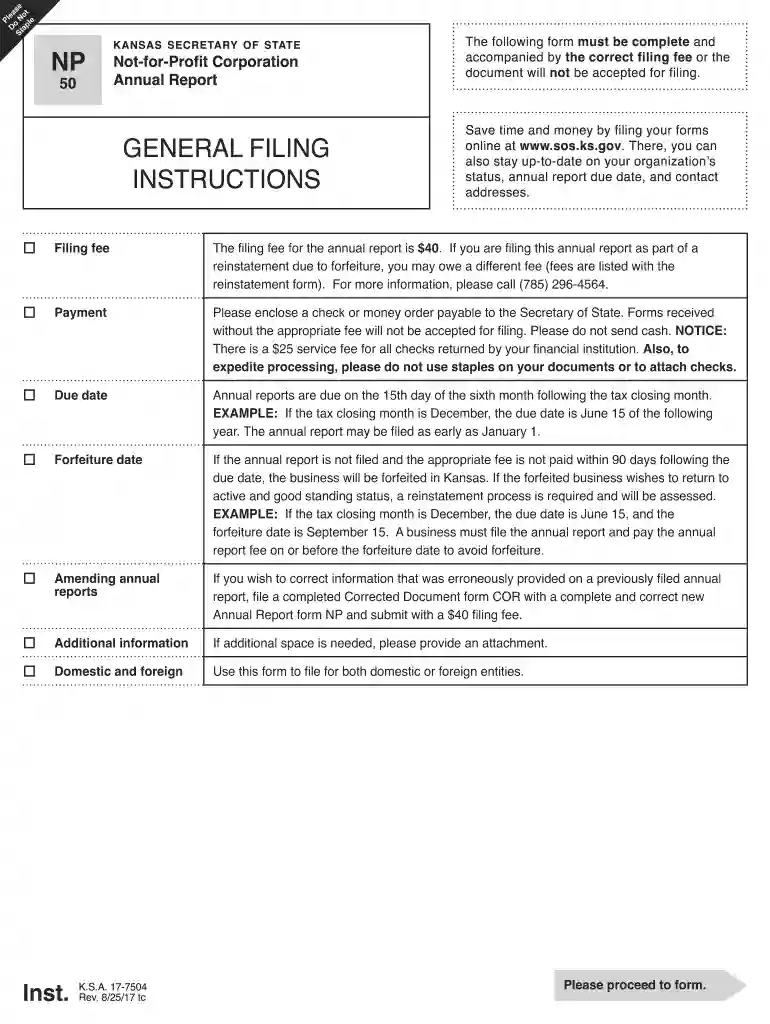
Type text, add images, blackout confidential details, add comments, highlights and more.

Draw your signature, type it, upload its image, or use your mobile device as a signature pad.

Send ks secretary of state via email, link, or fax. You can also download it, export it or print it out.

Start using our platform today to streamline your document editing and filing process for free!
We've got more versions of the kansas secretary of state form. Select the right kansas secretary of state version from the list and start editing it straight away!
Yes, electronically drawing your signature is acceptable, but only if you use a tool that complies with industry laws and regulations. Consider DocHub, which guarantees eSignature validity under ESIGN and UETA requirements. All you need to eSign your ks sos is an account with DocHub and an internet connection. After you open your document in our editor, click Sign and choose the Draw tool.
If you are using Chrome, there are two easy ways to edit your ks secretary state online. First, visit the DocHub website, add your document, and edit it using our toolbar. You can also install our Chrome extension and edit any document by dragging and dropping it in your web browser tab.
At DocHub, your data security is our priority. We follow HIPAA, SOC2, GDPR, and other standards, so you can work on your documents with confidence.
Laura Kelly. GOVERNOR OF KANSAS. After putting Kansas back on track and ending her first term with the largest budget surplus in history, GovernorRead more
Got it! Please help us improve our site! . No thank you. Skip to main content.Read more


