




01. Edit your af ra 2842 2 online
Type text, add images, blackout confidential details, add comments, highlights and more.

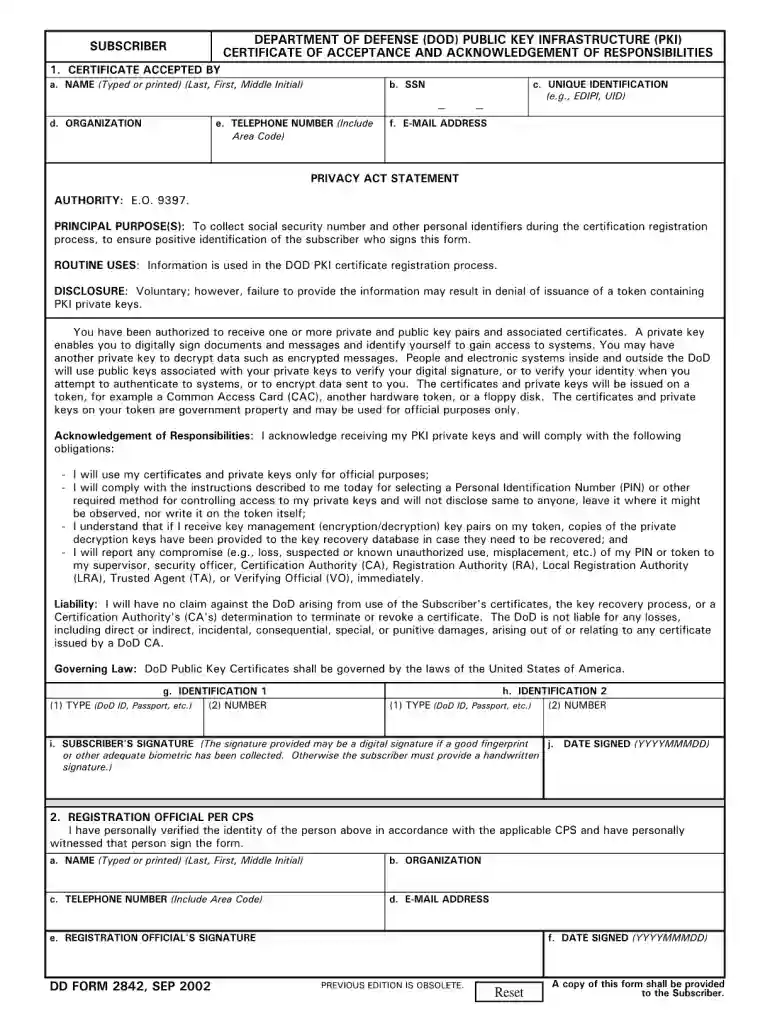
Type text, add images, blackout confidential details, add comments, highlights and more.

Draw your signature, type it, upload its image, or use your mobile device as a signature pad.

Send dd form 2842 via email, link, or fax. You can also download it, export it or print it out.

Start using our platform today to fill out your dd form 2842 2002 online for free!
We've got more versions of the af ra 2842 2 form. Select the right af ra 2842 2 version from the list and start editing it straight away!
At DocHub, your data security is our priority. We follow HIPAA, SOC2, GDPR, and other standards, so you can work on your documents with confidence.
Mar 28, 2012 Change 1, December 26, 2002. DoDI 8520.02, Public Key DD Form 2842, Department of Defense (DoD) Public Key InfrastructureRead more
Acceptable forms of proof shall be a current military identification card, a VA-issued identification card, state issued drivers license or identification cardRead more
2842 disable bgp neighbor 2843 disable bgp neighbor capability 2844 disable form. You can also email us directly at internalinfodev@extremenetworksRead more


