




01. Edit your form online
Type text, add images, blackout confidential details, add comments, highlights and more.

Type text, add images, blackout confidential details, add comments, highlights and more.

Draw your signature, type it, upload its image, or use your mobile device as a signature pad.

Send it via email, link, or fax. You can also download it, export it or print it out.

Start using our platform today to fill out dbo 260 237 2 easily and for free!
We've got more versions of the dbo 260 237 2 form. Select the right dbo 260 237 2 version from the list and start editing it straight away!
A lot of software applications are available out there for document modifying and signing. DocHub is one of the most widely used online solutions that comply with all data protection and compliance standards and guarantees your electronically signed documentation is legally enforceable. All you need to try it out is to create an account, add your dbo 260 237 2, provide the requested information, and click Sign. Create your eSignature by typing, drawing it, uploading its picture to your template, or scanning a unique QR code.
With a swift editing platform like DocHub, you do not need anything but a browser and internet connection to edit your dbo 260 237 2 on the internet easily. Add your file or find the relevant form in DocHub’s catalog, open our editor with a single click, and finish it electronically. To revise your forms at any time, register a free account with DocHub.
At DocHub, your data security is our priority. We follow HIPAA, SOC2, GDPR, and other standards, so you can work on your documents with confidence.
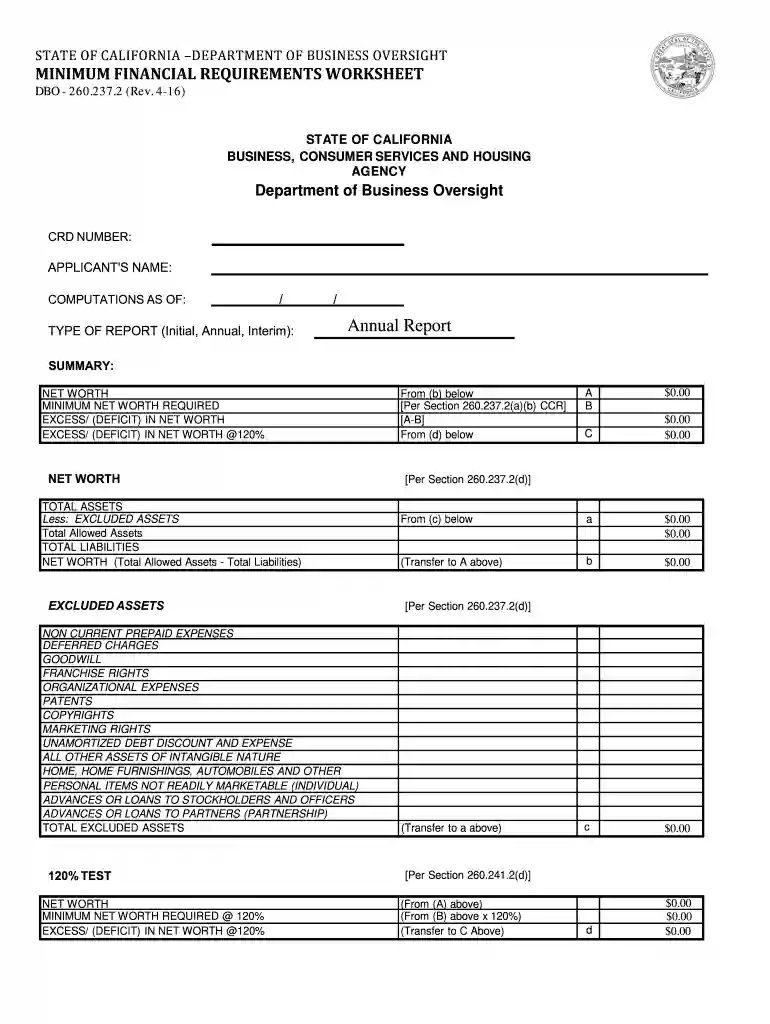
DFPI-260.237.2 (Rev. 11-20). STATE OF CALIFORNIA. BUSINESS, CONSUMER SERVICES AND HOUSING AGENCY. Department of Financial Protection and Innovation. CRD NUMBERRead more
This reference manual describes the LabWindows/CVI SQL Toolkit, which you can use to perform database operations.
by SM Bosse 2022 DFPI consists of the following divisions: (1) The Administrative Division, which provides. DFPI with administrative support services; (2) TheRead more


