




01. Edit your mv 44 residency certificate online
Type text, add images, blackout confidential details, add comments, highlights and more.

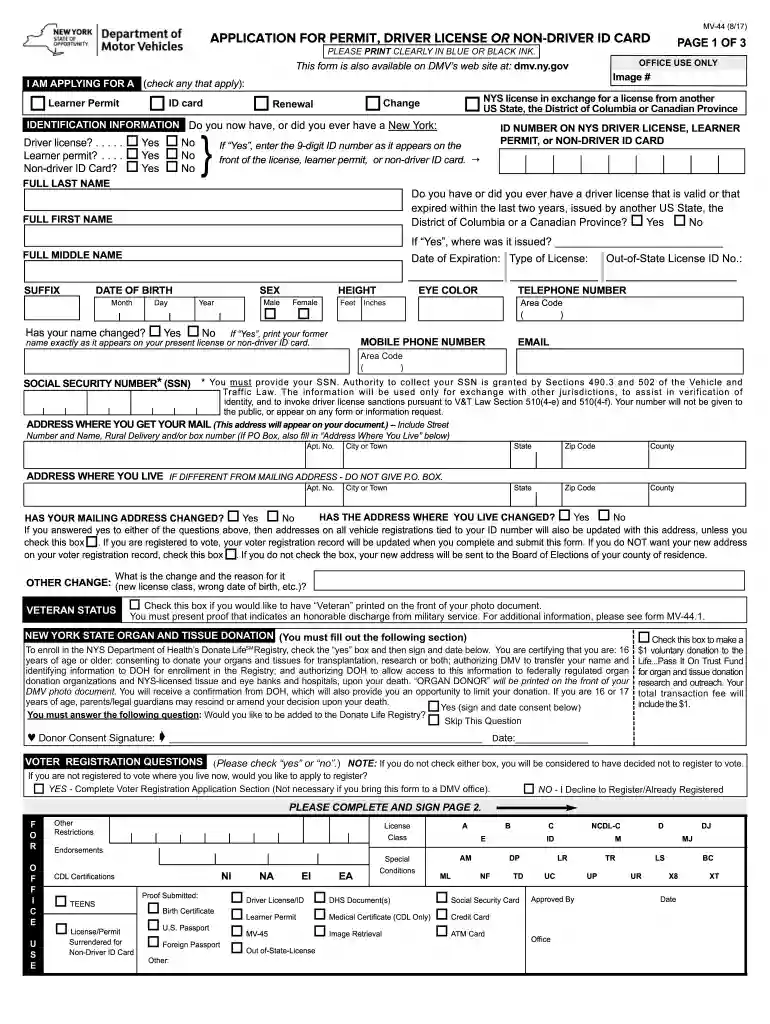
Type text, add images, blackout confidential details, add comments, highlights and more.

Draw your signature, type it, upload its image, or use your mobile device as a signature pad.

Send mv44 residency certificate via email, link, or fax. You can also download it, export it or print it out.

Start using our platform today to fill out your mv 44 form quickly and efficiently!
We've got more versions of the mv 44 residency certificate form. Select the right mv 44 residency certificate version from the list and start editing it straight away!
| Versions | Form popularity | Fillable & printable |
|---|---|---|
| 2024 | 4.9 Satisfied (42 Votes) | |
| 2022 | 4.8 Satisfied (57 Votes) | |
| 2021 | 4.3 Satisfied (146 Votes) | |
| 2020 | 4.9 Satisfied (38 Votes) | |
| 2019 | 4.3 Satisfied (296 Votes) | |
| 2018 | 4.3 Satisfied (52 Votes) | |
| 2015 | 4.4 Satisfied (285 Votes) | |
| 2014 | 4 Satisfied (21 Votes) | |
| 2013 | 4.5 Satisfied (56 Votes) | |
| 2013 | 4.3 Satisfied (27 Votes) | |
| 2011 | 4.4 Satisfied (551 Votes) |
At DocHub, your data security is our priority. We follow HIPAA, SOC2, GDPR, and other standards, so you can work on your documents with confidence.


Form MV-44 and submit a fee for the issuance of a regular series registration plate. . Special organization registration plates are issued in number sequenceRead more
Form MV-44, Application for. Duplicate Registration Card, Replacement of Registration Plate, Renewal Sticker or Weight Class Sticker of. Transfer ofRead more
I understand that I am responsible for DocHubing that the applicant has completed at least 50 hours of supervised practice driving, including 15 hours ofRead more


