



01. Edit your hvac solutions llc online
Type text, add images, blackout confidential details, add comments, highlights and more.

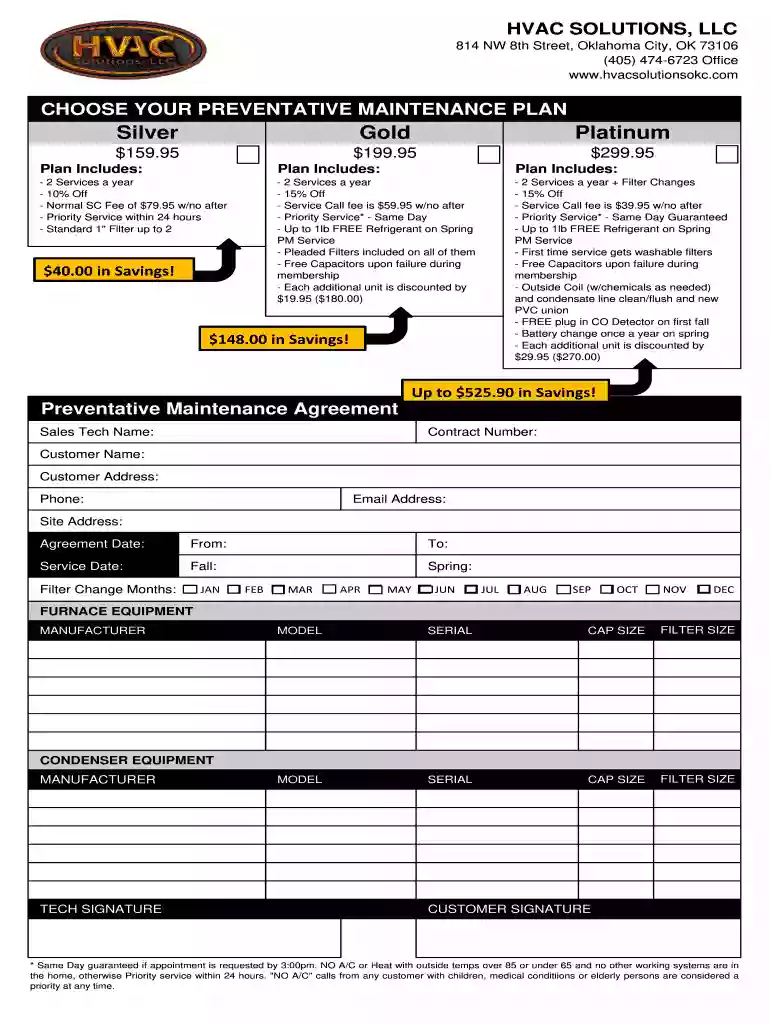
Type text, add images, blackout confidential details, add comments, highlights and more.

Draw your signature, type it, upload its image, or use your mobile device as a signature pad.

Send hvac solutions reviews via email, link, or fax. You can also download it, export it or print it out.

Start using our platform today to easily complete your HVAC Solutions Membership Agreement online for free!
We've got more versions of the hvac solutions llc form. Select the right hvac solutions llc version from the list and start editing it straight away!
| Versions | Form popularity | Fillable & printable |
|---|---|---|
| 2013 | 4.4 Satisfied (46 Votes) |
Log in to your DocHub account and import your ultra aire xt155h to our editor using one of its upload options - from your device, cloud storage, secure URL, or your DocHub folders if you have already managed your form before. Open our editor, click the Sign key in the upper toolbar, and decide on your signing method. You can use an image of your handwritten signature, draw it, type in your name, or utilize a QR code instead.
You can easily edit and complete your HVAC Soutions-Membership-Agreement - HVAC Solutions, LLC on any iOS gadget. Open an internet browser of your liking, go to the DocHub site, authorize or create a new account, upload your file for editing, and make your required changes. Our service is mobile-friendly, so using its functions on your phone will be a no-brainer, even on the first try.
At DocHub, your data security is our priority. We follow HIPAA, SOC2, GDPR, and other standards, so you can work on your documents with confidence.
Deciding how to most efficiently heat and cool your homeall while ensuring you will have a comfortable and healthy indoor environmentcan be complicated task,.Read more
Feb 17, 2022 The parties may, by written agreement, modify the Transition Services to be provided and the length of the. Transition Period. 3. SurvivalRead more
Jul 29, 2024 This Cooperative Purchasing Agreement (Cooperative Purchasing Agreement or Contract) is made and entered into by and between the State ofRead more


