




01. Edit your dd form 2764 online
Type text, add images, blackout confidential details, add comments, highlights and more.

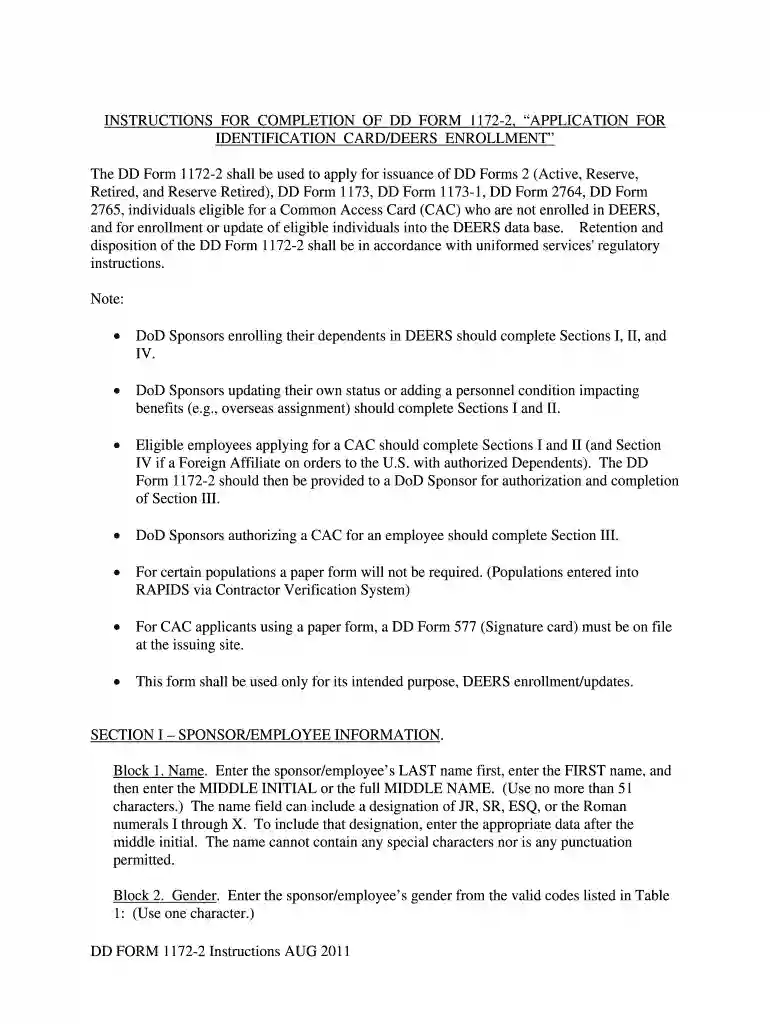
Type text, add images, blackout confidential details, add comments, highlights and more.

Draw your signature, type it, upload its image, or use your mobile device as a signature pad.

Send dd form 2817 via email, link, or fax. You can also download it, export it or print it out.

Start using our platform today to fill out your DD 2764 2011 form easily and for free!
We've got more versions of the dd form 2764 form. Select the right dd form 2764 version from the list and start editing it straight away!
Yes, a typed name is recognized as a legitimate electronic signature when you add it to your document utilizing a compliant solution like DocHub. Simply add your dd form 2817 evidence to our editor, click Sign in the top tool pane → Create your signature → Type your name in the proper tab, and choose how it will look on your document.
Using a swift editing platform like DocHub, you do not require anything but a web browser and connection to the internet to modify your dd 2764 2011 form on the internet quickly. Add your document or get the appropriate form in DocHub’s catalog, open our editor with a single click, and complete it electronically. To revise your forms at any time, register a free account with DocHub.
At DocHub, your data security is our priority. We follow HIPAA, SOC2, GDPR, and other standards, so you can work on your documents with confidence.
ble for the DD Form 11731. (k) DD Form 2764, United States DoD/Uni- formed Services Geneva Conventions Card.(1). Description. This isRead more
A Readers Comment Form is at the back of this publication. If the form has been removed, address your comments to I BM Corporation, Publications,. DepartmentRead more
Journal Date (MM/DD/YYYY), 0. 9, Reversal, 0. 10, Header Description, Journal Total, Required Fields 2764, 0, 0. 2765, 0, 0. 2766, 0, 0. 2767, 0, 0. 2768, 0Read more


