Chassi il paperwork 2010 form-2025

Get Form
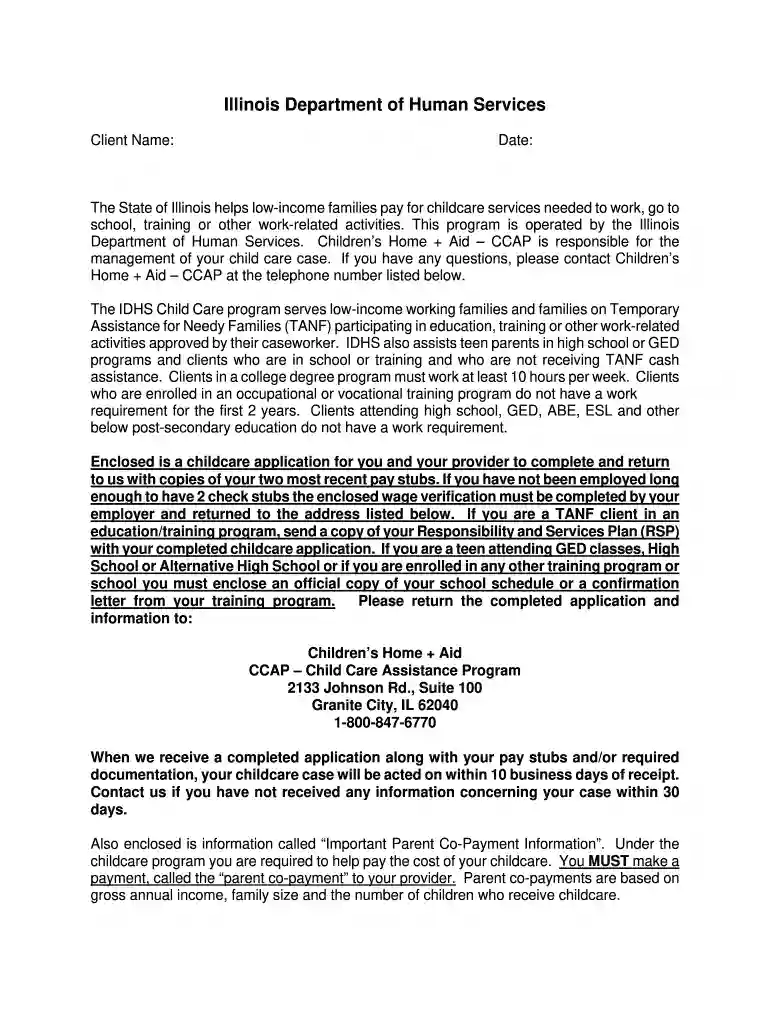
chasi application Preview on Page 1

Here's how it works

01. Edit your chasi application online
Type text, add images, blackout confidential details, add comments, highlights and more.

02. Sign it in a few clicks
Draw your signature, type it, upload its image, or use your mobile device as a signature pad.

03. Share your form with others
Send chasi application pdf via email, link, or fax. You can also download it, export it or print it out.

How to use or fill out chassi il paperwork 2010 form with our platform

Form edit decoration
9.5
Ease of Setup
DocHub User Ratings on G2
9.0
Ease of Use
DocHub User Ratings on G2
  1. Click ‘Get Form’ to open the chassi il paperwork 2010 form in the editor.
  2. Begin by filling out Section I, which requires your personal information. Ensure you provide your name, address, and contact details accurately.
  3. In Section II, provide information about any other parent or stepparent living in your home. This includes their employment status and educational activities.
  4. Complete Section III by detailing your family size and listing all individuals living in your household who are relevant to the application.
  5. In Section IV, enter the monthly income for all adults in your household. Attach copies of required pay stubs or income verification documents as specified.
  6. Fill out Section V with details about your child care provider. Ensure both you and the provider sign where indicated.
  7. Review all sections for completeness and accuracy before submitting. Use our platform's features to save a copy for your records.

Start using our platform today to simplify filling out the chassi il paperwork 2010 form for free!

See more chassi il paperwork 2010 form versions

We've got more versions of the chassi il paperwork 2010 form form. Select the right chassi il paperwork 2010 form version from the list and start editing it straight away!
Versions Form popularity Fillable & printable
2011 4.9 Satisfied (45 Votes)
2011 4 Satisfied (60 Votes)
2010 4 Satisfied (46 Votes)
2008 4 Satisfied (20 Votes)
be ready to get more

Complete this form in 5 minutes or less

Get form

Got questions?

We have answers to the most popular questions from our customers. If you can't find an answer to your question, please contact us.
Contact us

Yes, and it’s really straightforward! DocHub is an online PDF editor with advanced document management functions that allow you rapidly edit your forms, complete blank fields and add new ones for others to fill out, and create electronic signatures in several ways. Add your chassi child care, provide information as required, and decide how you want to eSign your template - by typing your name, drawing your signature, uploading its image, or utilizing a QR code.

You can easily fill out, edit, and even eSign your dcfs sunshine provider lookup using DocHub. Create a new account and start your free trial. After that, you can upload the file with the form and simply make all the required edits. No need to print on paper or use a third-party application to sign it, as you can place your electronic signature on your document quicker through DocHub.

Submit your completed application to your local Child Care Resource and Referral (CCRR) or child care agency, if they have a contract with IDHS to provide child care assistance. You must answer ALL questions on the application unless the instructions tell you to leave a question blank.
2 Ways to Submit Your Application: Parents and providers can electronically submit their CCAP paperwork through our New Document Submission Portals! This convenient service is available 24/7. Parents and providers can also submit their paperwork at one of our drop boxes located outside every location.
Key licensing requirements for child care programs in the state of Illinois include: Child to staff ratios. Criminal background checks on staff. Training and education requirements for staff. Proper space for the age and number of children in care. Safe, healthy environments for children and families.
be ready to get more

Complete this form in 5 minutes or less

Get form