




01. Edit your yabc y1 and y2 forms online
Type text, add images, blackout confidential details, add comments, highlights and more.

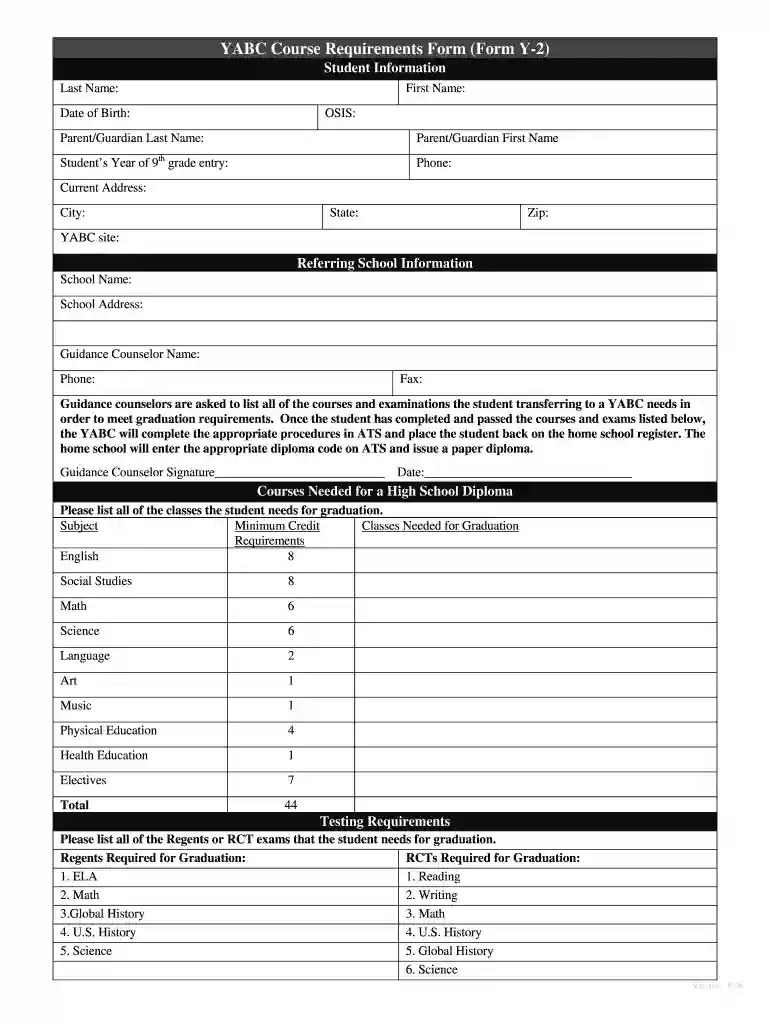
Type text, add images, blackout confidential details, add comments, highlights and more.

Draw your signature, type it, upload its image, or use your mobile device as a signature pad.

Send y1 and y2 forms via email, link, or fax. You can also download it, export it or print it out.

Start using our platform today to easily fill out your y1 and y2 forms for free!
We've got more versions of the yabc y1 and y2 forms form. Select the right yabc y1 and y2 forms version from the list and start editing it straight away!
| Versions | Form popularity | Fillable & printable |
|---|---|---|
| 2008 | 4.8 Satisfied (234 Votes) |
You should use only trusted software solutions with strong security compliance to sign your documents electronically. DocHub is just the type of service you need! It stores data on Amazon Web Servers and complies with all essential security criteria and eSignature regulations, so it’s a trusted way to electronically sign your form y2 or other forms with this tool.
When you edit your y1 form with DocHub, you will not need to look for other software or solutions to sign it. An electronic signature is part of DocHub’s comprehensive editing toolset, which enables you to apply changes in your form without switching between websites. Just complete your form, double-check the correctness of your information and put your electronic signature at the end to make it submission-ready within minutes.
At DocHub, your data security is our priority. We follow HIPAA, SOC2, GDPR, and other standards, so you can work on your documents with confidence.
by SL Parker 1998 Cited by 25 The Y2 liganding had a sensitivity to phospholipase C inhibitors similar to the Y1/Y5 binding. This reactivity was retained in the fraction of the Y2 receptorRead more
Formula #4. Second -- use the point-slope form and simplify into standard form, using one set of points; (2,-6) y y1= m(x x1) Formula #3 y (6) = 2(x 2).Read more


