




01. Edit your form online
Type text, add images, blackout confidential details, add comments, highlights and more.

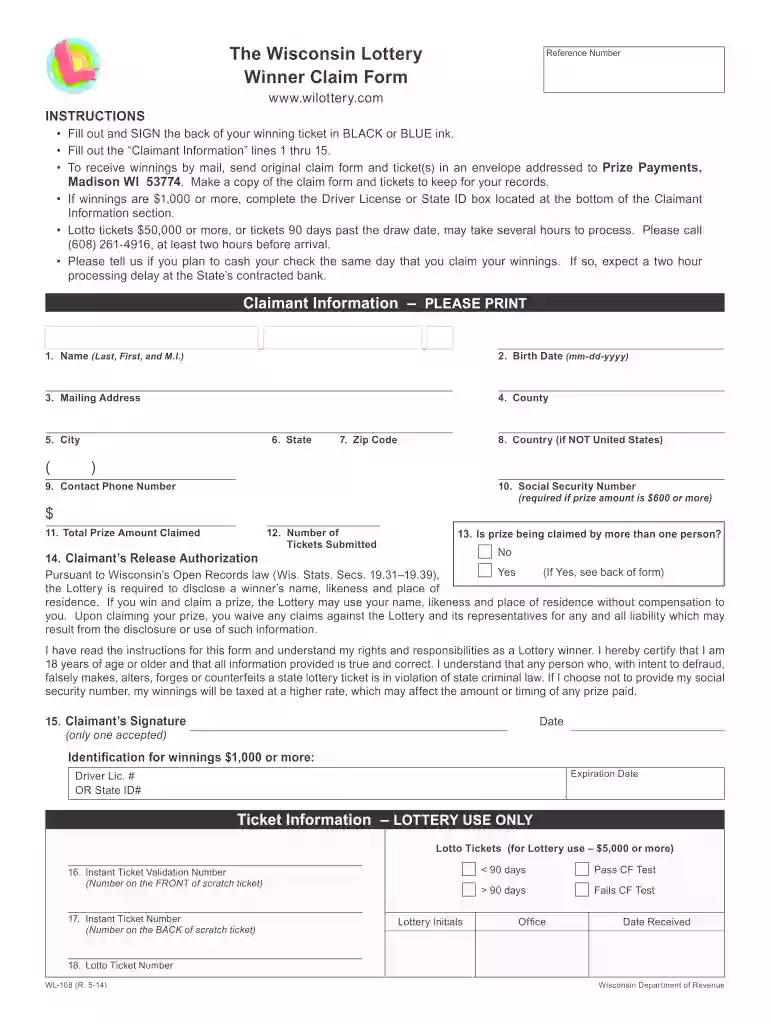
Type text, add images, blackout confidential details, add comments, highlights and more.

Draw your signature, type it, upload its image, or use your mobile device as a signature pad.

Send it via email, link, or fax. You can also download it, export it or print it out.

Start using our platform today to streamline your lottery claim process for free!
We've got more versions of the Get form. Select the right Get version from the list and start editing it straight away!
At DocHub, your data security is our priority. We follow HIPAA, SOC2, GDPR, and other standards, so you can work on your documents with confidence.
GET is a personalized web page with services and information tailored to you; it is available to Cal State LA applicants and continuing students.Read more
Allows the user to get, merge, modify, and remove NBT data of a block entity, entity, or Command NBT storage.
The GET Prepaid Tuition Plan is Washingtons 529 savings plan for higher education that helps you pre-pay for some, or all, of your childs higher educationRead more


