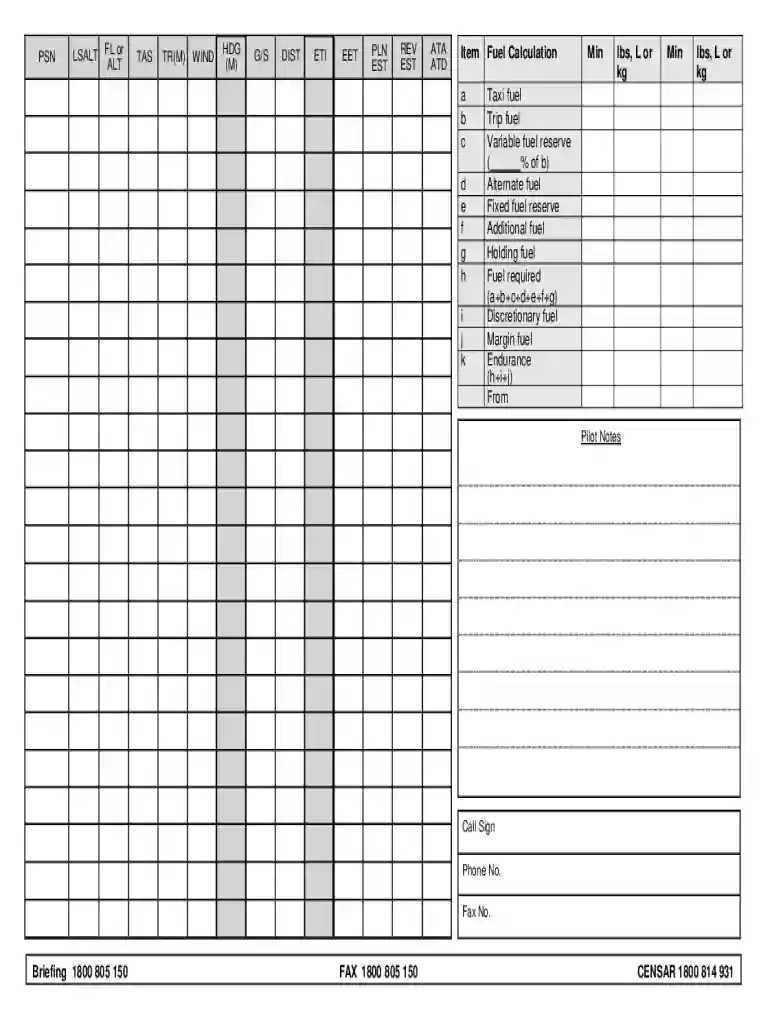
Definition and Meaning of Online Forms
Online forms are digital versions of paper forms used to collect and submit information via the internet. They streamline data collection by offering users an electronic interface to input data, which can range from personal information to detailed responses for complex applications. Due to their efficiency, online forms are widely used in various sectors, such as healthcare, finance, and education, among others.
- Time Efficiency: Users fill out and submit forms without the delay associated with printing and physical delivery.
- Cost-Effective: Organizations save on printing and mailing costs, while also reducing data entry errors through direct user input.
- Data Management: Digital forms integrate with databases to ensure easy collection, storage, and analysis of information.
How to Use Online Forms
Using online forms involves a straightforward process of accessing the form through a web browser, entering the necessary information, and submitting it electronically. Here is a step-by-step guide on interacting with online forms:
- Access the Form: Navigate to the website hosting the form and open it via a hyperlink or access point.
- Read Instructions Carefully: Before filling out the form, review any included instructions or guidelines to ensure understanding.
- Fill in Required Fields: Enter information in each required field, clearly marked, to ensure form validity.
- Review Information: Double-check the data entered for accuracy and completeness.
- Submit: Click the submit button to send the form to the collecting authority or service.
How to Obtain Online Forms
Online forms are typically accessible through specific websites or web portals relevant to the service or product at hand. Here are common methods of obtaining these forms:
- Official Websites: Many businesses and governmental agencies provide access to forms on their official websites for download or online submission.
- Online Portals: Registries or repositories that collate forms for various applications in one location.
- Email Requests: Contact organizations directly to request a digital copy of the form, which may be sent via email.
Steps to Complete Online Forms
Completing an online form efficiently involves several key steps designed to ensure accuracy and compliance:
- Authentication: Sign in or create an account if the form requires credentials or verification.
- Navigation: Use menu options or search functions to find the appropriate form.
- Data Entry: Follow specific prompts to enter information; use dropdown menus and checkboxes as applicable.
- Upload Attachments: Attach required documents if necessary, following format and size requirements.
- Final Review: Use the form preview to ensure all information is correct and complete.
- Submit and Confirm: Submit the form and verify submission through a confirmation message or email notification.
Why Use Online Forms
Online forms are used for efficiency in data collection, processing speed, and ease of access. They offer several compelling advantages:
- Ease of Use: Simplified for users with step-by-step prompts and guidance.
- Accessibility: Forms are available 24/7 from any internet-enabled device, ensuring convenience.
- Security: Online forms often come with encryption protocols to safeguard sensitive information.
Key Elements of Online Forms
Understanding the various components of online forms can improve user interaction and data accuracy:
- Input Fields: Designated areas for textual or numerical data entry, such as name, address, and dates.
- Checkboxes/Radio Buttons: Options for users to select specific choices for binary or multiple-choice questions.
- Dropdown Menus: Provide a list of options from which a user can choose, often used for state selection or category assignment.
- Validation Checks: Real-time feedback mechanisms to ensure data entered adheres to required formats.
State-Specific Rules for Online Forms
Depending on the nature and purpose of the form, users may encounter state-specific variations that influence how information is collected and processed. Important considerations include:
- Regulations: Forms may need to comply with specific state regulations, such as privacy laws or data security standards.
- Content Adjustments: Some fields or options might only appear based on the state selected.
- Filing Requirements: Different states might have varying deadlines or additional prerequisites for submitting certain forms.
Form Submission Methods
There are multiple ways to submit online forms, providing flexibility and convenience to users:
- Direct Submission: Send forms directly through the website by clicking a submit button.
- Email Submission: Attach completed forms and necessary documents to an email and send to designated addresses.
- Integrated Systems: Use third-party platforms connected to the form issuer's database for seamless submission and processing.
Legal Use of Online Forms
Electronic forms are legally recognized and used for binding agreements or official transactions. Here’s what ensures their legal acceptance:
- Electronic Signatures: Many online forms accept digital signatures that comply with laws such as the Electronic Signatures in Global and National Commerce Act (ESIGN).
- Audit Trails: Maintain an electronic log that records when and by whom a form was submitted, ensuring accountability and traceability.
Digital vs. Paper Version
The decision to use digital instead of paper forms involves various benefits and considerations:
- Environmental Impact: Reduces paper consumption and supports eco-friendly practices.
- Storage and Retrieval: Digital forms allow for easier storage and organization, facilitating swift data retrieval.
- Accessibility and Corrections: Digital data can be accessed globally and is easer to amend if errors are detected pre-submission.
By detailed exploration of these aspects, users of online forms can navigate and utilize these digital solutions effectively, ensuring accurate and efficient data management for varied applications.