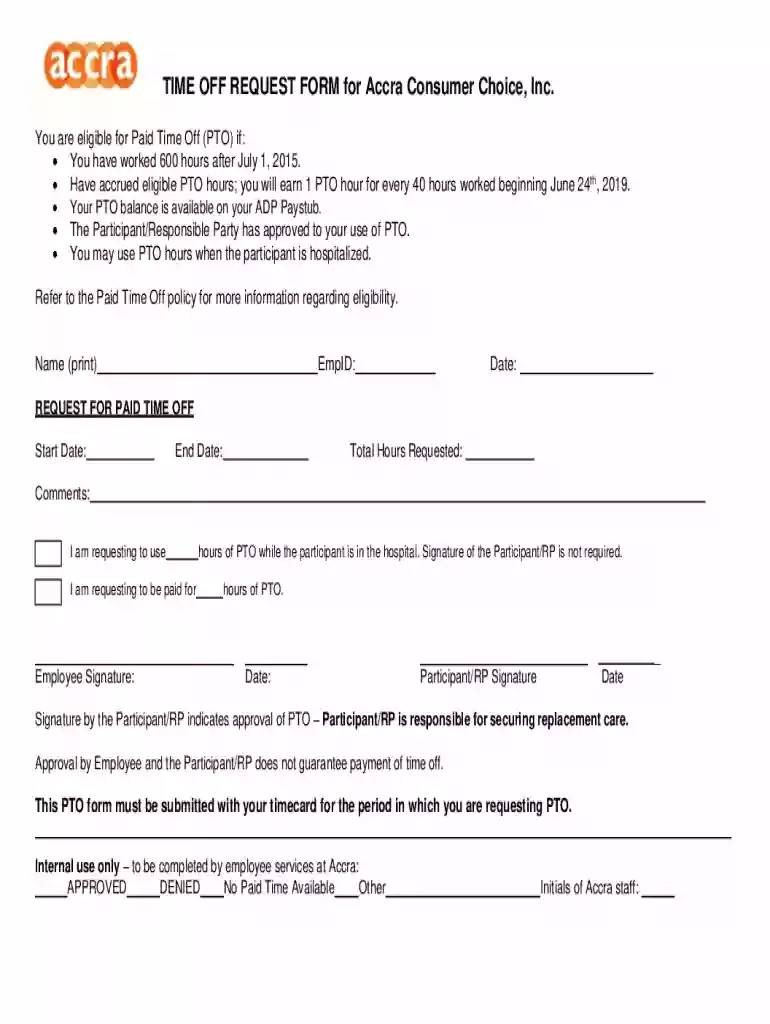
Definition and Meaning
A "form online" typically refers to any document or questionnaire that is filled out and submitted electronically over the internet. These forms are used across various sectors, including government, legal, and business, to streamline data collection, minimize paper usage, and expedite processing times. Unlike traditional paper forms, online forms often feature interactive elements such as drop-down menus, checkboxes, and text fields that make completion more user-friendly and efficient.
Advantages of Online Forms
- Accessibility: Available 24/7 from any internet-connected device, making it convenient for users in different time zones.
- Real-time Validation: Provides instant feedback on entered data, helping to reduce errors.
- Environmental Impact: Minimizes paper consumption, contributing to environmental sustainability.
- Efficiency: Accelerates processing and reduces the backlog associated with manual data entry.
How to Obtain the Form Online
Finding and accessing an online form can vary depending on the type of form and its issuer. Here are some general steps to help you obtain these forms:
- Identify the Issuer: Determine which organization or entity issues the form. This could be a government agency, a business, or a service provider.
- Official Websites: Visit the official website of the issuer. Most organizations host downloadable forms on their sites.
- Search Tools: Utilize search engines by entering specific form names or numbers. This is particularly useful for government forms, which often use standardized naming conventions.
- Third-party Services: Some platforms, like DocHub, offer access to commonly used forms, simplifying the finding and filling process.
Steps to Complete the Form Online
Completing an online form requires attention to detail to ensure accuracy. Here's a typical procedure:
- Access the Form: Navigate to the online platform hosting the form.
- Fill in Details: Enter your information into the provided fields, ensuring all mandatory sections are completed.
- Use Tools Effectively: For platforms like DocHub, utilize features such as text boxes, dropdowns, and signature fields.
- Review Entries: Double-check all entered information for accuracy before submission.
- Submit: Follow prompts to submit the form electronically. You might receive a confirmation email or notification once submitted successfully.
Common Features in Online Forms
- Text Fields: For entering names, addresses, and other textual information.
- Drop-down Menus: Simplifies selection from a list of predefined options.
- Signature Fields: Enables the addition of electronic signatures for authorization purposes.
- Required Fields: Indicated by an asterisk or other markers to ensure completion before submission.
Key Elements of the Form Online
Online forms typically feature several key elements that enhance their functionality and user experience:
User Interface
- Layout: Intuitive and easy-to-navigate layout that guides the user from start to finish.
- Responsive Design: Ensures proper display and functionality on both desktop and mobile devices.
Interactive Elements
- Conditional Logic: Certain questions may appear based on previous answers, reducing clutter and focusing on relevant information.
- Auto-Fill Capabilities: Auto-fills common fields to save time, particularly useful when integrating with personal or business accounts.
Security
- Encryption: Protects user data during transmission and storage, providing a secure environment for sensitive information.
- Authentication: Verifies users’ identities to prevent fraud and unauthorized access.
Legal Use of the Form Online
The legal use of online forms must comply with relevant laws and regulations to ensure that they are recognized as valid and binding:
- Electronic Signatures in Global and National Commerce (ESIGN) Act: In the U.S., the ESIGN Act grants legal validity to electronic signatures, ensuring that forms signed online are as binding as those signed on paper.
- Data Protection Laws: Forms must adhere to privacy laws such as HIPAA for medical information or the CCPA for consumer data, ensuring user data is handled appropriately.
Real-world Application
- Contract Agreements: Many businesses use online forms for contracts, allowing for rapid agreement and execution.
- Consent Forms: Medical and educational institutions often require consent forms that are legally recognized when completed electronically.
Individual Users
- Consumers: Use for everyday purposes such as job applications, registrations, and online orders.
- Students: Frequently fill out school or scholarship forms.
Businesses
- Startups: Use for onboarding new employees or clients efficiently.
- Enterprises: Utilize for internal operations such as time-off requests or feedback surveys.
Government and Legal Sectors
- Government Agencies: Employ digital forms for tax filings, applications, and service requests.
- Legal Firms: Automate client intake processes and documentation.
Examples of Using the Form Online
Tax Filings
- Form W-9: Commonly completed online for U.S. tax identification, facilitating quick and accurate data collection.
Employment Processes
- Job Applications: Companies use online forms for candidates to apply and submit resumes directly through their websites.
Customer Feedback
- Surveys: Businesses collect consumer insights and feedback through structured online surveys.
These examples illustrate the versatility of online forms in various scenarios, underlining their efficiency and adaptability.
Required Documents
Completing an online form often requires additional documents or information to verify identity or fulfill requirements:
Identification
- Government-issued ID: Such as a driver's license or passport, often needed for employment or official applications.
Proof of Address
- Utility Bill: May be required to establish residency or eligibility.
Financial Details
- Bank Statements: For applications involving financial transactions or credit checks.
Ensuring these documents are ready prior to starting the form will streamline the completion process.